

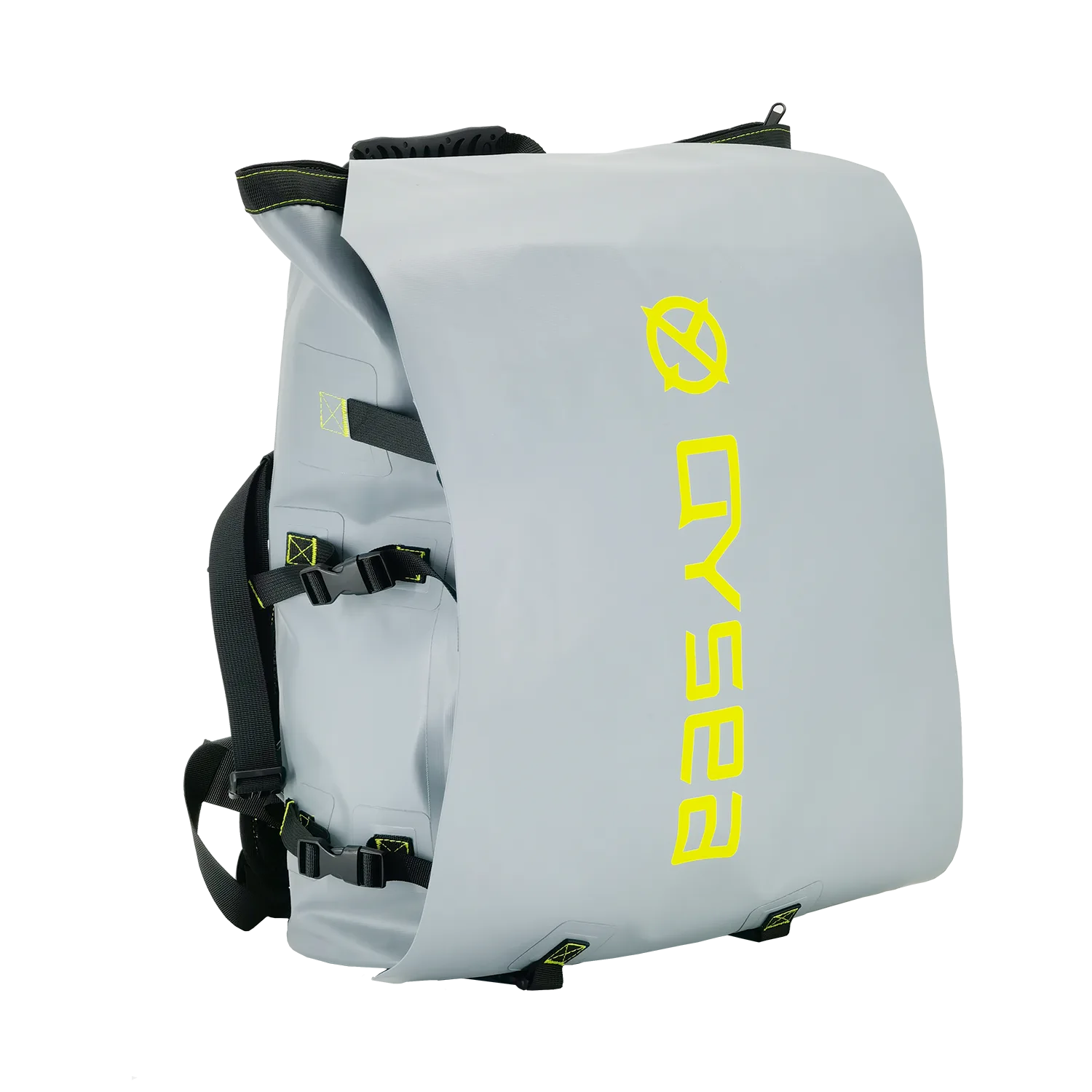
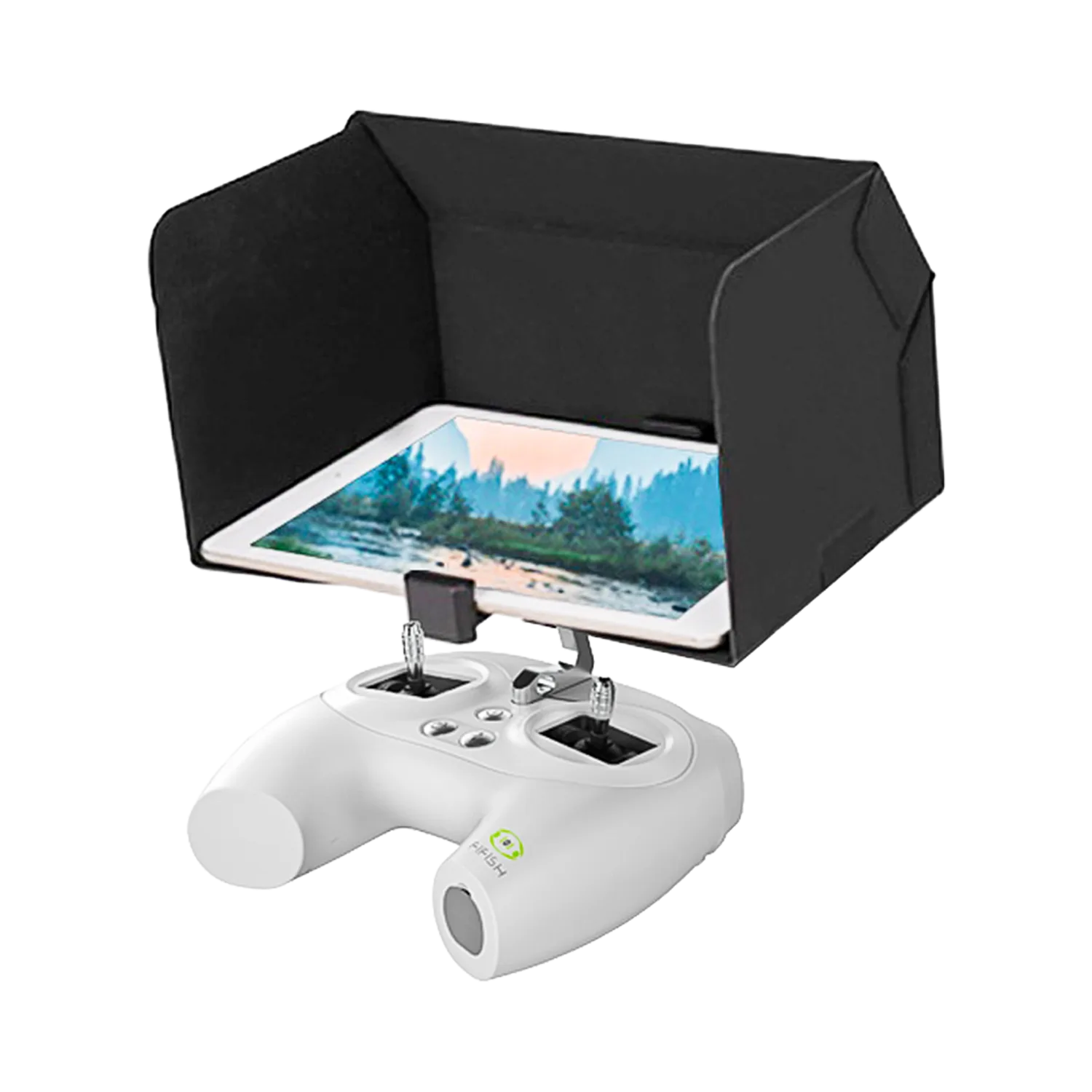
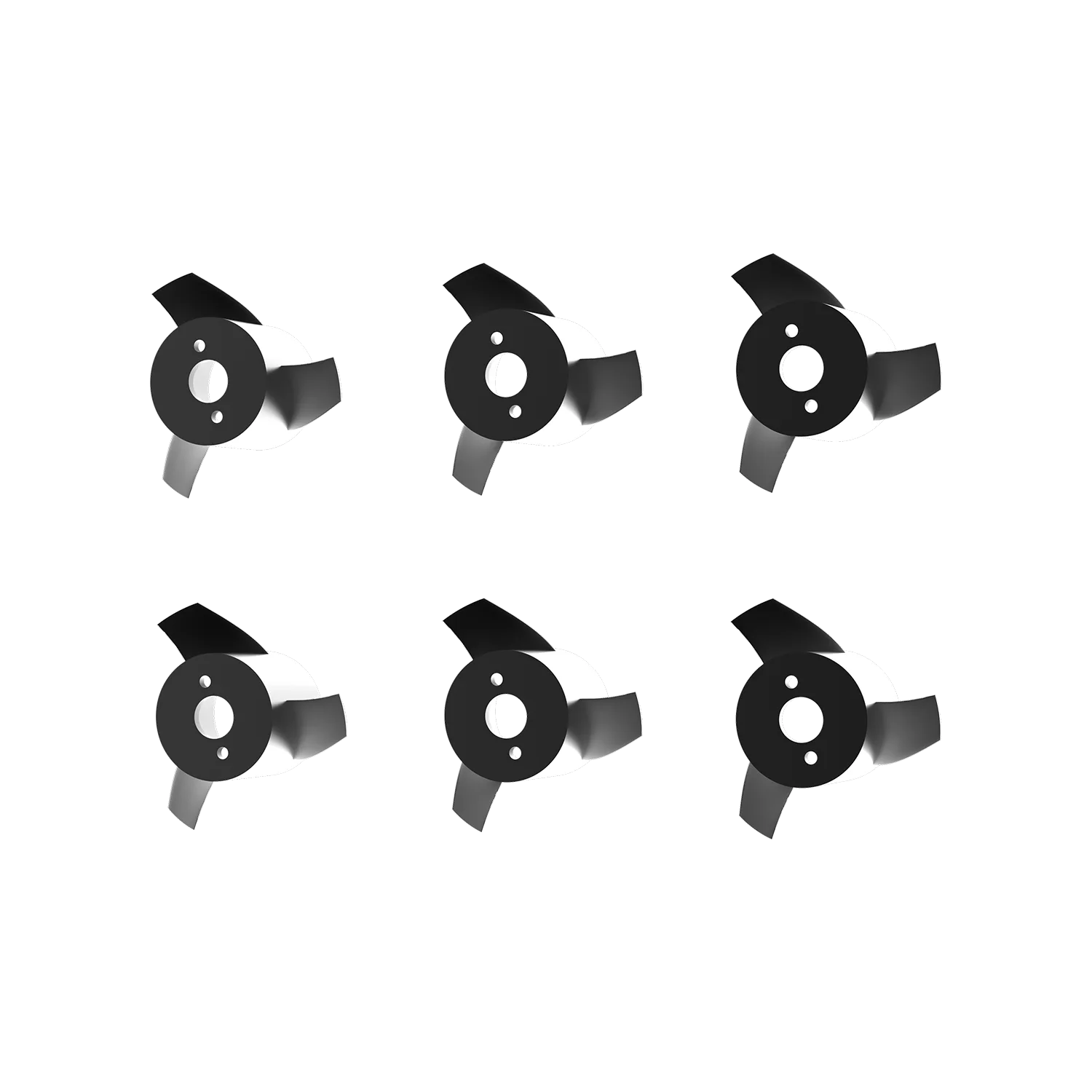


User Guides, Downloads & Support Resources
Find manuals, quick-start guides, app downloads, software, and accessory instructions for your QYSEA products.
Product
Accessory
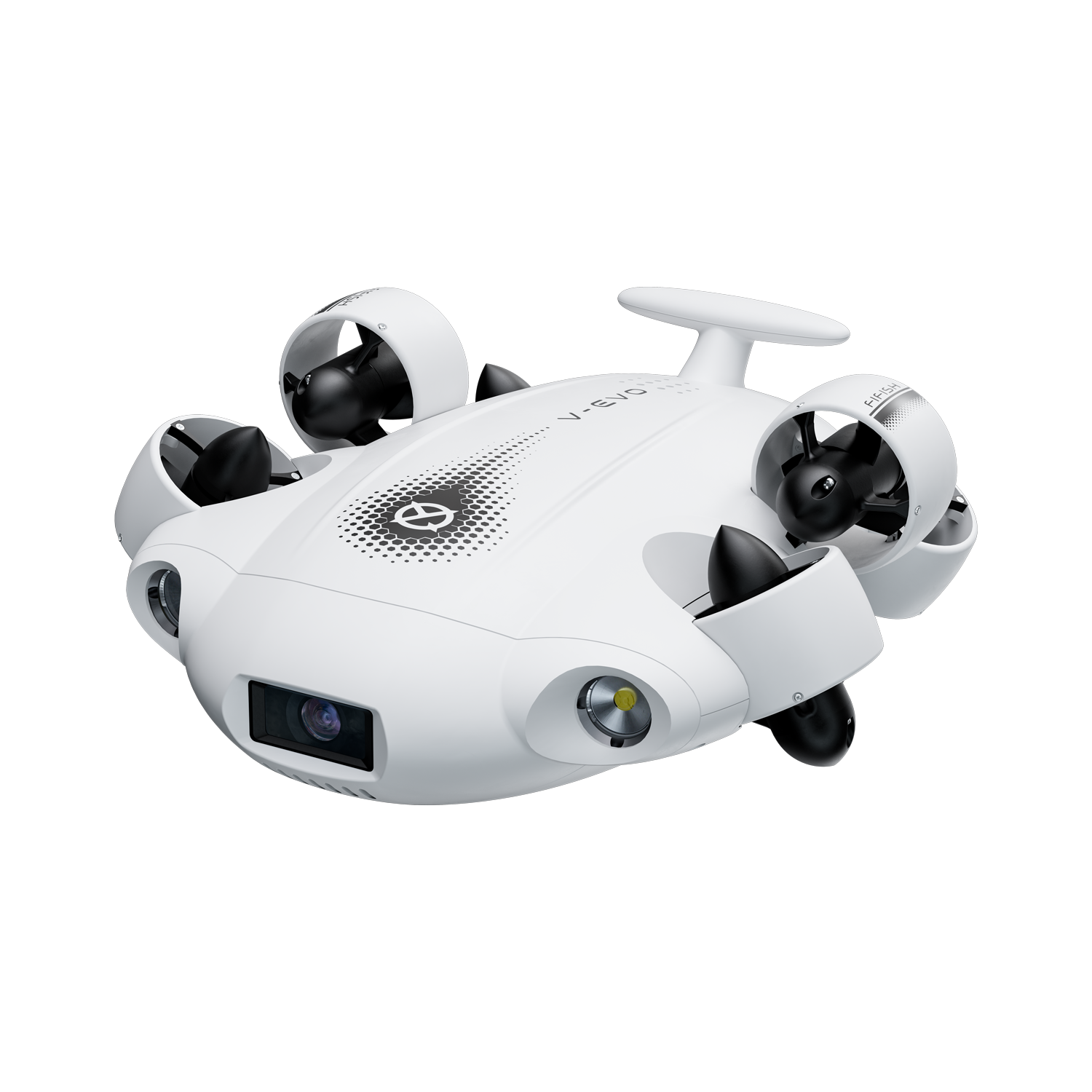
FIFISH V-EVO
Manuals, APP downloads, and tutorials
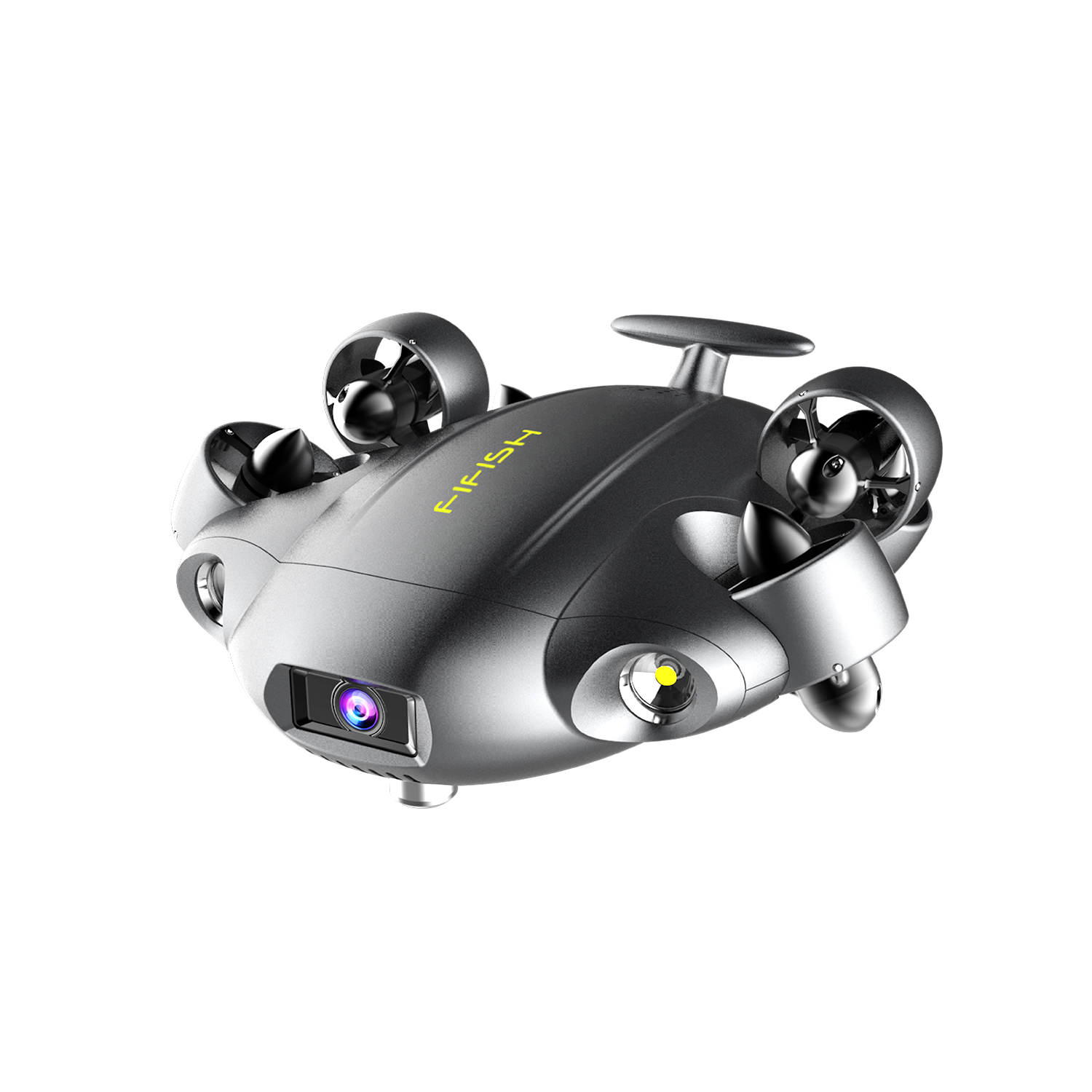
FIFISH V6 EXPERT
User guides, setup resources, and support materials

FIFISH E-GO
Operating guides and product resources
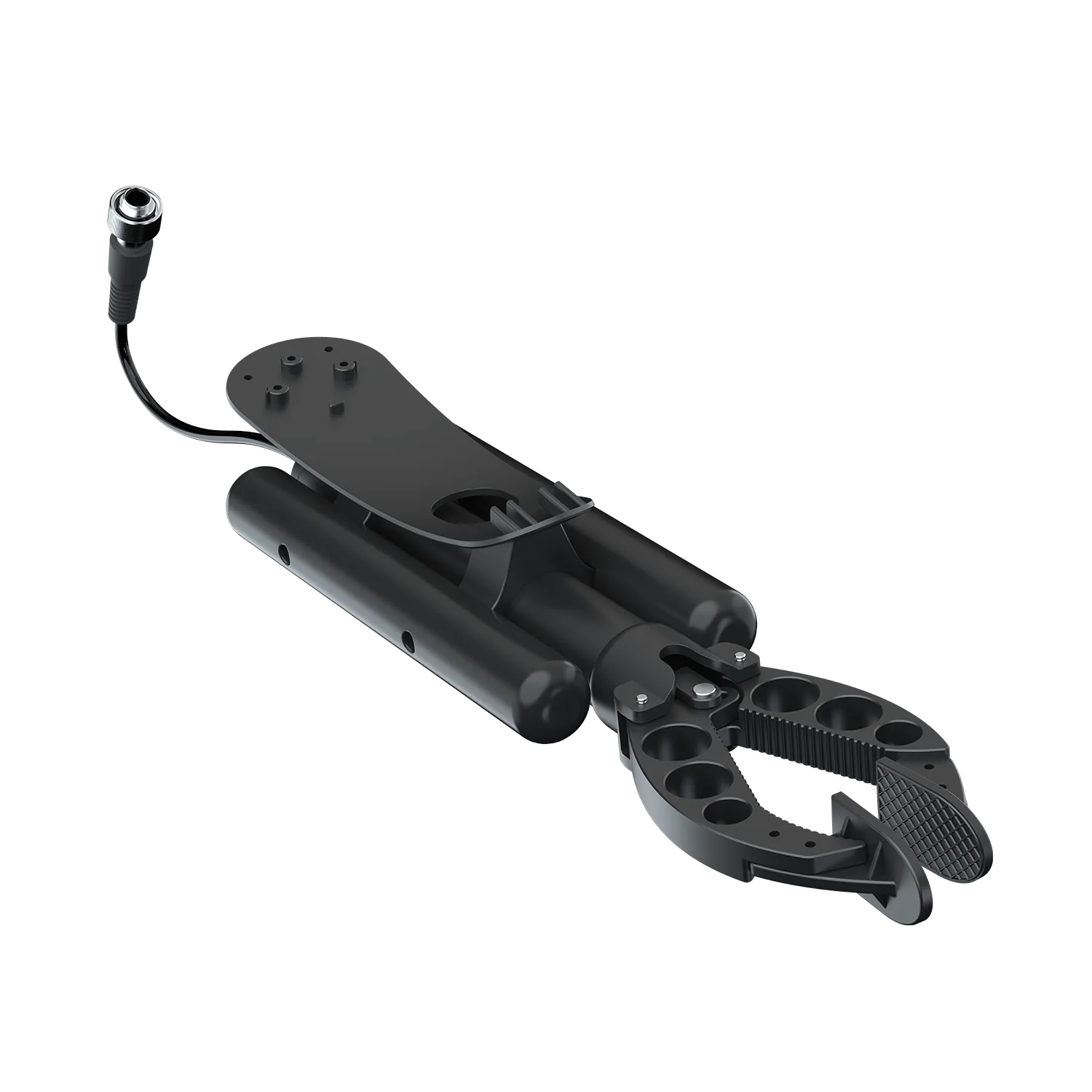
2-Finger Robotic Arm
Video tutorials, FAQs and support materials

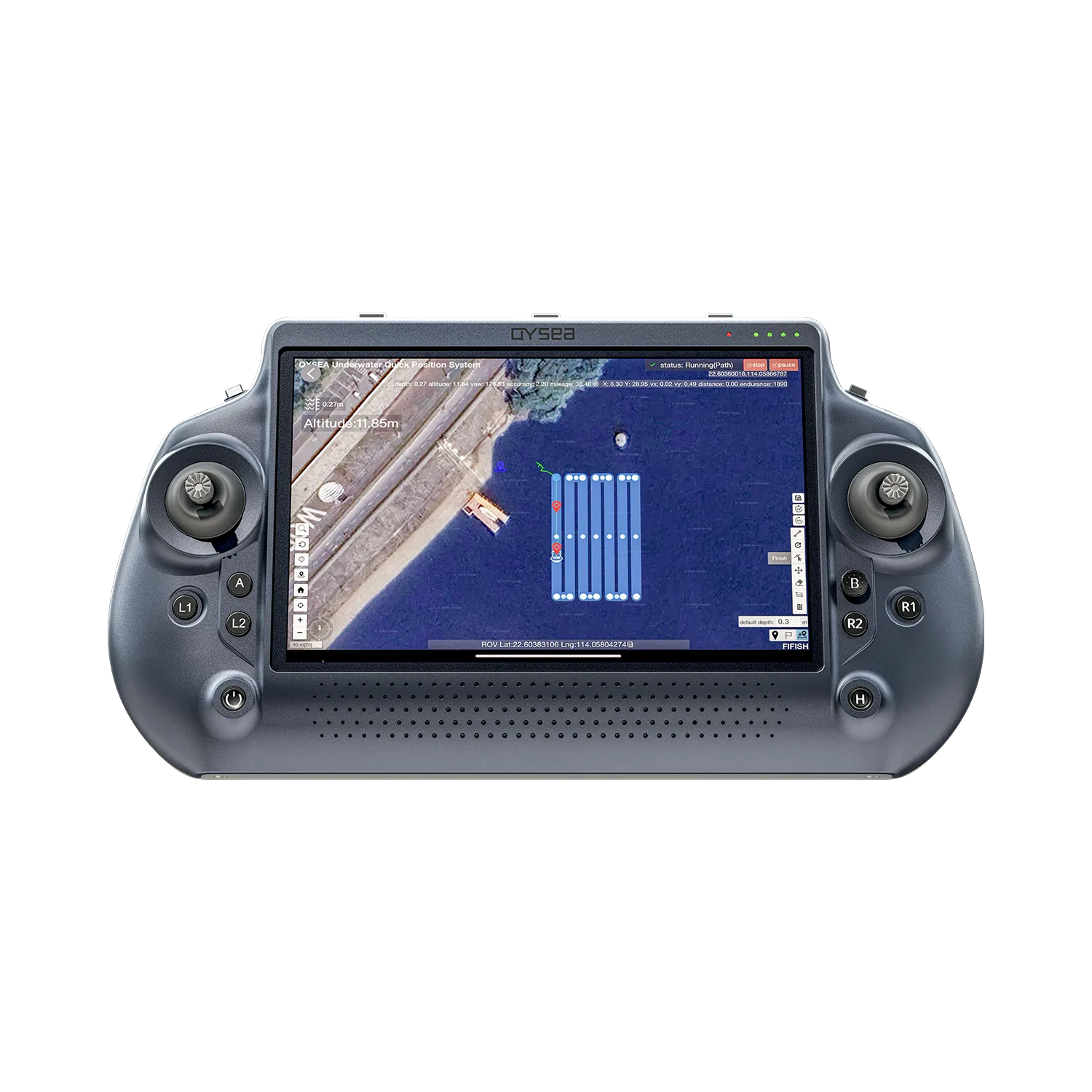
Q-iRC | Industrial Remote Controller
Setup resources, FAQs and support materials
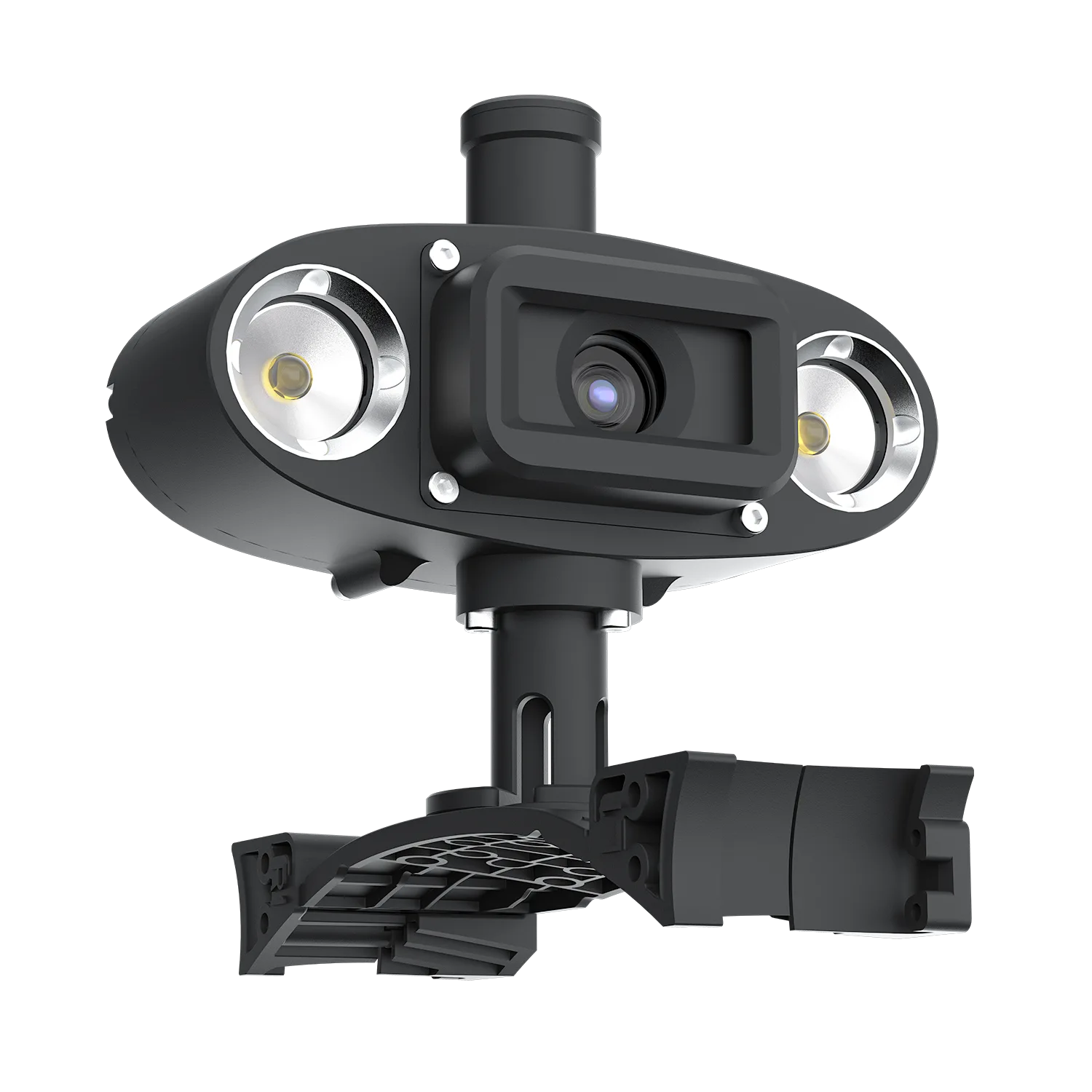
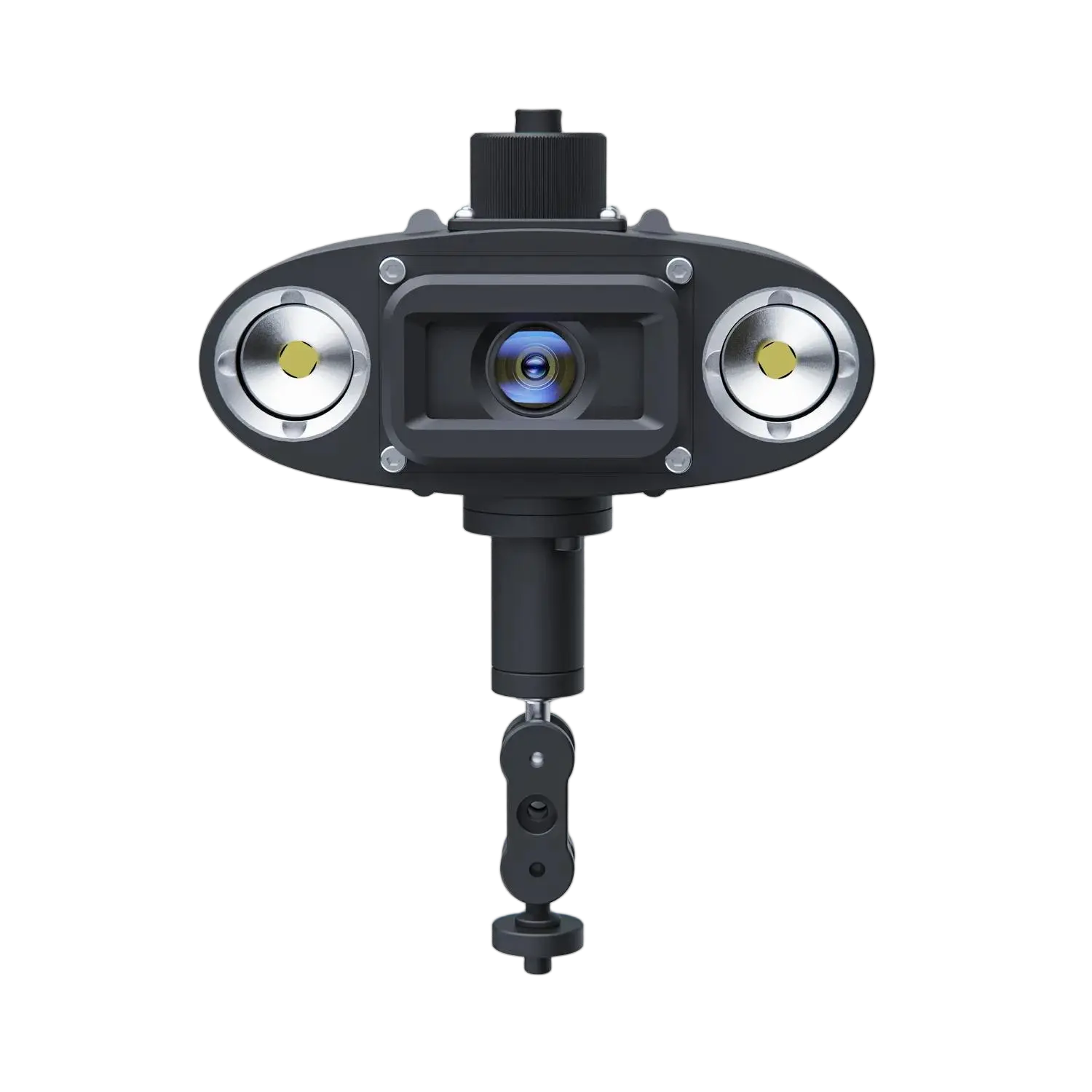
Q-Camera | External 4K Camera
Setup resources, FAQs and support materials
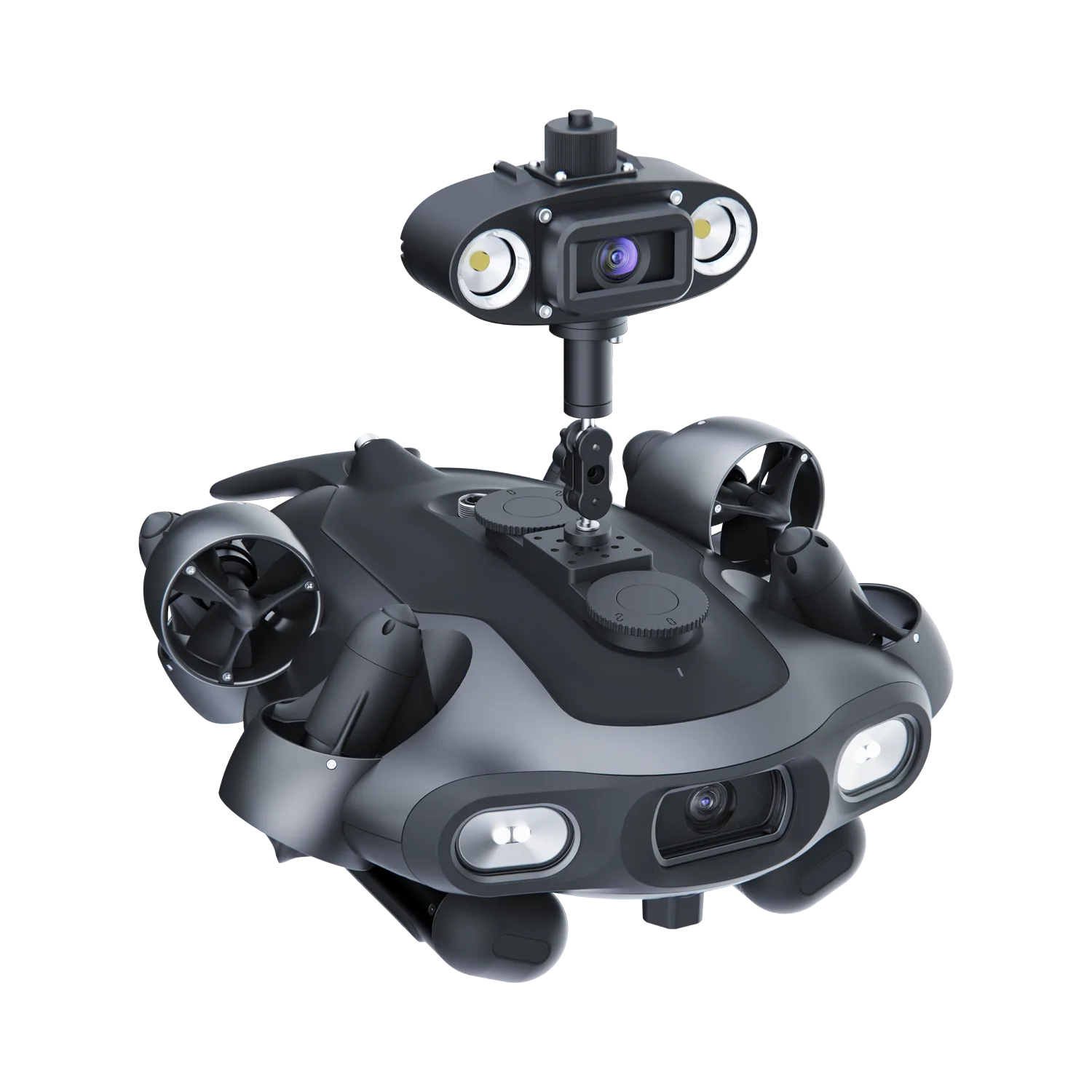
Omnidirectional Q-Camera
FAQs, set up and support materials
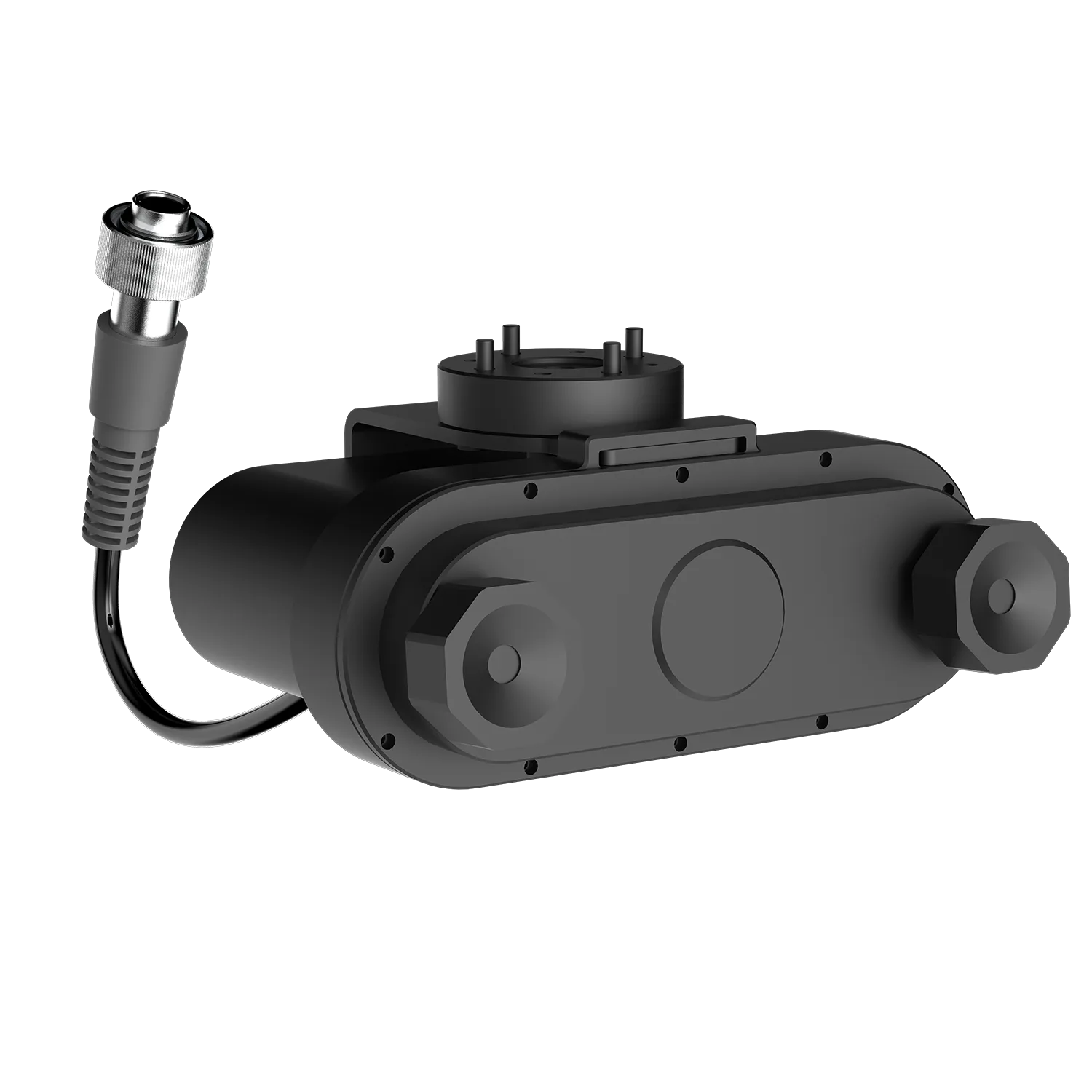
Underwater Laser Scaler
FAQs, setup resources and support materials
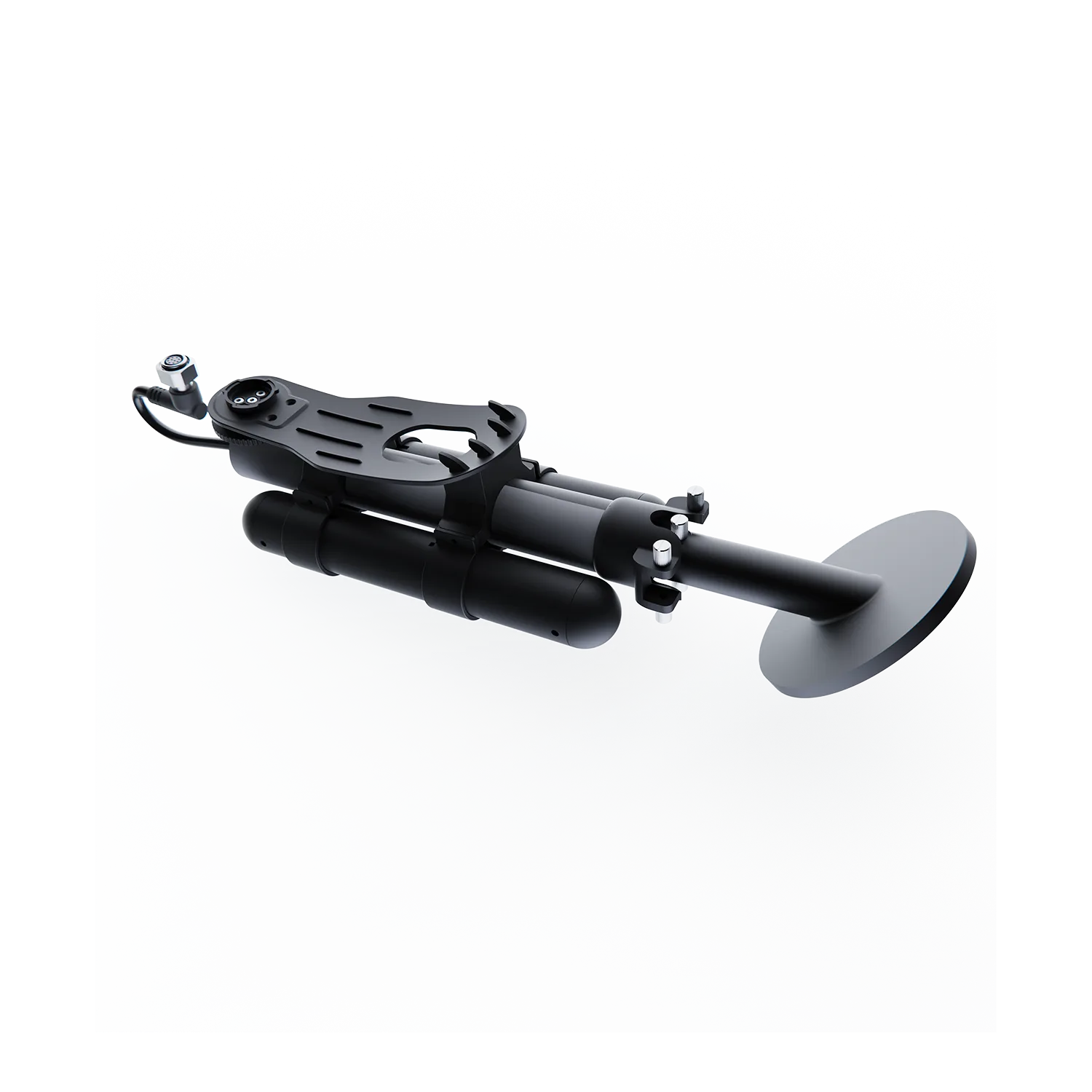
Underwater Metal Detector
Video guides, setup resources, and support materials
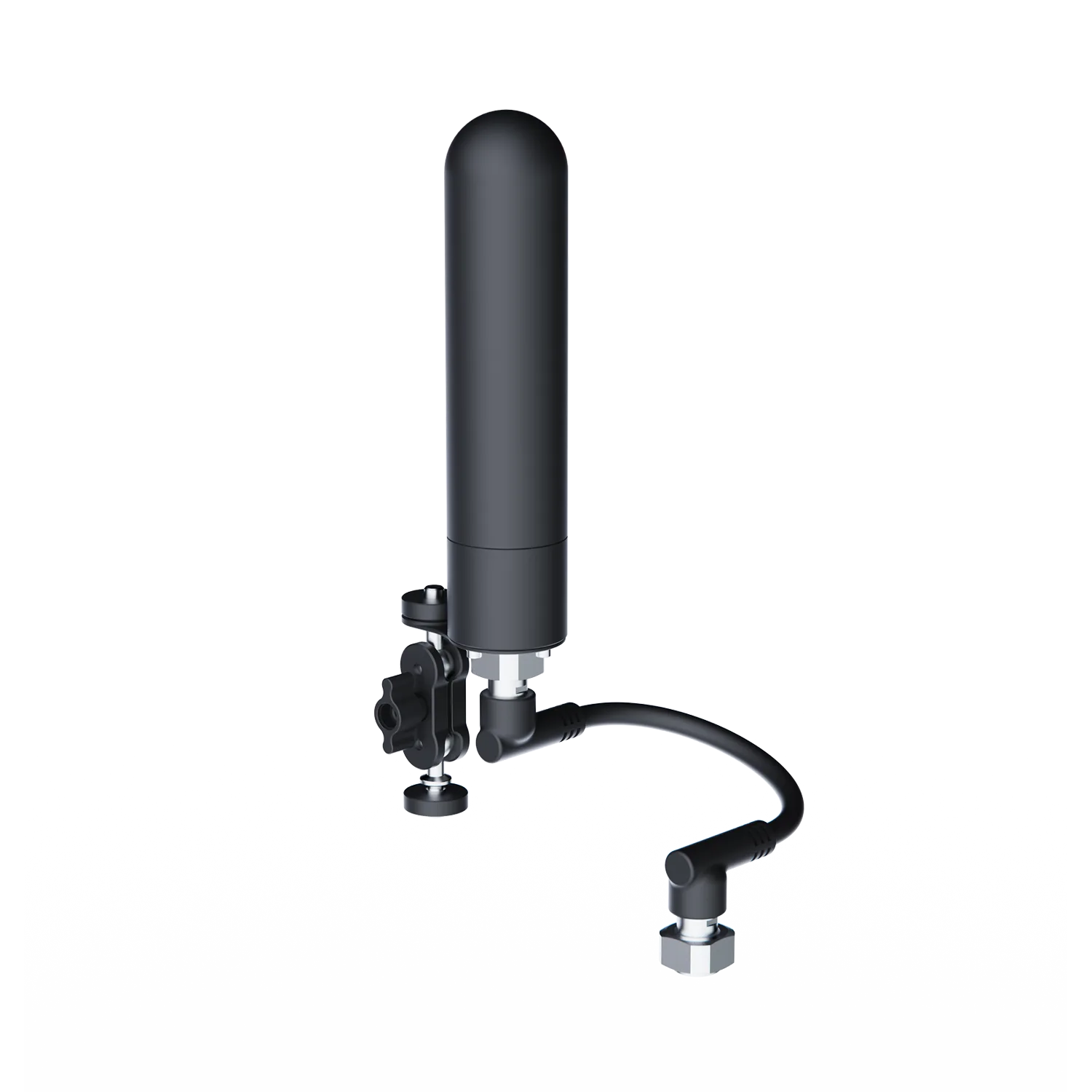
GNSS Locator
FAQs, setup resources, and support materials
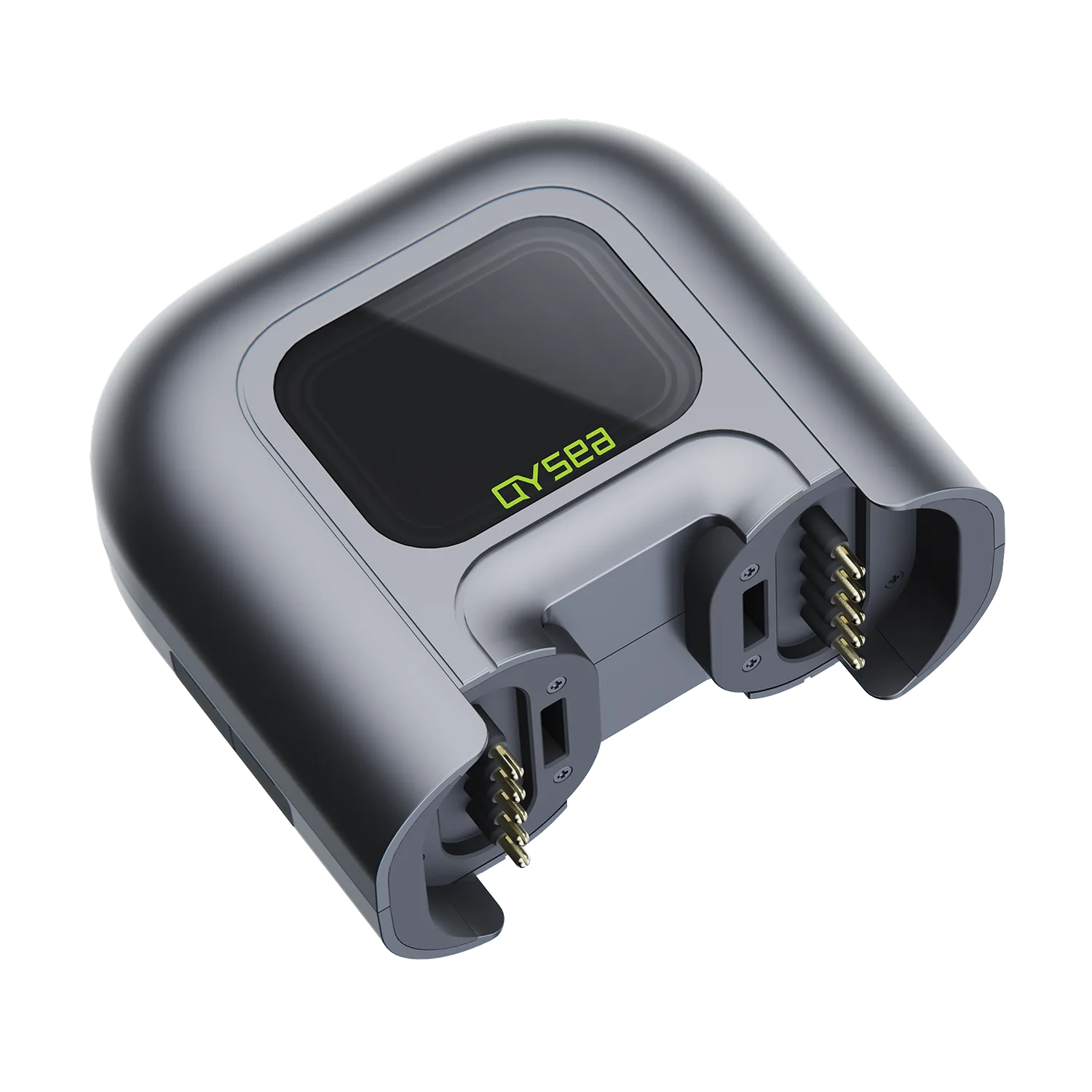
Q-Energy Station
Video guides, setup resources, and support materials

Retrieval Hook
Video tutorials, setup resources, and support materials
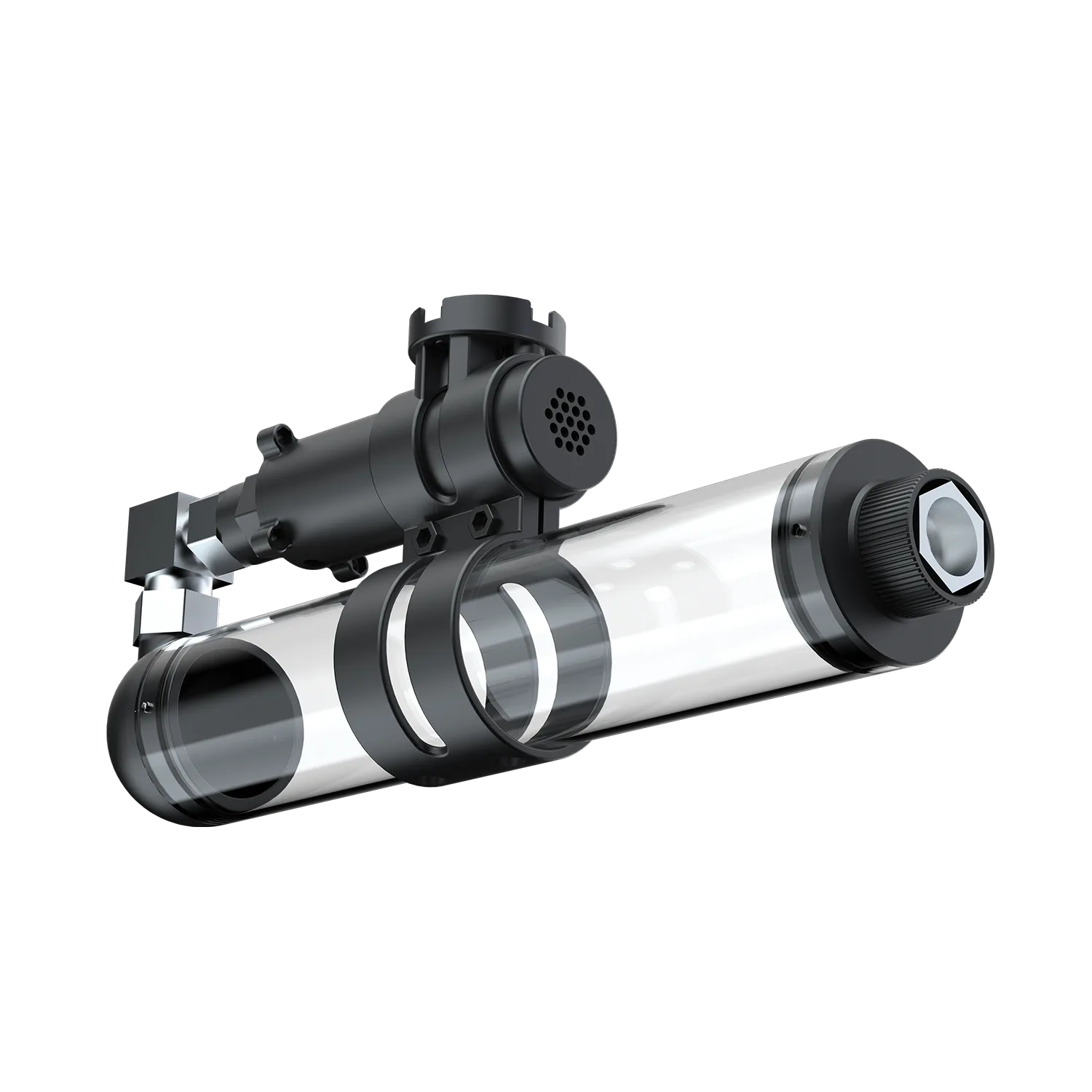
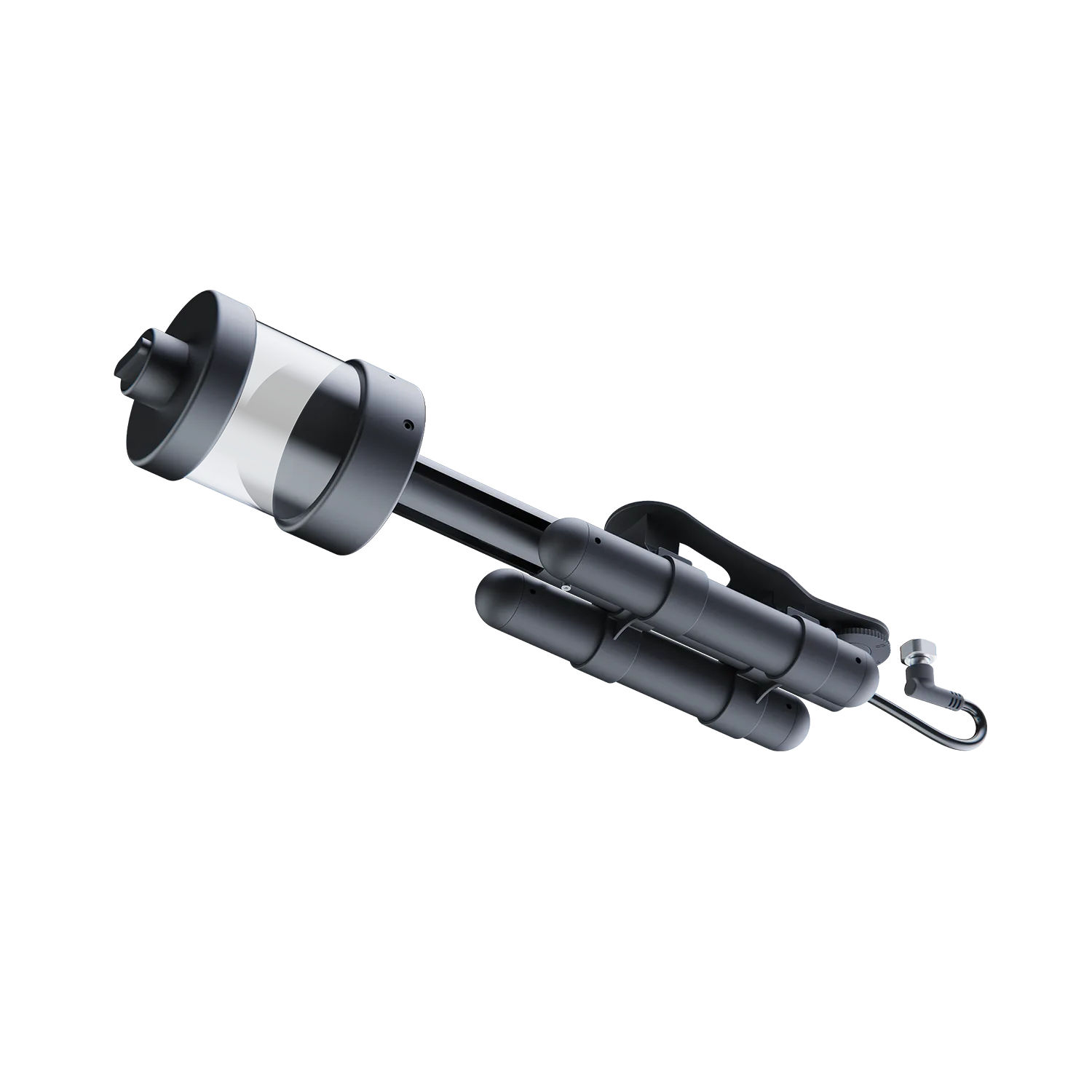
500mL Water Sampler
FAQs, setup instruction, and support materials
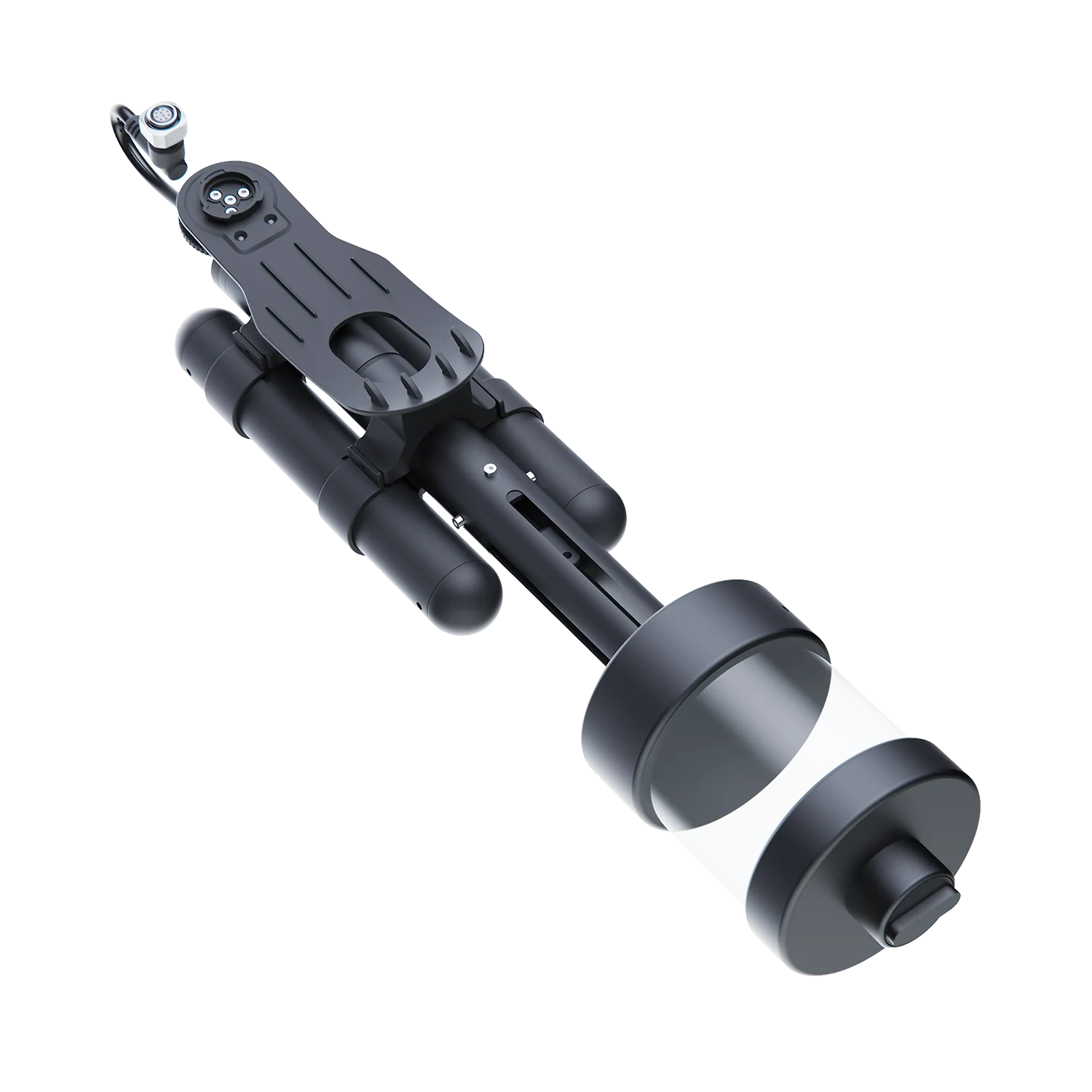
500mL Quick-Swap Water Sampler
FAQs, setup resources, and support materials
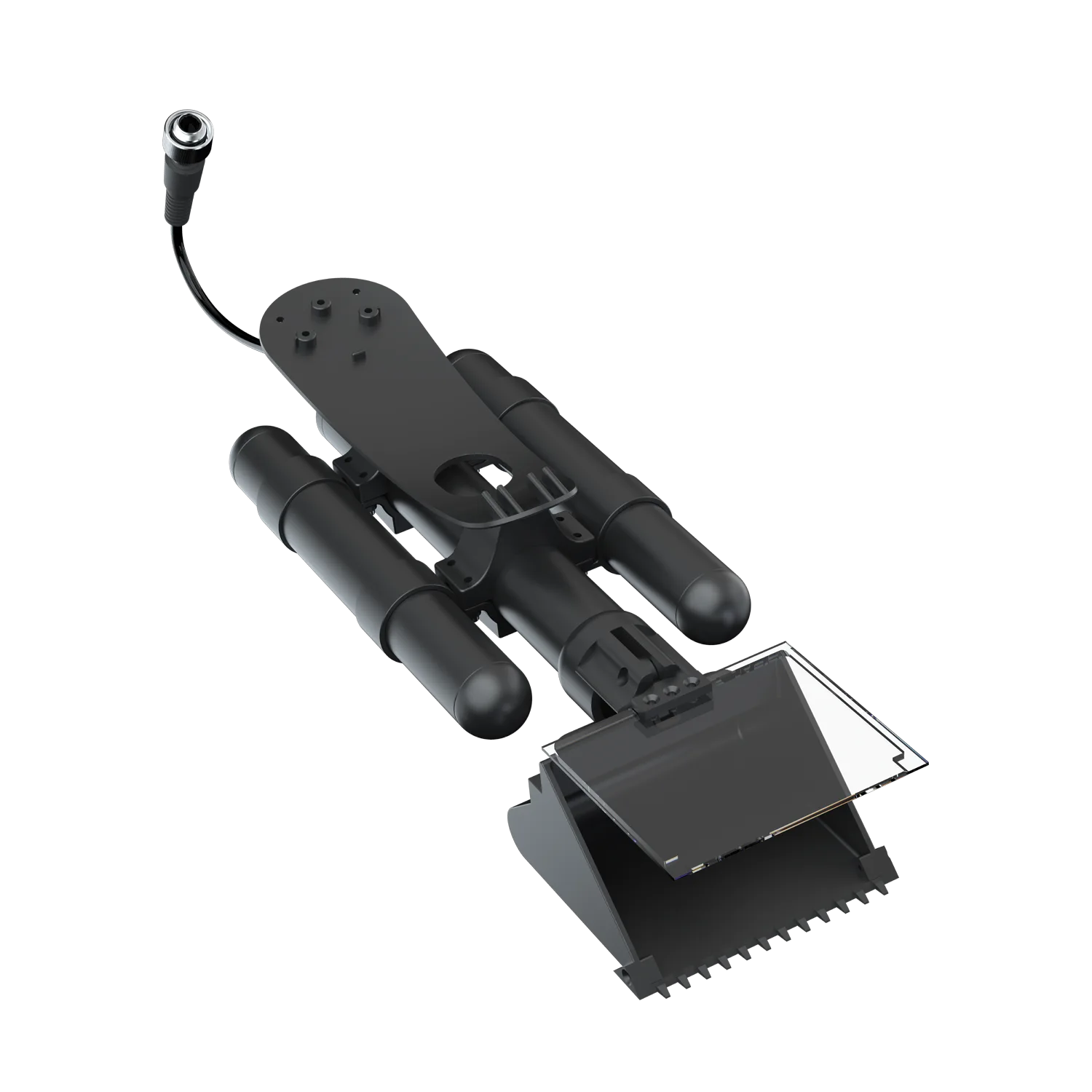
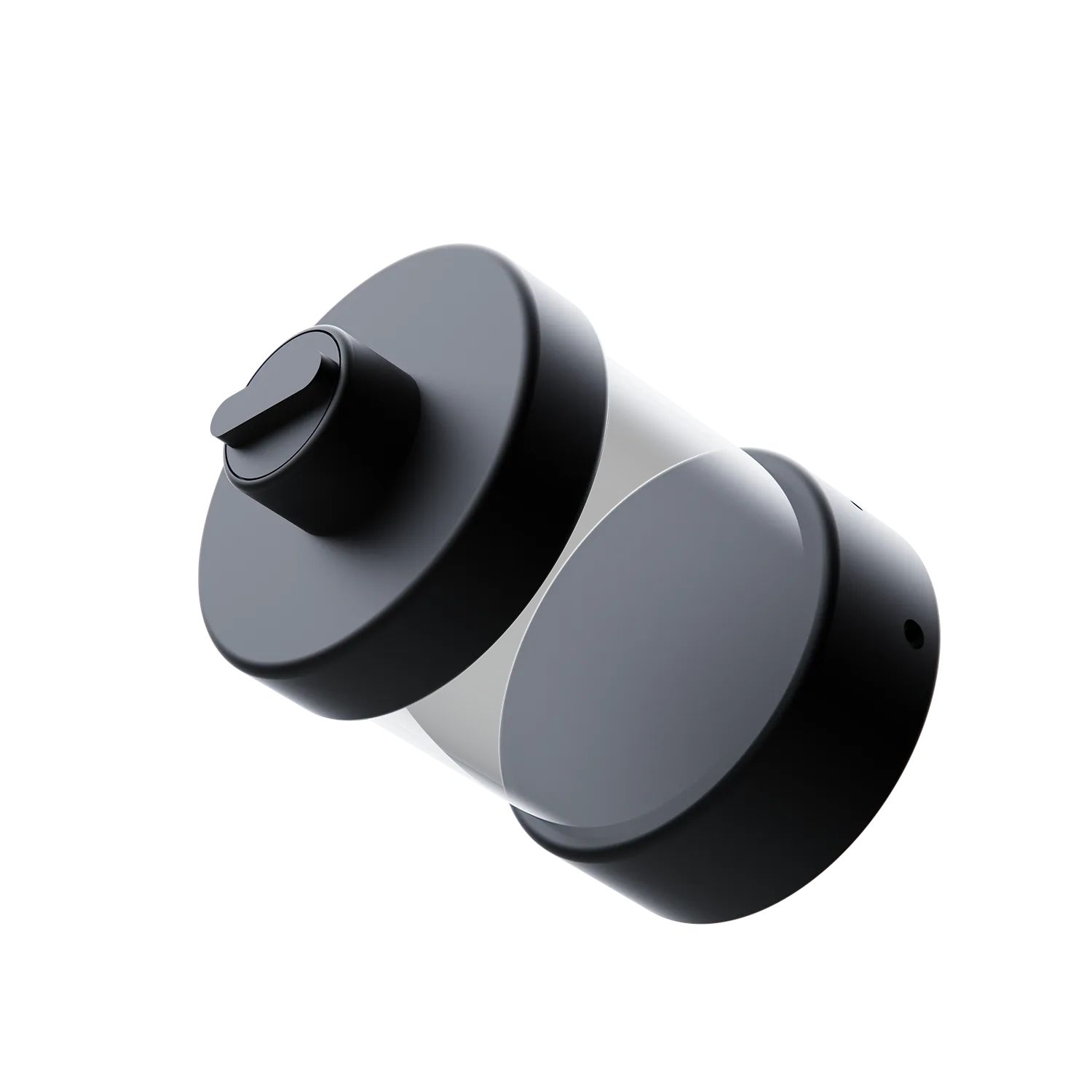
Underwater Mud Sampler
Video guides, setup resources, and support materials
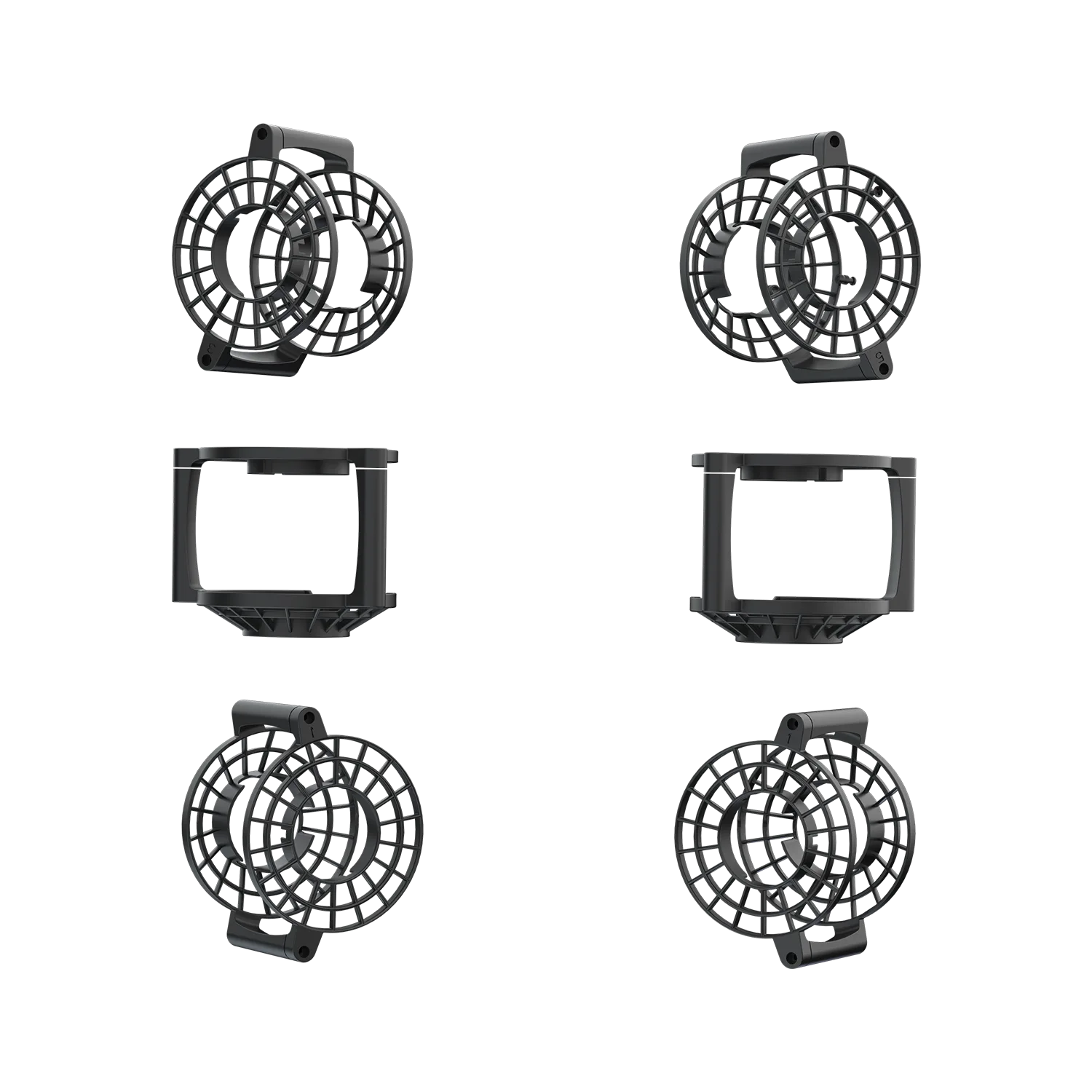
Propeller Protectors
FAQs, setup resources, and support materials
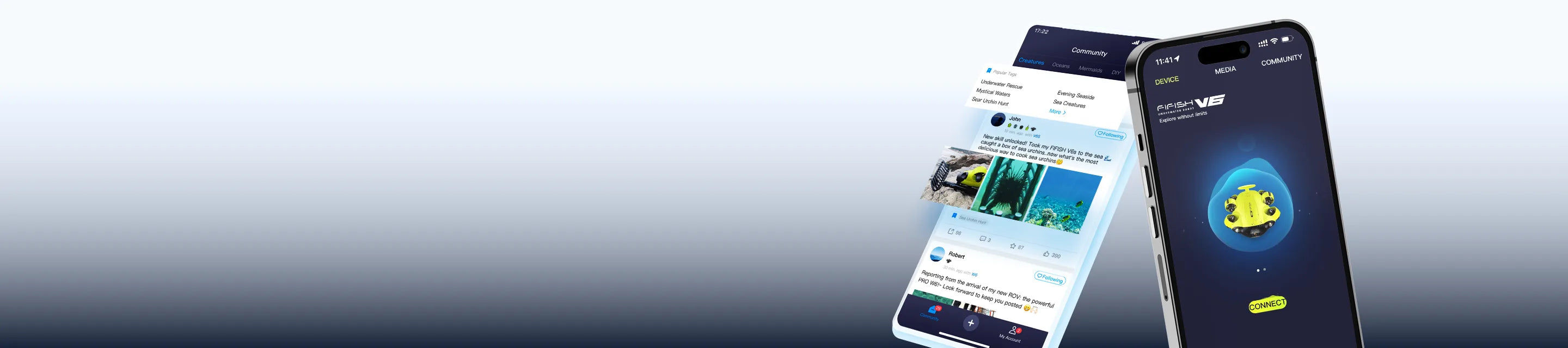
Download the QYSEA APP for iOS or Android to access product connectivity and APP-based functions. Choose the version that matches your device.
*APK is available for Android devices without Google Play access.


Contact Us


Need Help Finding the Right Resource?
Browse by product, accessory, or software to find manuals, downloads, and setup materials. Need more help? Contact our support team for assistance.

We are always here to help. Please feel free to contact us if you need assistance.Average response time: Within 24 hours.
Are there any instructional tutorials for FIFISH products in the App?
Yes. You can access First-Time Setup video tutorials via the "Academy" icon (a graduation cap image). It is located in the top-right corner of the home screen, directly to the right of the "Community" section. Select your ROV model to view essential guides on unboxing, assembly, and your first dive.
Where should I start if I am using my product for the first time?
Start with the dedicated support page for your product. In most cases, the best order is quick-start or user manual first, then app download if required, followed by video tutorials for setup and basic operation.
What can I find on this page?
This page brings together product support resources across the QYSEA lineup, including manuals, video tutorials, troubleshooting content, app downloads, and FAQs. Select your product to access the resources available for that model.
How do I find the right support page for my QYSEA product?
Choose your product by model name and series, then open its dedicated support page. To avoid downloading the wrong file, always match the resource with your exact product model.
What is the difference between manuals, video tutorials, troubleshooting, and app downloads?
Manuals explain product functions, setup, and operation in a structured format. Video tutorials are designed for visual step-by-step guidance. Troubleshooting content helps resolve common issues. App downloads provide the software needed for supported products.
Do all QYSEA products have the same support resources?
No. Available resources may vary by product, accessory, software version, and release stage. Some models may offer more documentation, tutorial content, or downloadable files than others.
We are always here to help. Please feel free to contact us if you need assistance.Average response time: Within 24 hours.