

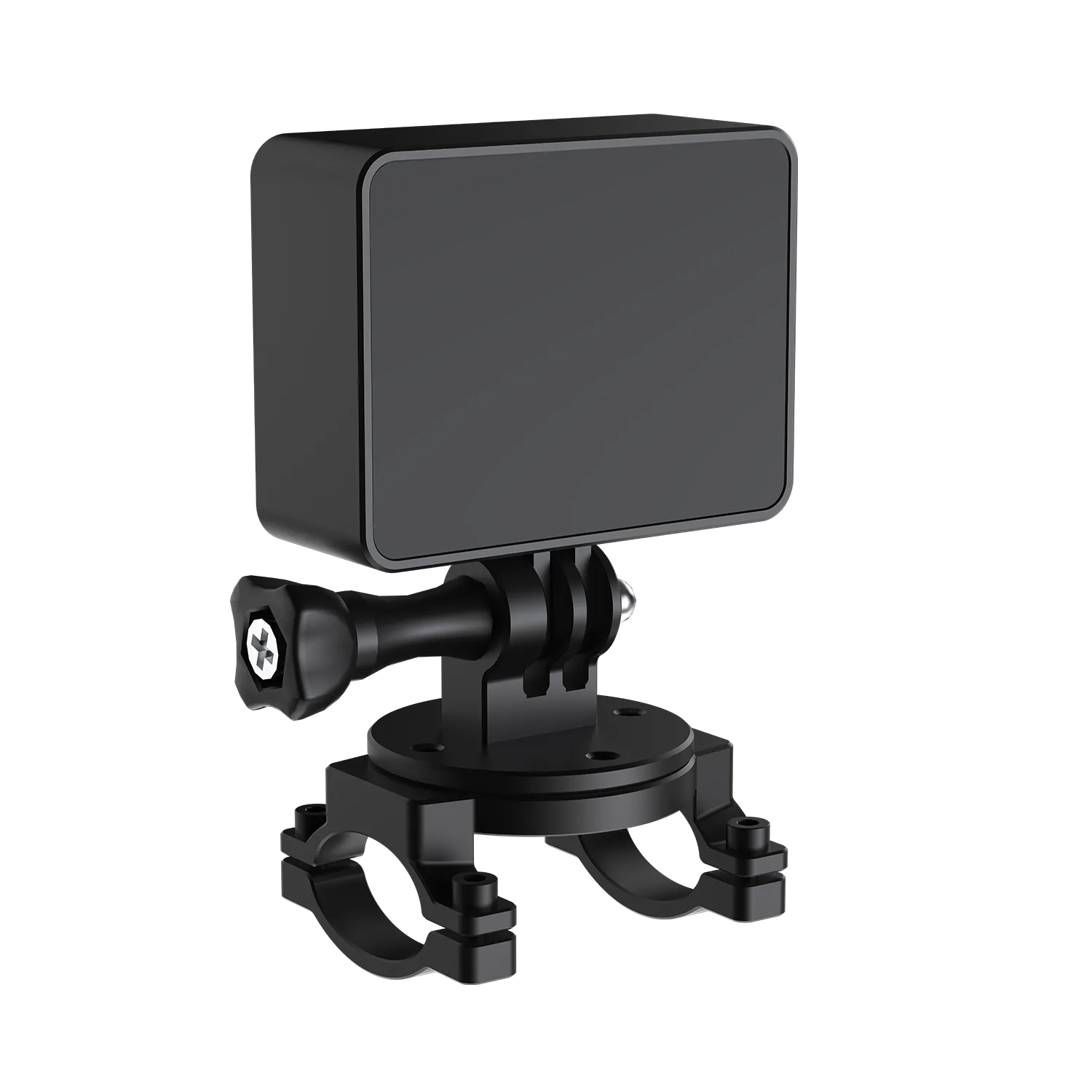
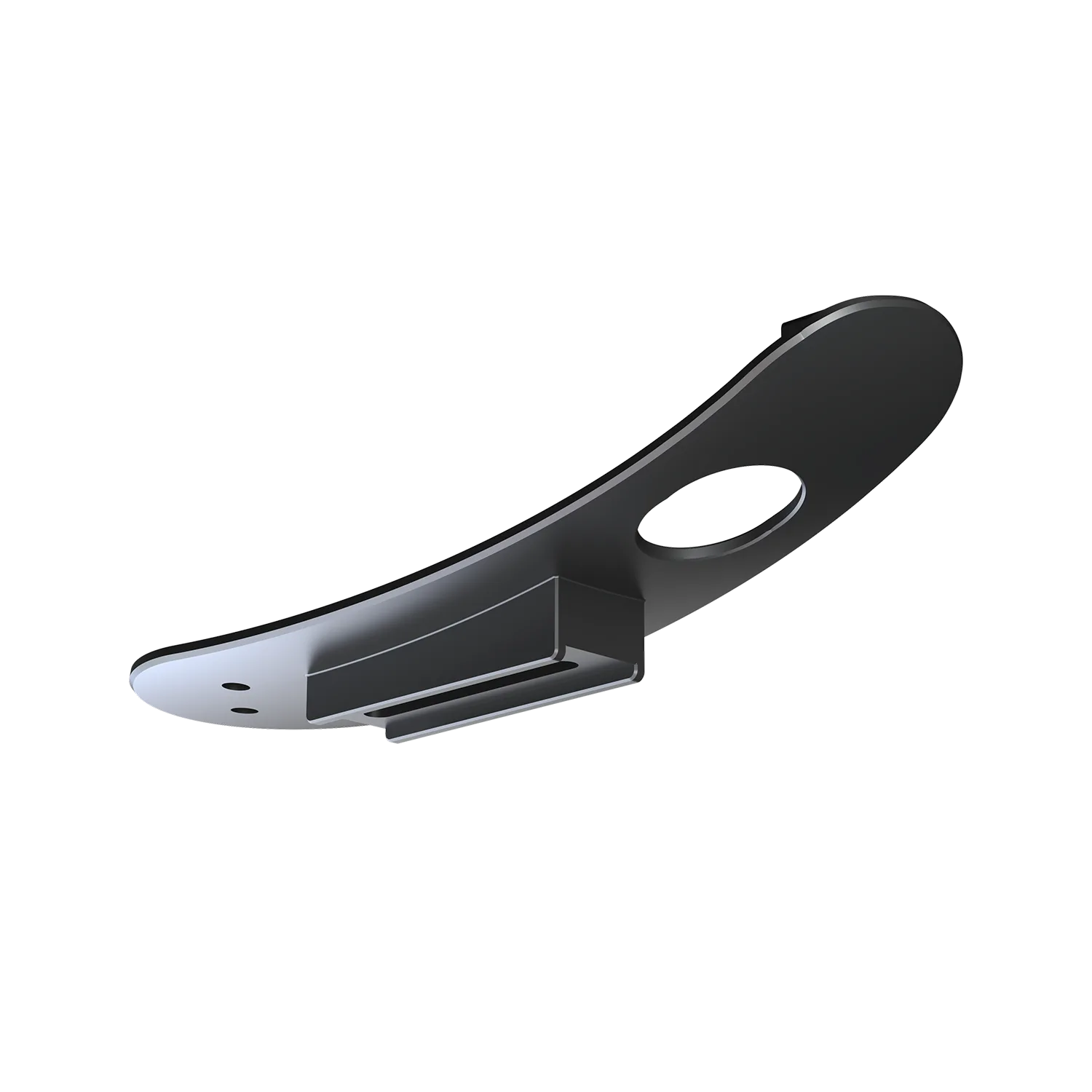
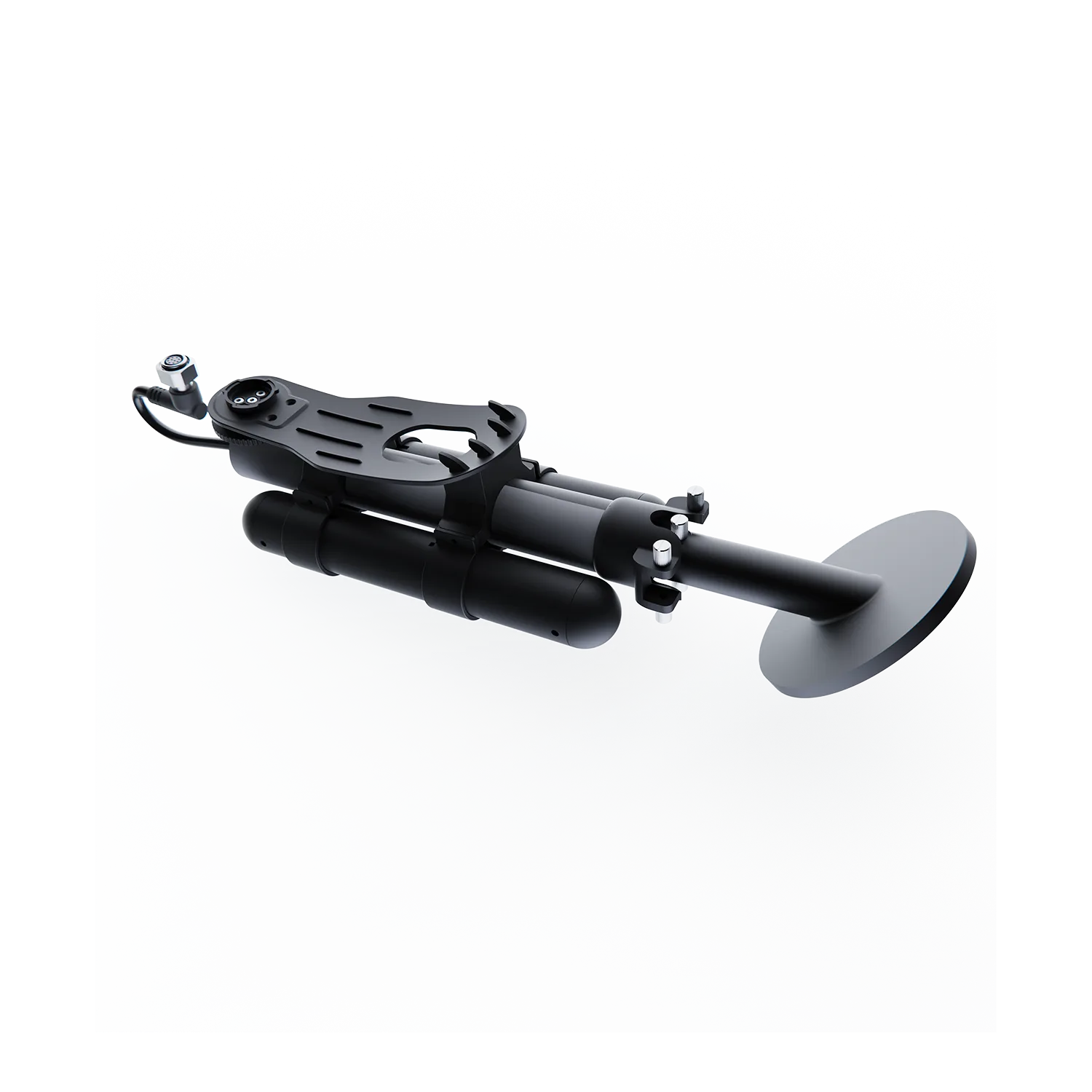
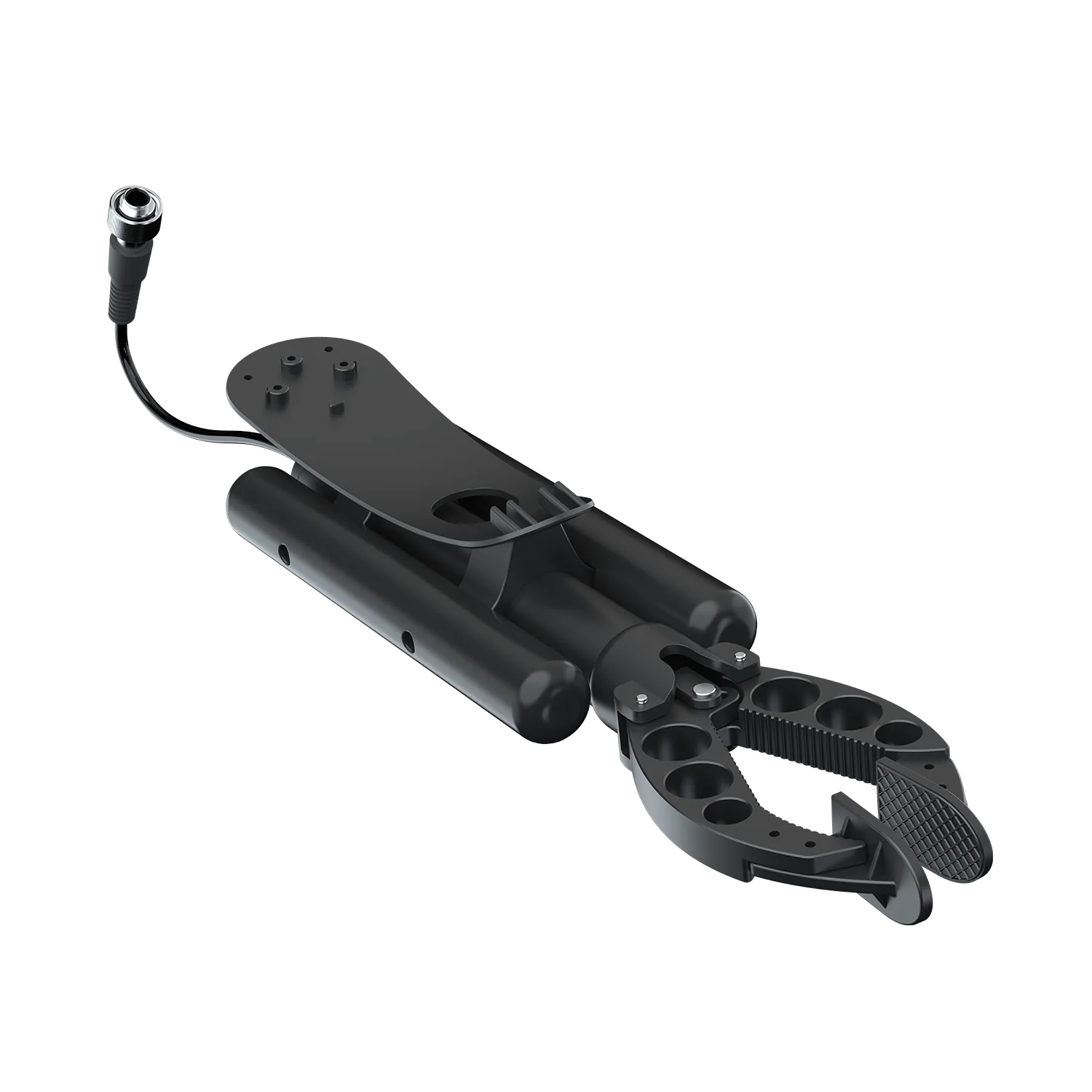
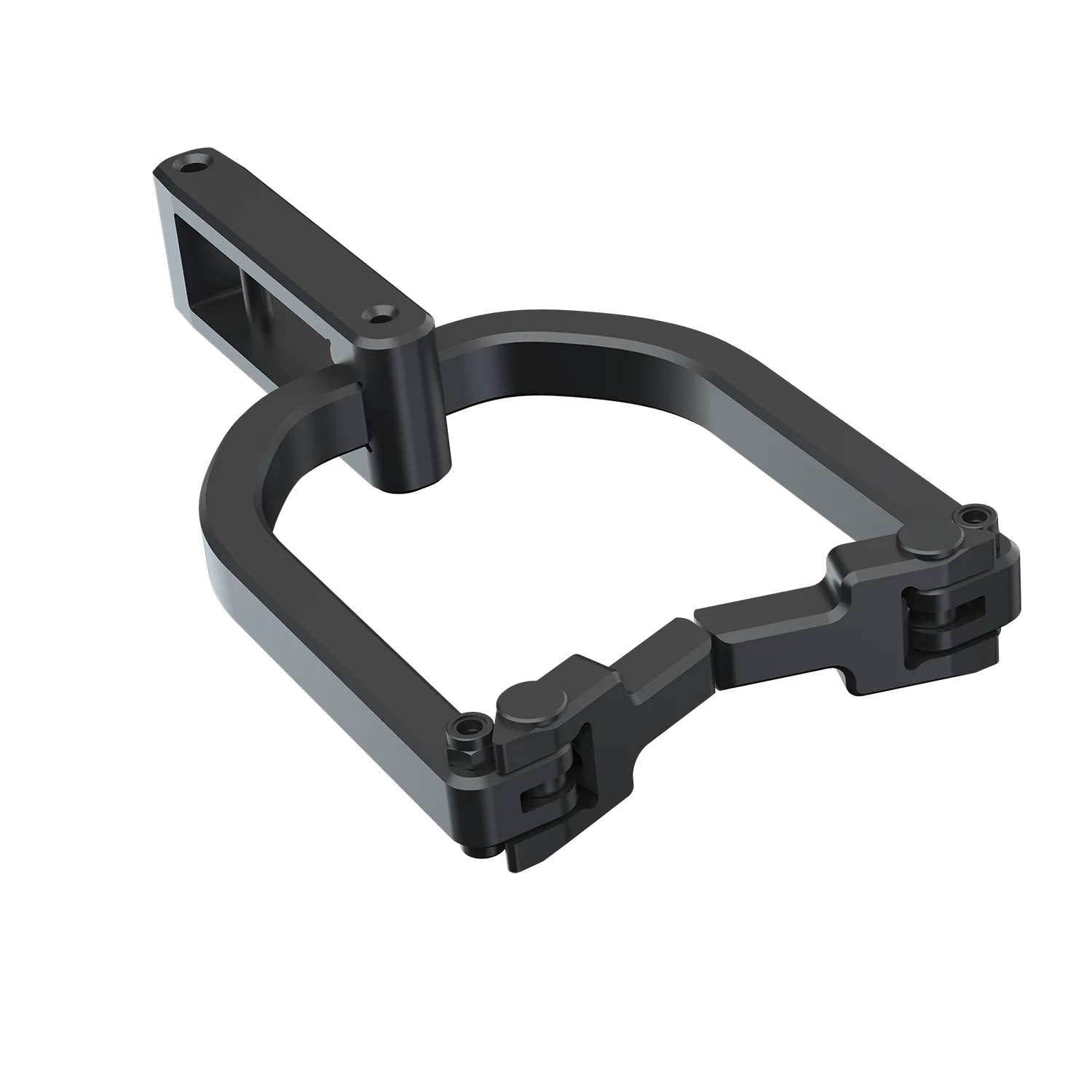
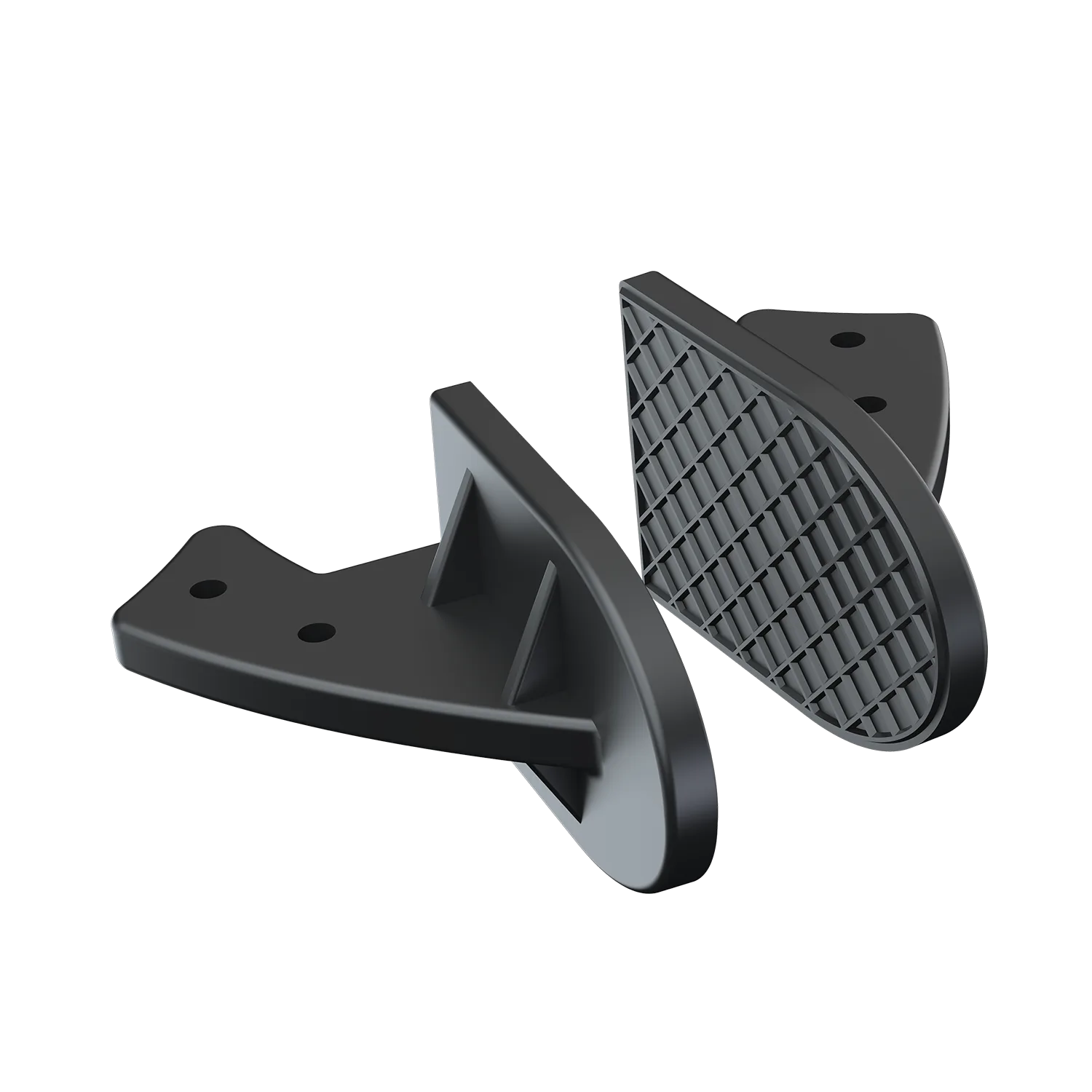
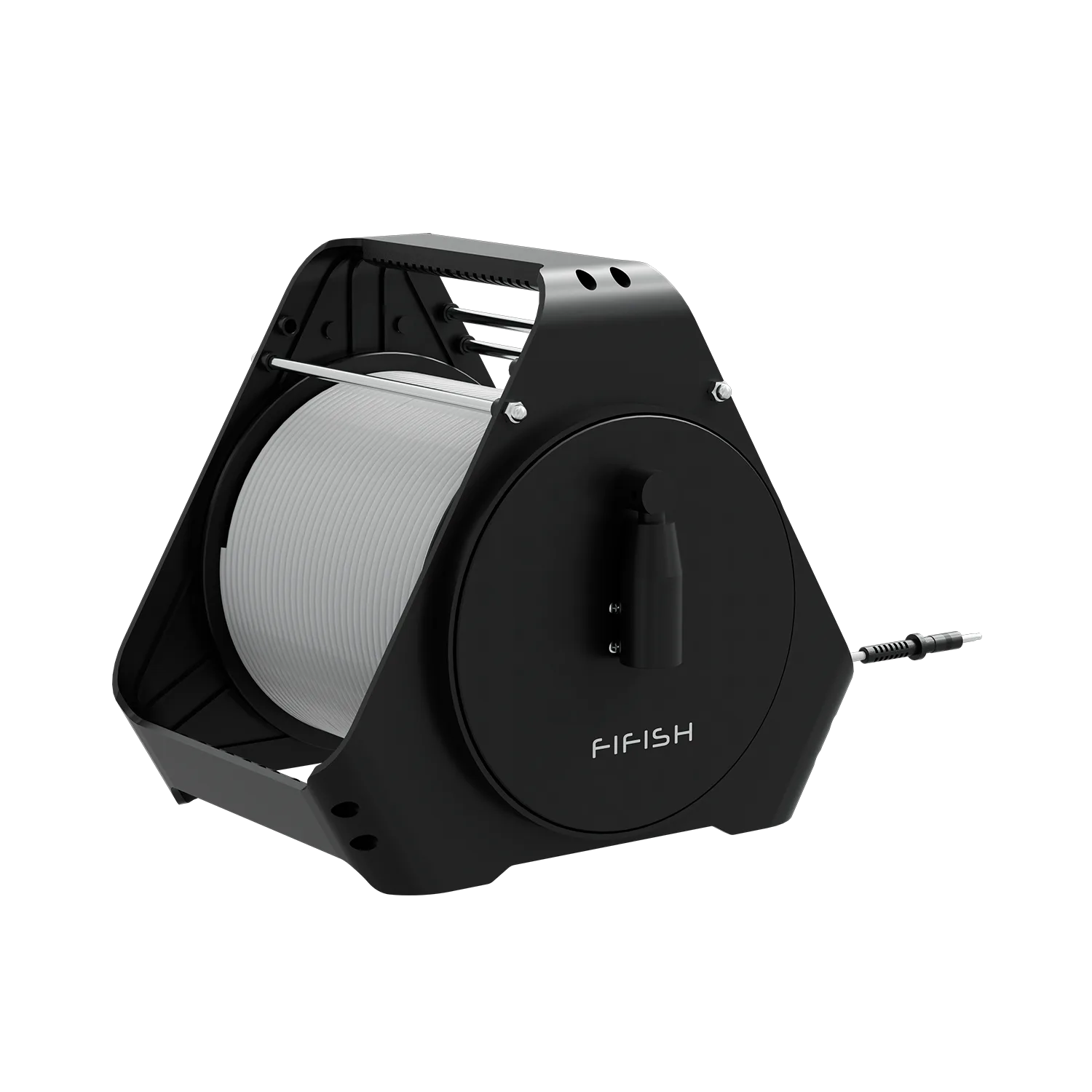
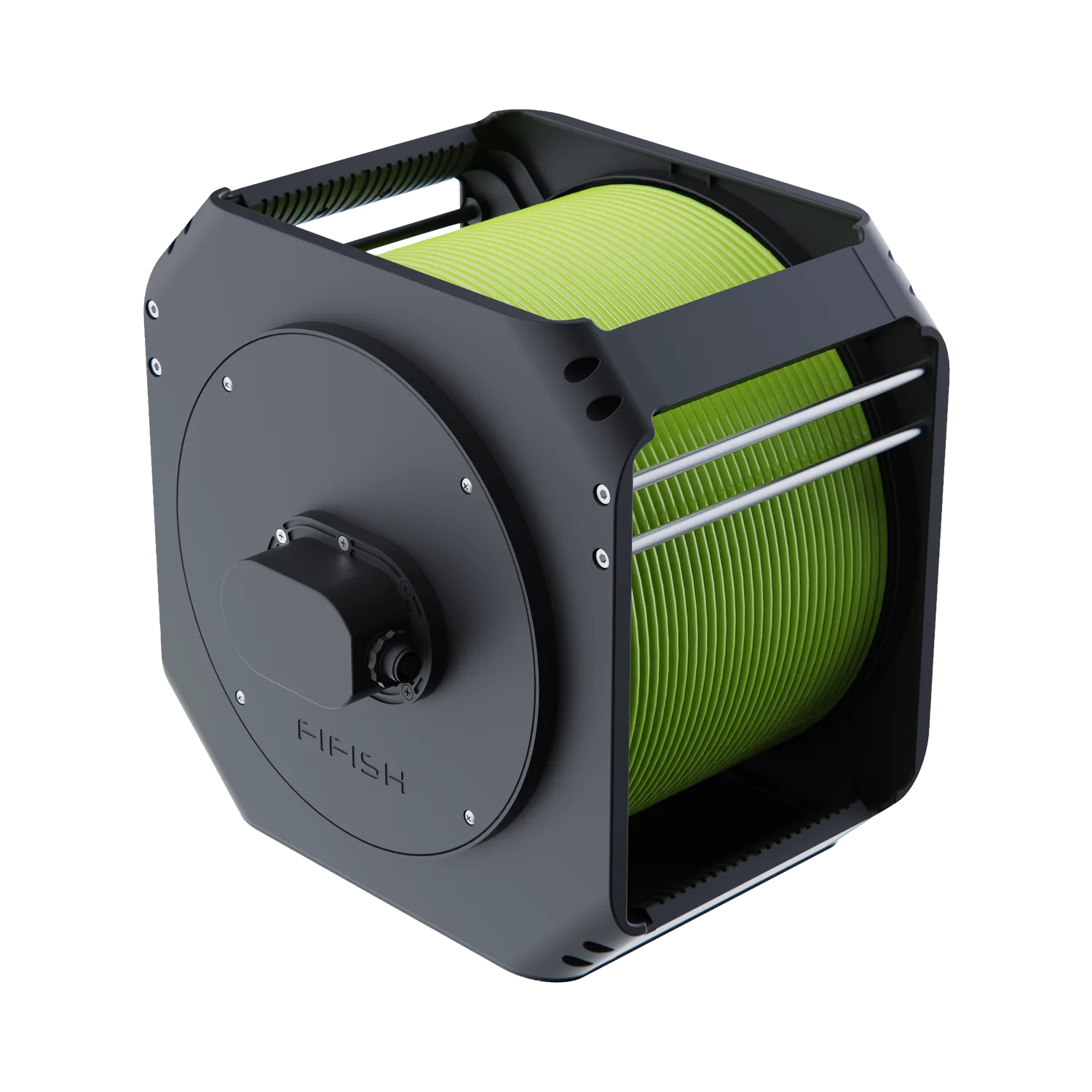
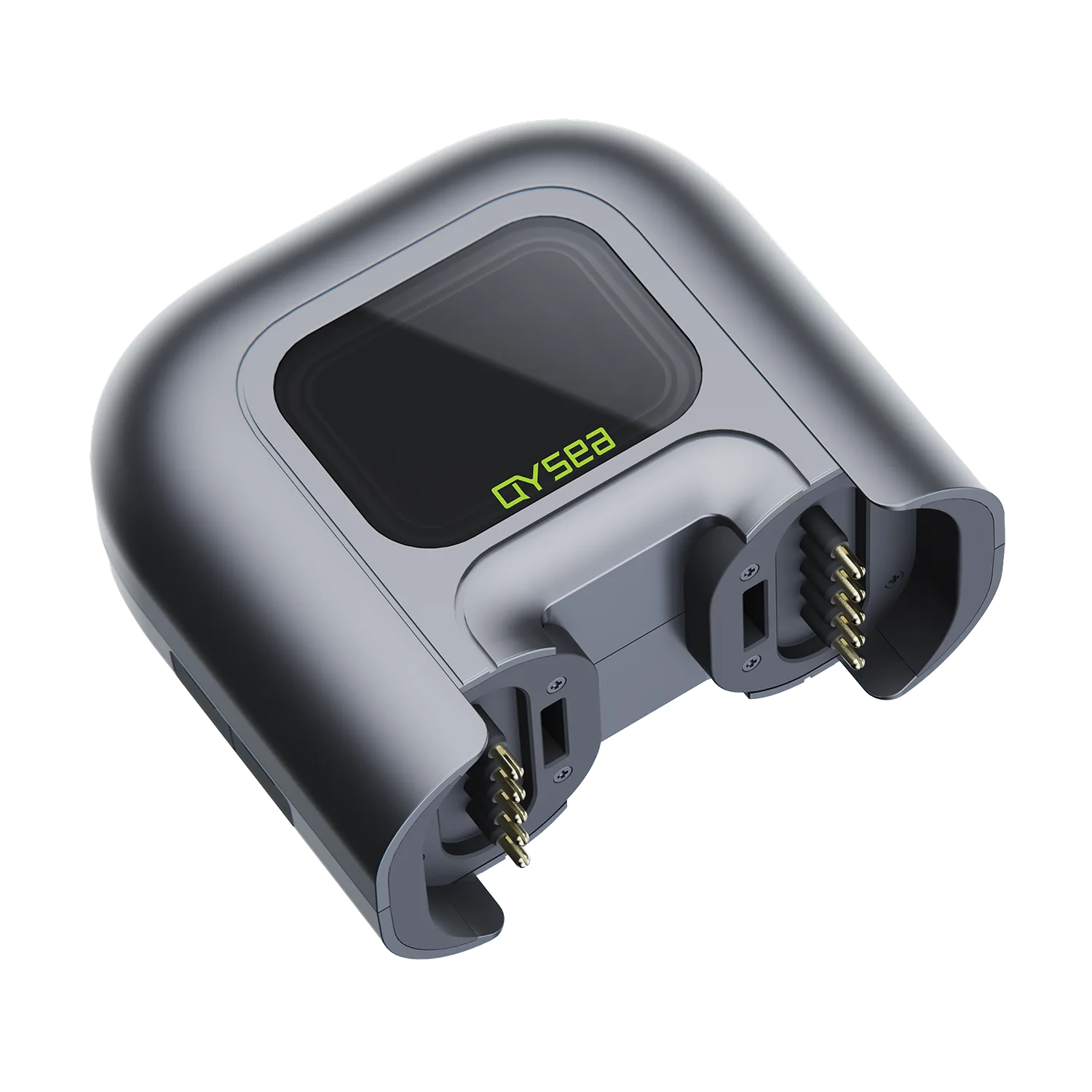


Underwater Laser Scaler Support
Find operation guides, app downloads, troubleshooting, and FAQs for Underwater Laser Scaler.
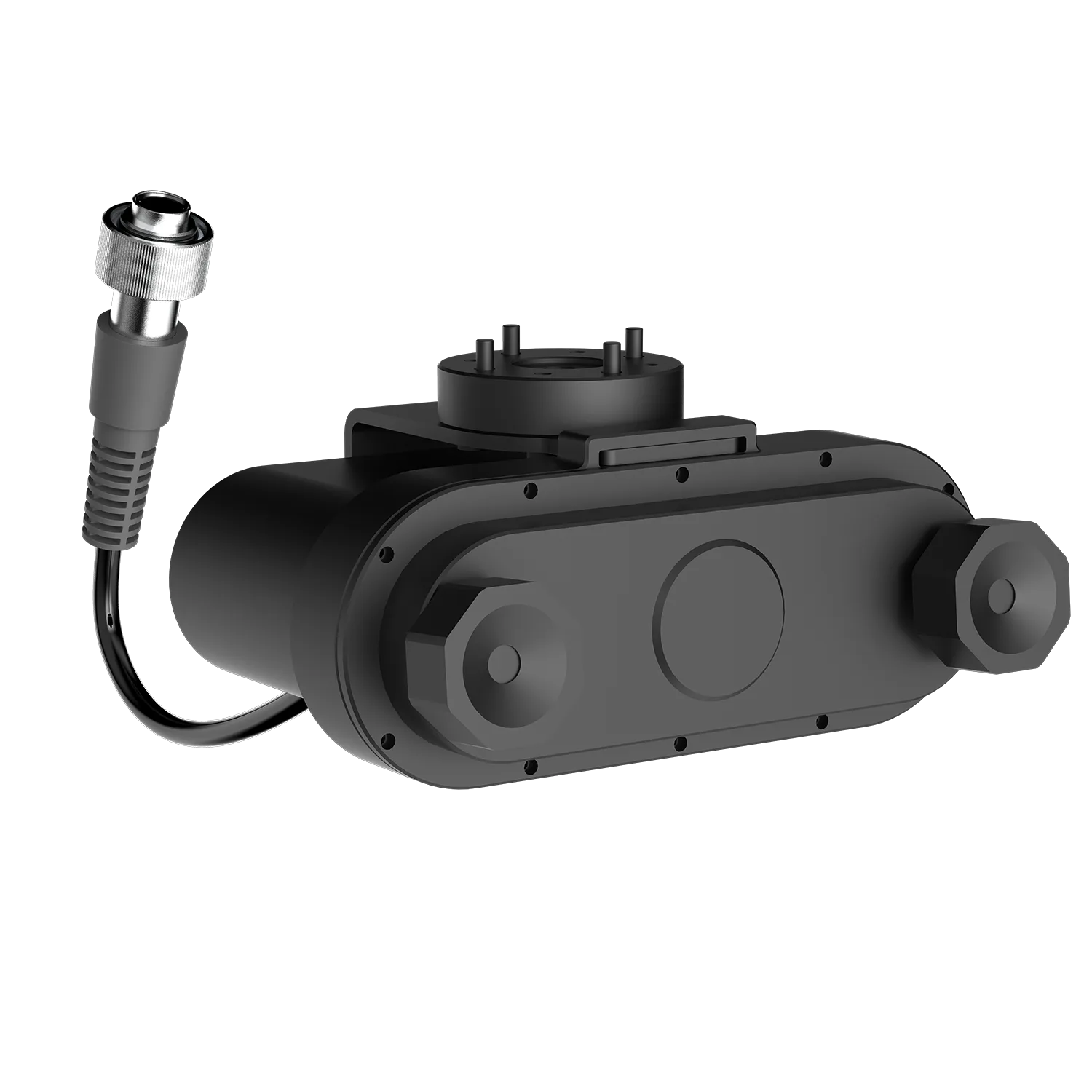
Tutorial Video
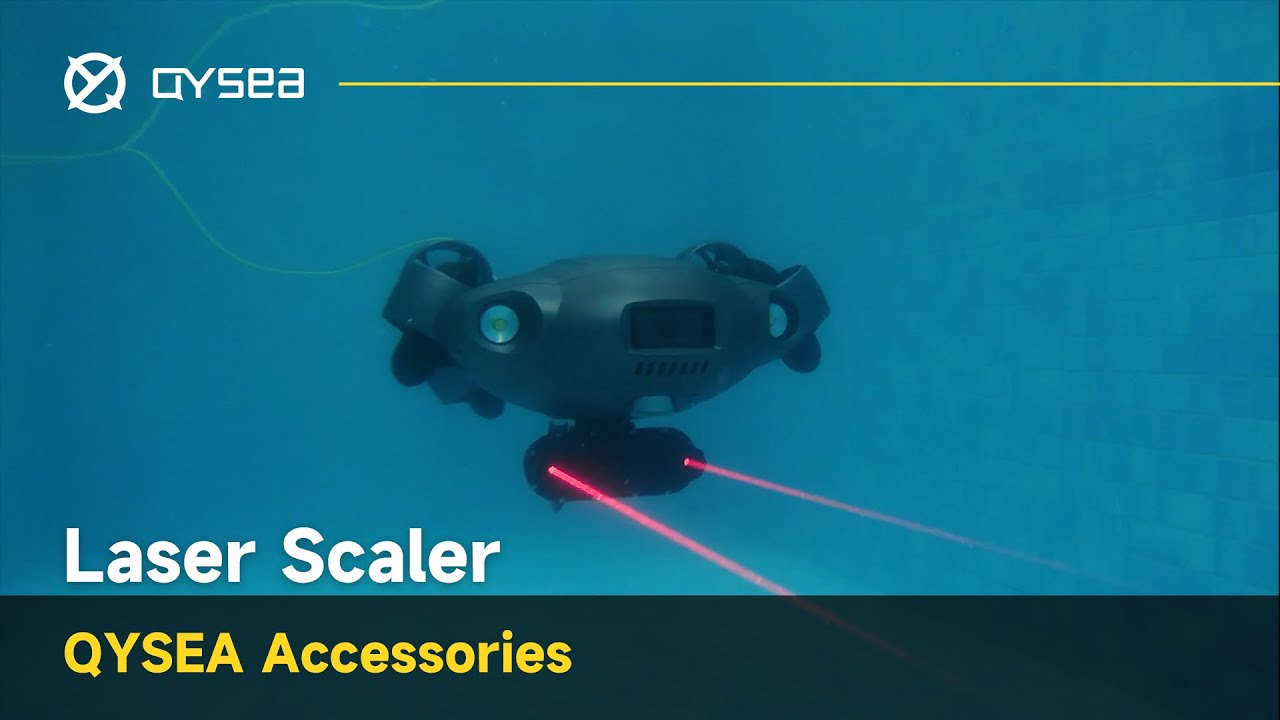
Use Guide
Contact Us
Request User Manual
Please fill out the form to receive the user manual or operational guides of the FIFISH ROV accessories.
Download the QYSEA APP for iOS or Android to access product connectivity and APP-based functions. Choose the version that matches your device.
*APK is available for Android devices without Google Play access.


Frequently Asked Questions
Have questions about our underwater ROVs or your order? We’re here to help!

We are always here to help. Please feel free to contact us if you need assistance.Average response time: Within 24 hours.
What is the core function of the Underwater Laser Scaler?
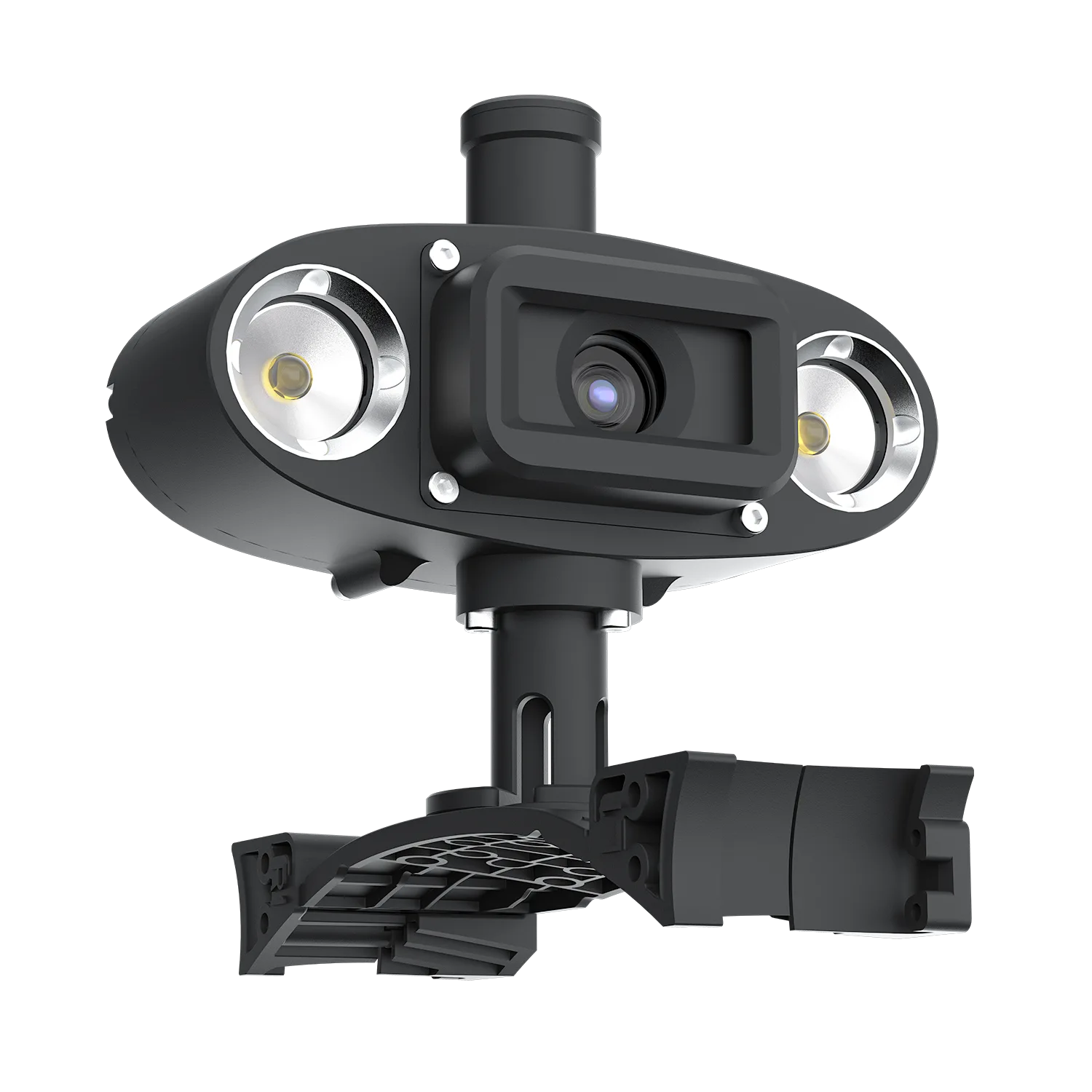
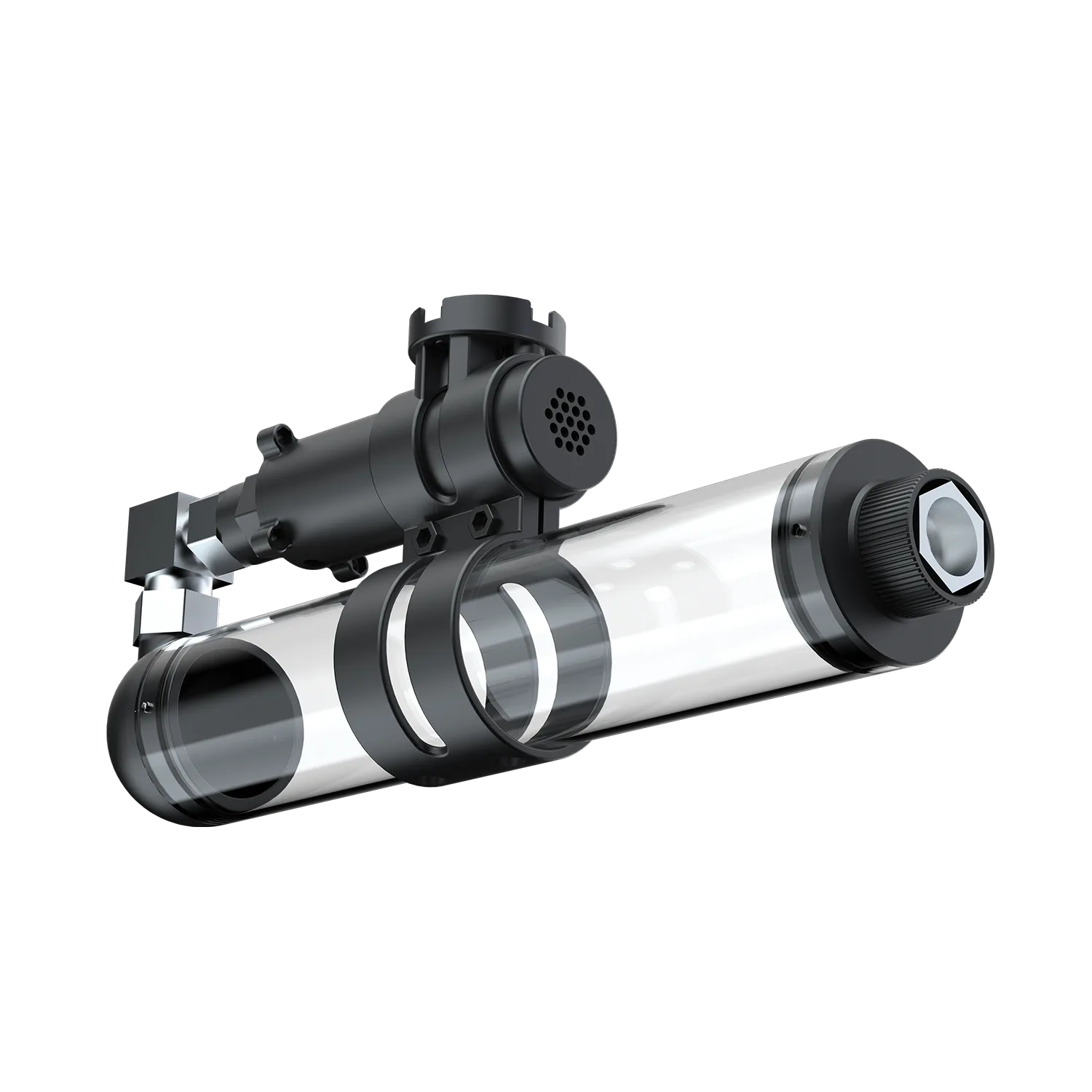
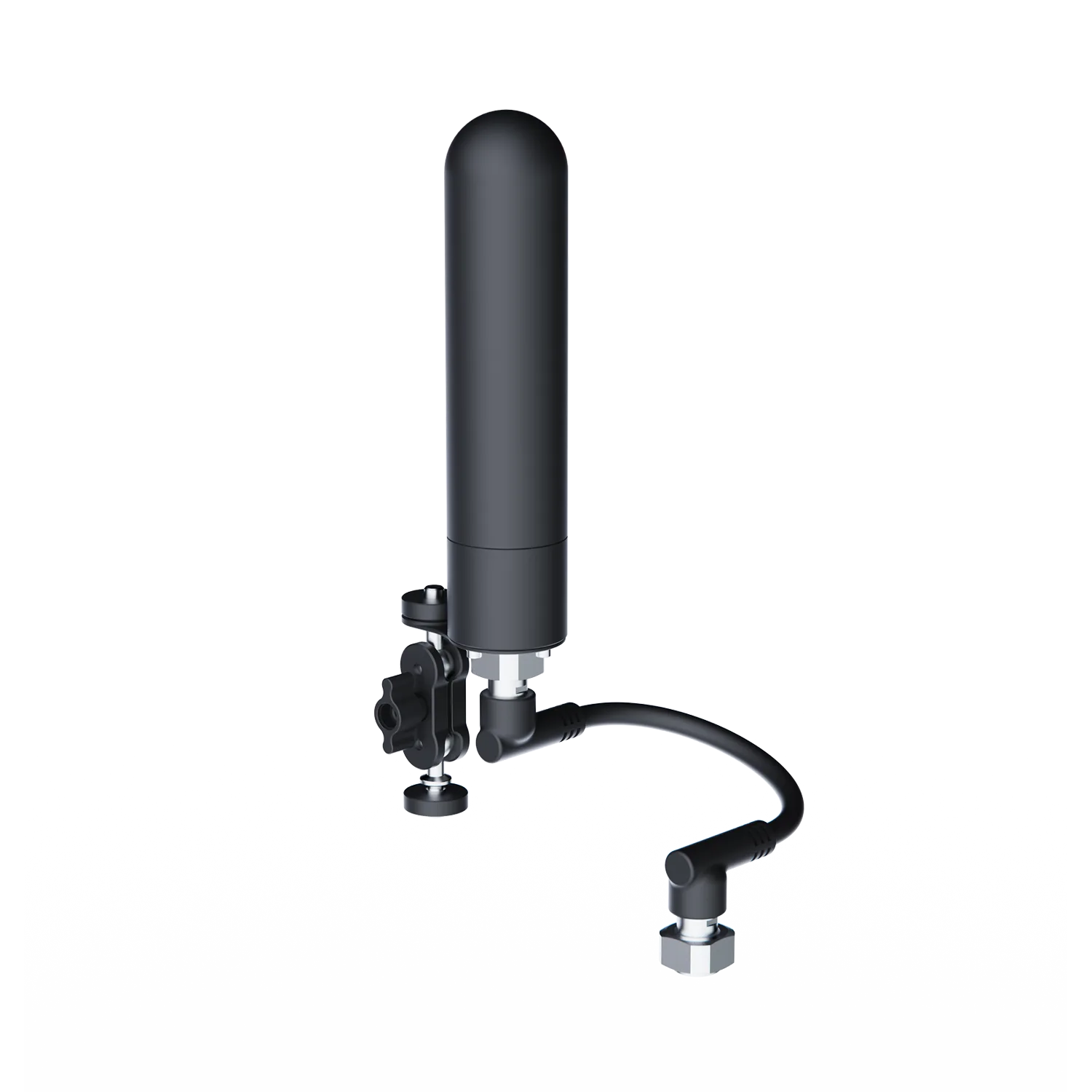
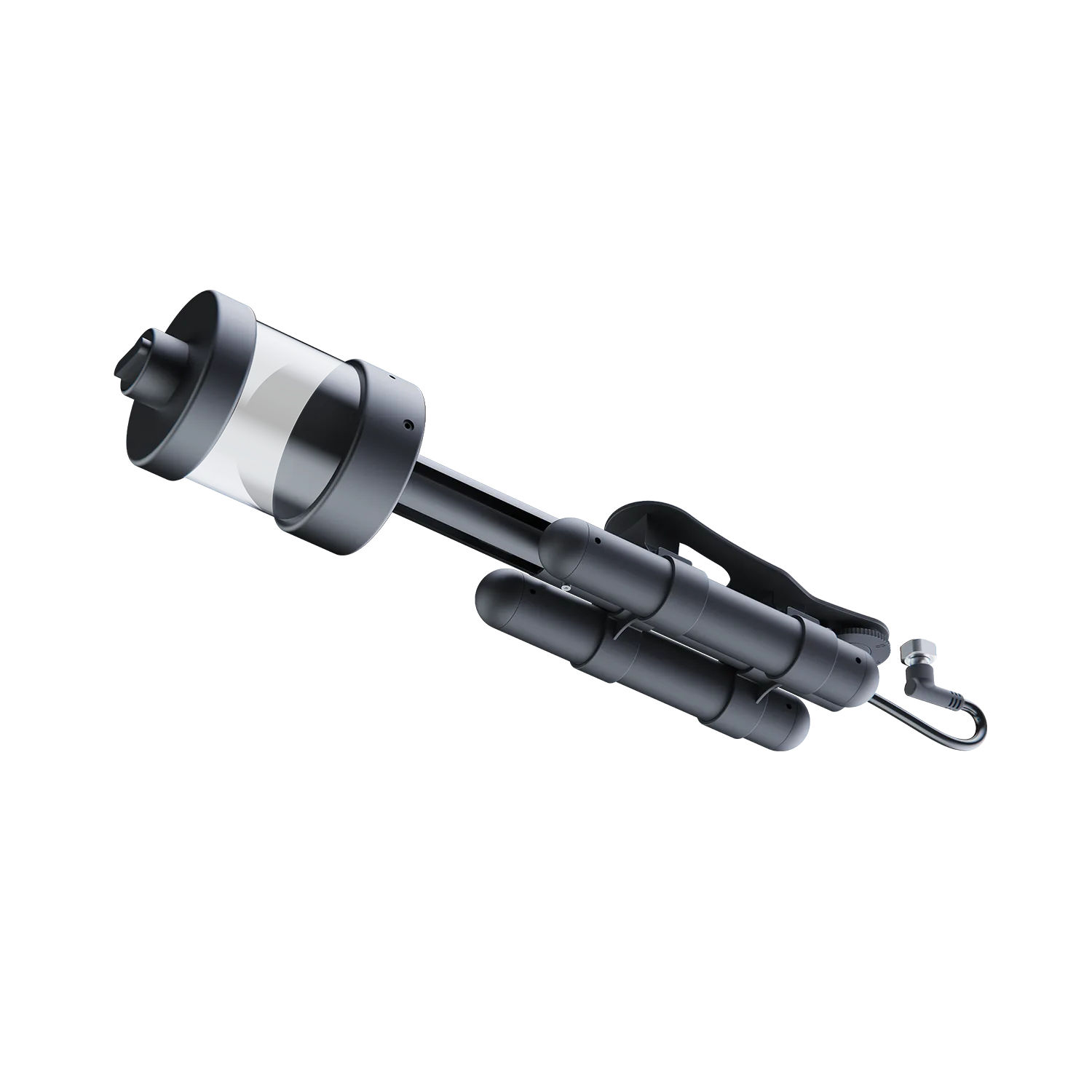
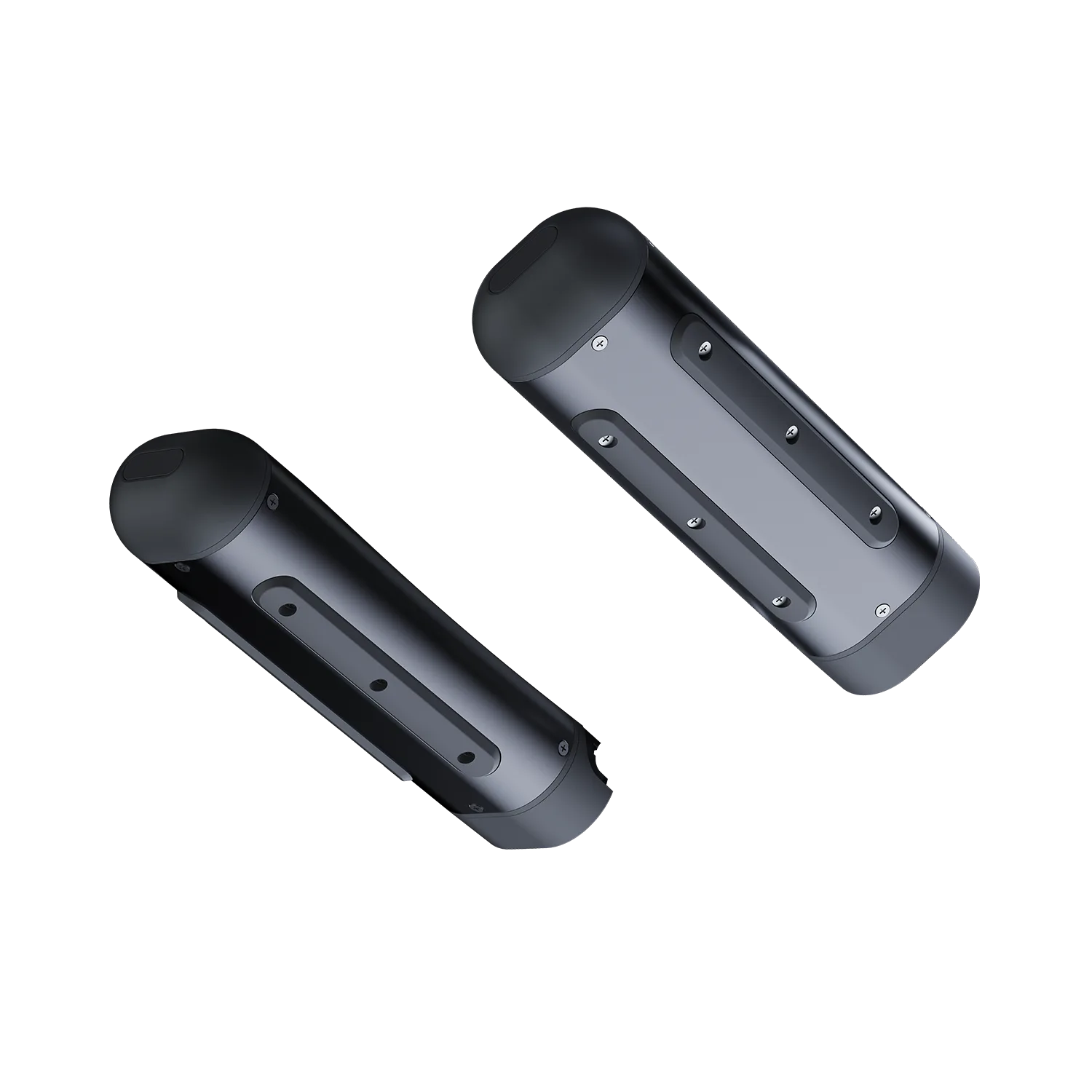
The Laser Scaler is a professional underwater measurement tool. It projects two parallel laser beams onto the target object at a fixed distance of 10cm (100mm). These two points act as a visual scale, allowing users to estimate or calculate the actual size of cracks, underwater structures, or marine life in the video feed.
Does the Undewater Laser Scaler require the QY-MT software to work?
The hardware can function independently as a visual reference. However, to achieve automated and precise digital measurements (such as calculating length, area, or circumference), it is highly recommended to use the QY-MT software. The software uses the 10cm laser gap as a base unit to provide smart digital measurement data.
Could turbid water cause refraction and result in inaccurate measurements?
Principle Guarantee: Since the two laser beams are physically parallel, their refraction angles in water are identical. Therefore, the linear distance between the dots on the target surface remains a constant 10cm, regardless of water quality.
Environmental Limits: In extremely turbid water, the main challenge is visibility (the dots becoming blurry or obscured), not a change in the reference distance.
Does the Underwater Laser Scaler require separate charging?
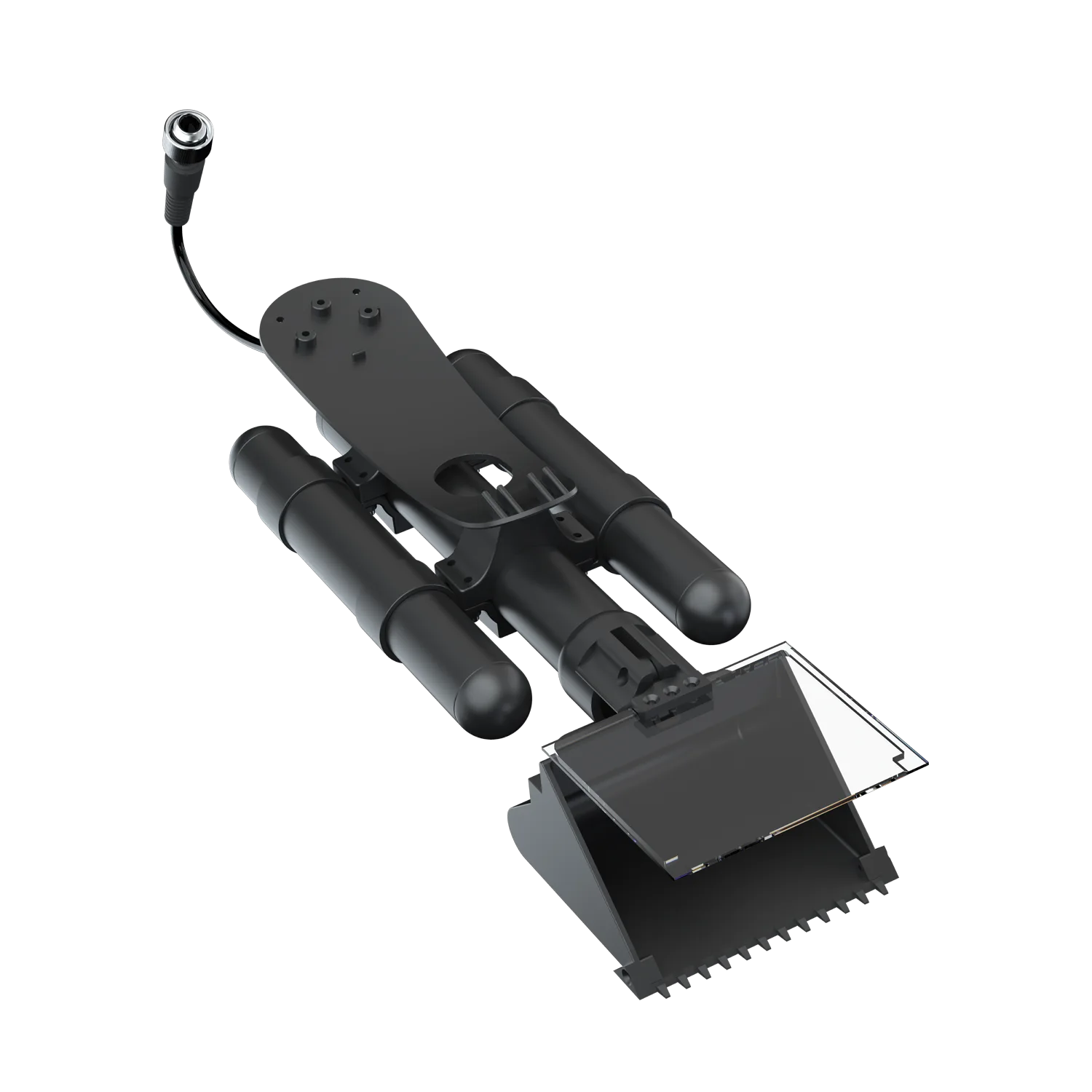
No. It draws power directly from the ROV via the connection cable. As long as the ROV is powered on, you can remotely activate the lasers through the FIFISH APP.
Can I adjust the brightness or color of the laser dots?
Fixed Configuration: The brightness and color (High-visibility Red) are optimized for underwater environments and cannot be manually changed.
Control: You can toggle the laser projection ON or OFF at any time through the FIFISH APP.
How should I maintain the Underwater Laser Scaler after a mission?
Rinse: Thoroughly rinse the Laser Scaler and its connector with fresh water after every dive (especially in salt water).
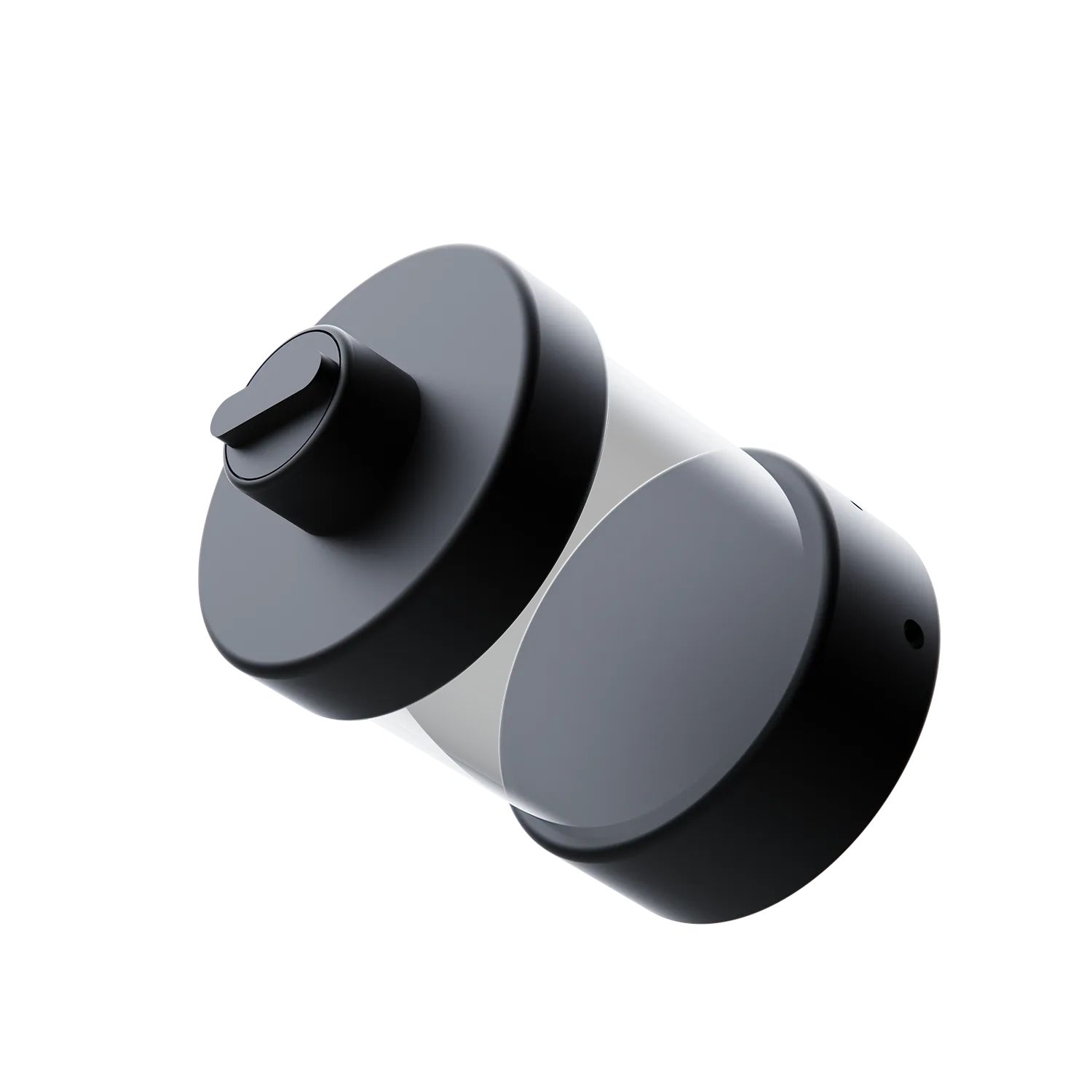
Dry: Use a soft, lint-free cloth to wipe the laser lenses to ensure the beams remain clear and bright.
Protect: Always put the protective waterproof caps back on the connectors when the scaler is not in use to prevent corrosion or damage to the pins.
We are always here to help. Please feel free to contact us if you need assistance.Average response time: Within 24 hours.