



Q-iRC Support
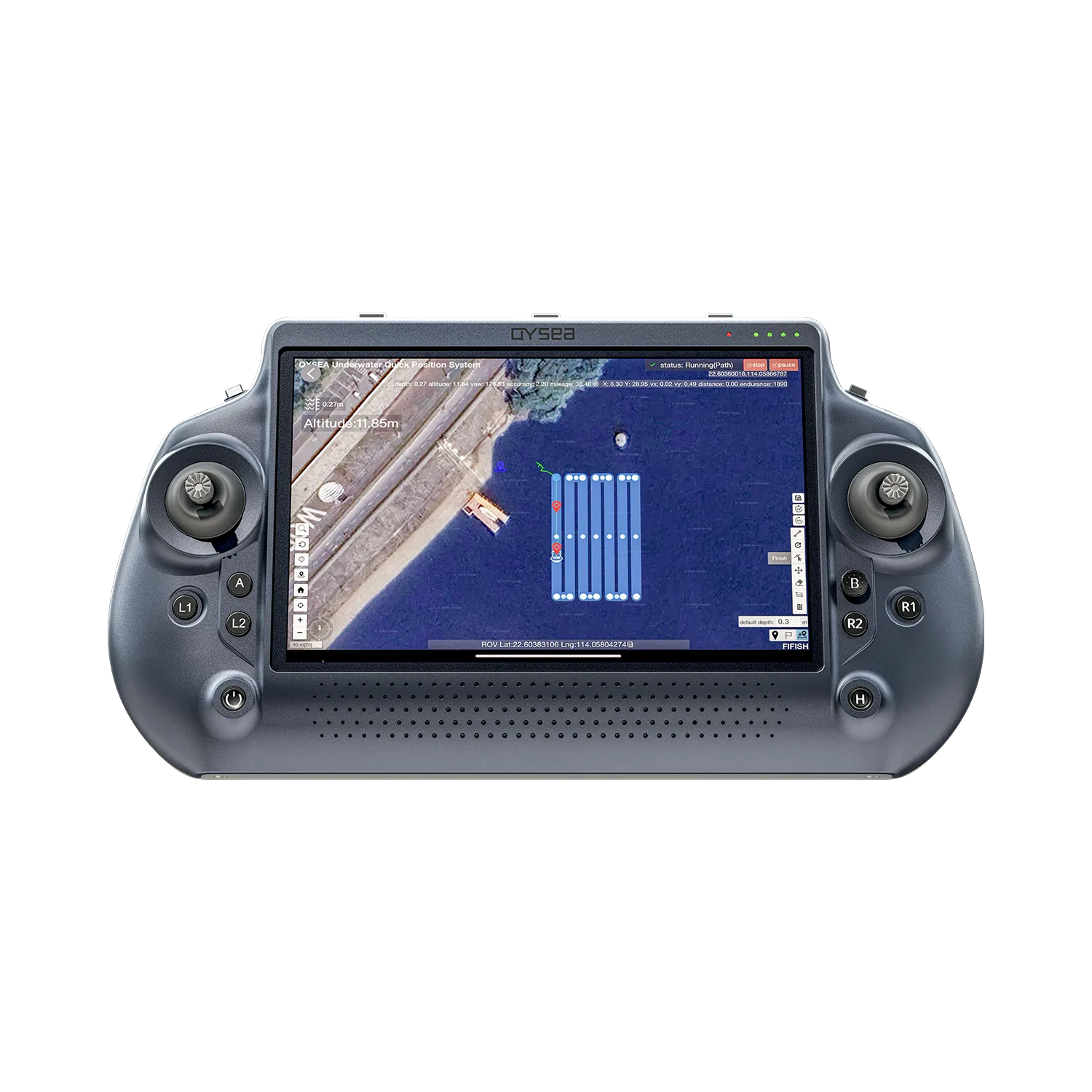
Find operation guides, app downloads, troubleshooting, and FAQs for FIFISH Q-iRC.

Contact Us
Request User Manual
Please fill out the form to receive the user manual or operational guides of the FIFISH ROV accessories.
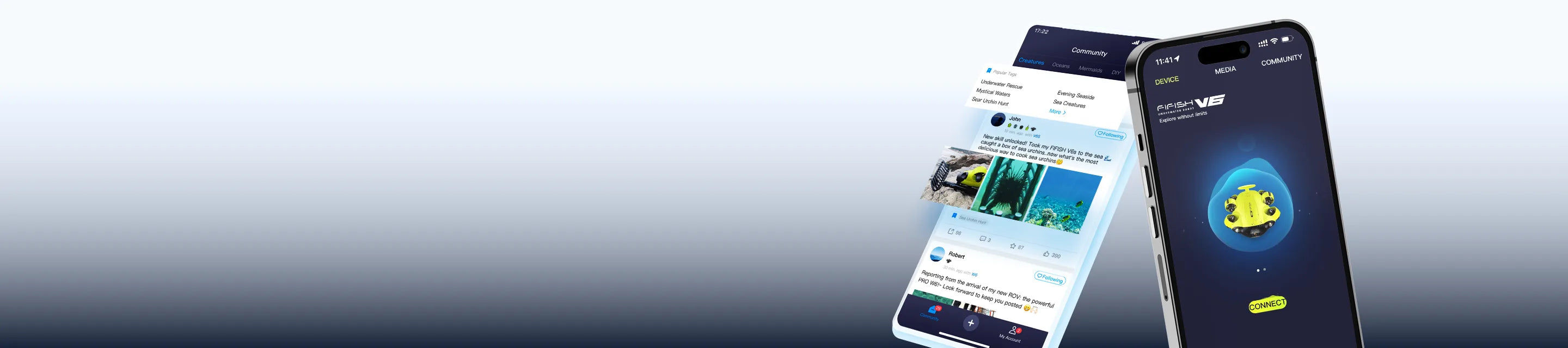
Download the QYSEA APP for iOS or Android to access product connectivity and APP-based functions. Choose the version that matches your device.
*APK is available for Android devices without Google Play access.


Frequently Asked Questions
Have questions about our underwater ROVs or your order? We’re here to help!

We are always here to help. Please feel free to contact us if you need assistance.Average response time: Within 24 hours.
How can I export the data from the Q-iRC?
Q-iRC provides three professional methods for data export:
Data Cable: Connect the Q-iRC directly to a computer via the Type-C port to transfer files.
Removable Storage: Connect your portable storage device to the Remote Controller's USB Type-A port. Open the Files app from the system home screen to view, copy, or export files within the APP.
MicroSD Card: Remove the microSD memory card from the Q-iRC and insert it into a card reader on your computer to access and transfer high-resolution files directly.
What should I do if I accidentally uninstall the FIFISH App from my Q-iRC?
If the app is missing, you can quickly reinstall it using a USB drive:
Download: Save the latest FIFISH App APK from the QYSEA website to a USB drive.
Connect: Plug the drive into the USB Type-A port on your Q-iRC.
Install: Open the Files app on the Q-iRC, locate the APK on your USB drive, and tap to install.
Can I use an external monitor to view the live underwater feed from the Q-iRC?
Yes, you can. The Q-iRC supports external display output through the HDMI Type-A port located at the bottom of the controller. Simply connect an HDMI cable from the Q-iRC to your monitor, TV, or director’s screen to share the real-time FPV feed with your team or clients in high definition.
Can the screen brightness of Q-iRC be adjusted?
Yes. You can easily adjust the brightness by swiping down from the top of the screen to access the system settings or through the shortcut menu, allowing you to adapt to various lighting conditions.
How should I maintain the Q-iRC for long-term reliability?
To ensure optimal performance of your industrial remote controller, follow these maintenance guidelines:
Cleaning: Wipe the screen and body with a soft, dry cloth after each use. If exposed to salt spray, use a slightly damp cloth followed by a dry one.
Storage: Store in a cool, dry place. Avoid leaving the controller in high-temperature environments or direct sunlight for extended periods.
Battery Care: Maintain the battery between 50%–60% for long-term storage. Complete a full charge/discharge cycle every 3 months.
Protection: Regularly check the rubber gaskets and port covers for wear or damage to maintain its IP54 dust and water resistance.
We are always here to help. Please feel free to contact us if you need assistance.Average response time: Within 24 hours.