



How to Choose an Underwater Drone
Buying your first underwater drone (also called an ROV) is less about memorizing specs and more about matching the drone to your water conditions and your mission.
While we use the FIFISH ROV lineup as practical examples throughout this guide, the core decision principles apply universally. It helps you choose a setup that fits what you actually want to do—filming, inspection, recovery—without overpaying or ending up with the wrong tool.

60-second decision: pick your “mission”
Choose the closest use case. Each one tells you what matters most.
- Underwater filming & exploration
- Boat hull/prop/dock inspection
- Fishing & recovery (retrieve lost items)
- Confined spaces (tanks, narrow entries, culverts)
- Low-visibility search (murky water/night)
- Simple measurement & documentation
- Aquatic Monitoring & Conservation
If you’re not sure which mission you are, answer these 3 questions:
- Water clarity: clear/mixed/murky
- Current: calm/moderate/strong
- Goal: film / inspect / recover / document
Then jump to the matching section.
The only 3 things that decide “fit”
1) Water conditions (clarity + current)
-
Clear water rewards better camera and stabilization.
-
Murky water punishes lighting (backscatter) and makes sonar/navigation aids far more valuable.
-
Current determines whether the drone can hold position without constant stick work.
2) The mission (what you need to accomplish)
- Filming favors image quality + smooth movement.
- Inspection favors stability + close-range visibility + consistent passes. If your workflow demands strict repeatability (same standoff and angle each time), that usually requires dedicated navigation aids beyond careful piloting alone.
- Recovery favors control + tooling (claw/hook/net) + situational awareness.
3) Ownership reality (how often you use it)
- Occasional users need ease of use and simple maintenance.
- Frequent users should prioritize serviceability, spare parts, and consistent results.
Choose a FIFISH model in 2 minutes
To ground these concepts in reality, here are three core models mapped to different user scenarios:
1) FIFISH V-EVO —creator-first starter for filming & exploration
- Best for: starters, travelers, content creators
- Why it’s a common first pick: compact, easy to pilot, strong footage-per-dollar value
- Filming edge: 4K 60fps
- Typical buy decision: you want great footage and exploration with the option to do light tasks
2) FIFISH V6 EXPERT —stability-focused prosumer for inspection, documentation, and recovery
- Best for: experienced pilots, freelancers, and serious DIY owners
- Strong fit for: yacht hull checks, small fish farms, institutional researchers, individual SAR support
- Typical buy decision: you expect recurring real-world tasks and want a more confidence-inspiring platform
3) FIFISH E-GO —modular platform with hot-swappable power and an industrial upgrade path
- Best for: users who run longer field days and want modular add-ons
- Why it exists: hot-swappable batteries + broader payload ecosystem
- Important reality: many advanced E-series workflows are add-on-led (and some are quote-based), so plan your accessories first
Price positioning (general)
V‑EVO is the entry point for filming and exploration. V6 EXPERT is the step‑up for more demanding tasks and stability. E‑GO is the higher-tier modular platform built for longer field workflows and add-ons.
For current pricing in your currency, check the product page and checkout.
When you should not buy the lowest-cost setup
Choose V6 EXPERT or E-GO if you consistently face stronger currents, mixed visibility, a tighter working space, or you plan paid inspection/recovery work.
When you may need a quote-based professional system
If your job depends on strict repeatability on vertical structures (same standoff and angle each pass), offshore continuous operation, or NDT-oriented tooling, you are usually beyond the scope of standard consumer setups. In that case, contact QYSEA for a specialized, quote-based solution.
One table that answers most questions
Use this matrix to match a mission to the capabilities you should prioritize.
| What matters | Filming & exploration | Hull/structure inspection | Recovery | Confined spaces | Murky/low-vis search | Simple measurement | Aquatic monitoring |
|---|---|---|---|---|---|---|---|
| Usable visibility (lights + backscatter control) | Medium | High | High | High | Very High | High | Medium |
| Position holding (stability in current) | Medium | Very High | High | High | High | Very High | High |
| Close-range control (fine movement, hover) | High | Very High | High | Very High | High | Very High | High |
| Navigation aids (heading/altitude/distance lock) | Medium | High | Medium | High | Very High | High | High |
| Tool options (claw/hook/net) | Low–Medium | Medium | Very High | Medium | High | Medium | Very High |
| Tether management | Medium | High | Very High | Very High | Very High | High | High |
| Reliability & service | Medium | High | High | High | High | High | High |
Quick translation of terms:
- Backscatter: bright “snow”in the image caused by lights reflecting off particles.
- Position holding: the drone resists drift and stays where you put it.
- Navigation aids: features that reduce pilot workload (e.g., distance/altitude lock).
The 6 specs people misunderstand (and how to avoid a bad purchase)
1) “Wireless underwater drone”
Water is extremely unfriendly to radio signals. That’s why serious underwater drones are usually tethered—the tether carries stable control and video.
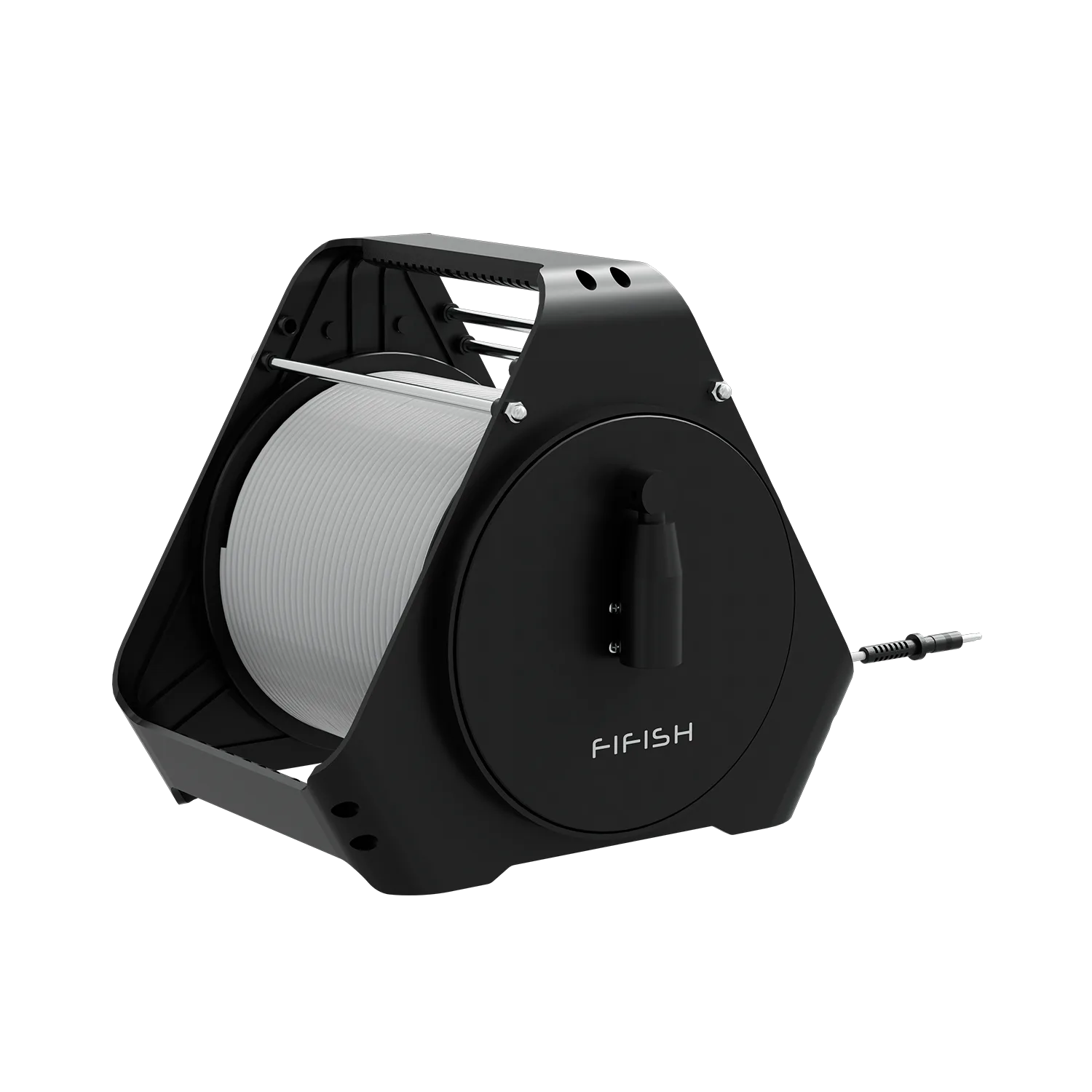
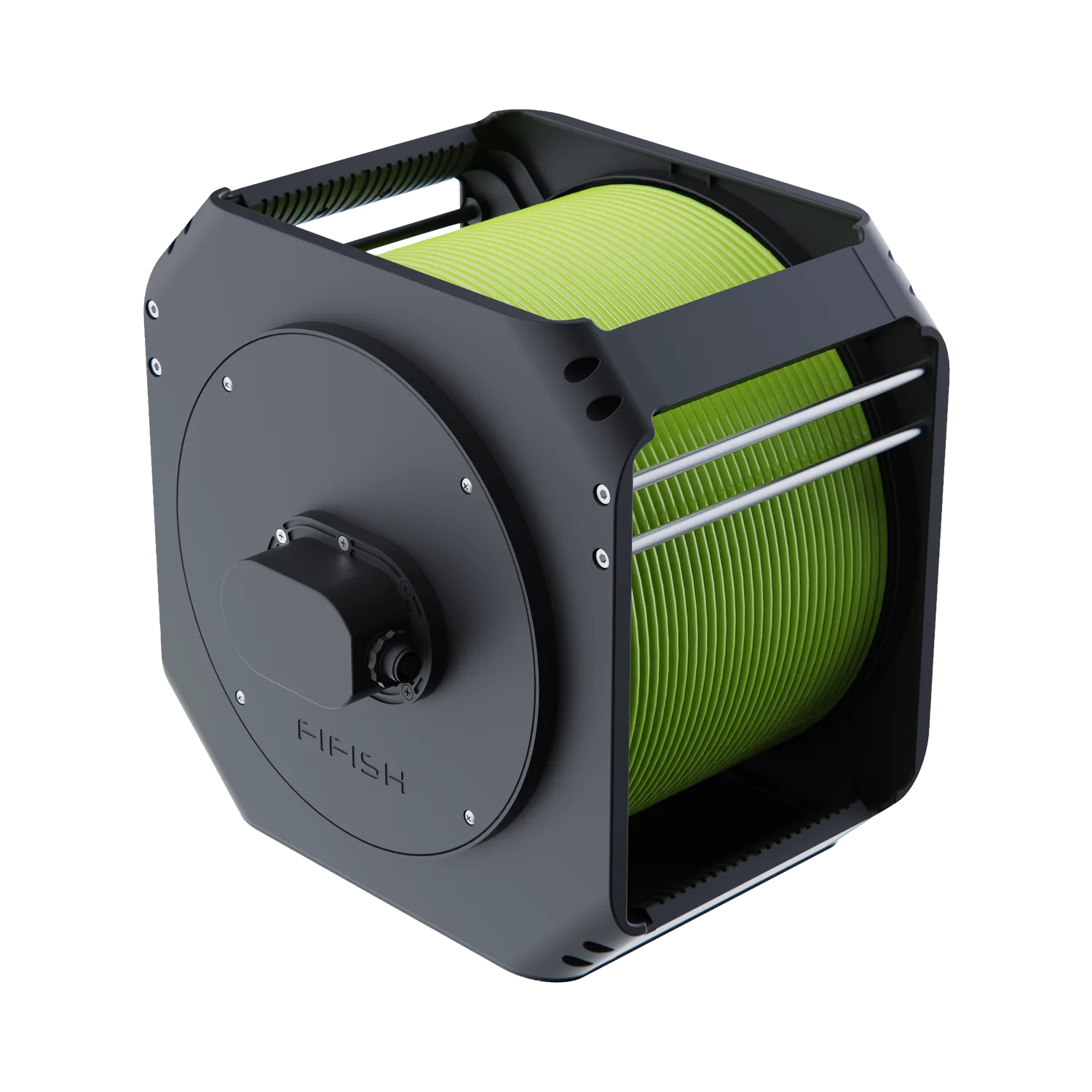
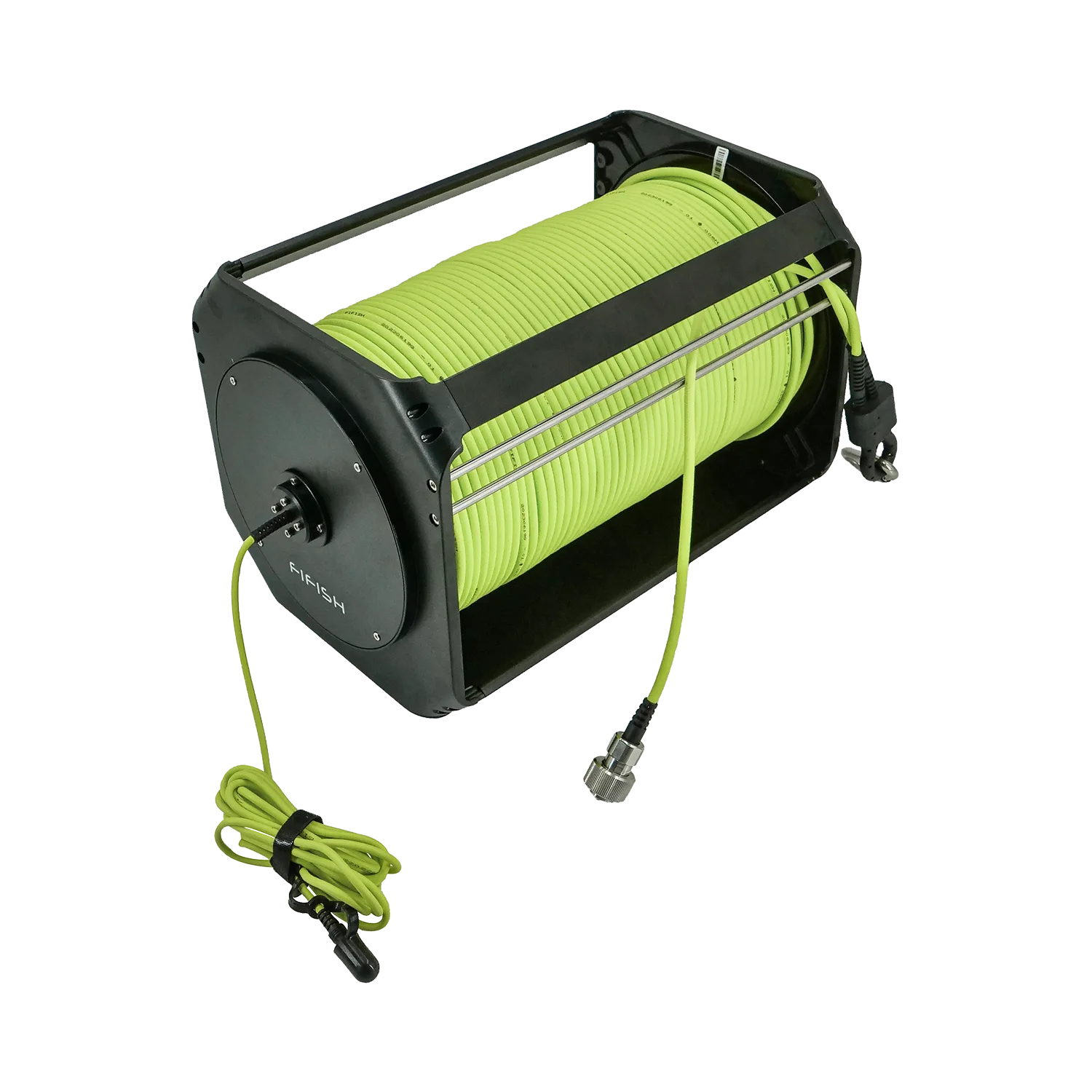
What to look for: a tether that’s long enough for your use, and a system that makes tether handling easy.
2) Depth rating
A listed depth rating is not a promise that every dive is stress-free. Pressure, seals, temperature changes, and handling all matter.
What to look for: a comfortable depth margin for your real use—not just a max number.
3) Lumens (brightness)
More lumens can make a murky scene worse by increasing backscatter.
What to look for: lights that are effective at your typical working distance (often close-range), plus piloting habits that keep the drone close to the subject.
4) “4K” camera marketing
Resolution is only one piece. Sensor quality, stabilization, bitrate, and lens behavior often matter more in real underwater footage.
What to look for: stable footage, good low-light behavior, and predictable color handling.
5) Runtime claims
Real runtime drops when you use strong lights, fight current, or do repeated maneuvers.
What to look for: realistic expectations and a battery plan that matches your session length.
6) Current resistance
Current makes drones drift, tilts your shot, and increases pilot workload.
What to look for: stability features and a design that can hold position without constant correction.
Choose by mission
1) Underwater filming & exploration
FIFISH shortcut: If filming and exploration are your main goals, start with V-EVO.
Prioritize
- Image quality + stabilization (smooth motion is what makes footage look “pro”
- Usable lights for close range
- Simple, confidence-building controls (hover and smooth turns)
Avoid
- Over-indexing on “4K” alone
- Buying for max depth you’ll never use
Recommended add-ons
- Portable power station (for on-site recharging)
- Basic retrieval tool (helpful more often than you expect)
- Tether management accessories
2) Boat hull/prop/dock inspection
FIFISH shortcut: For routine hull/prop/dock checks, V6 EXPERT is a proven, confidence-inspiring platform. If you need measurement evidence, start with the Standard Measurement Pack.
Prioritize
- Position holding (you’ll work close to surfaces)
- Close-range visibility (you don’t need “far” lights; you need usable light at short distances)
- Consistent passes (ability to move slowly and steadily)
Nice to have
- Navigation assistance for consistent passes
- A way to mark or document findings (notes/photos)
Recommended add-ons
- Retrieval hook (for lines/objects)
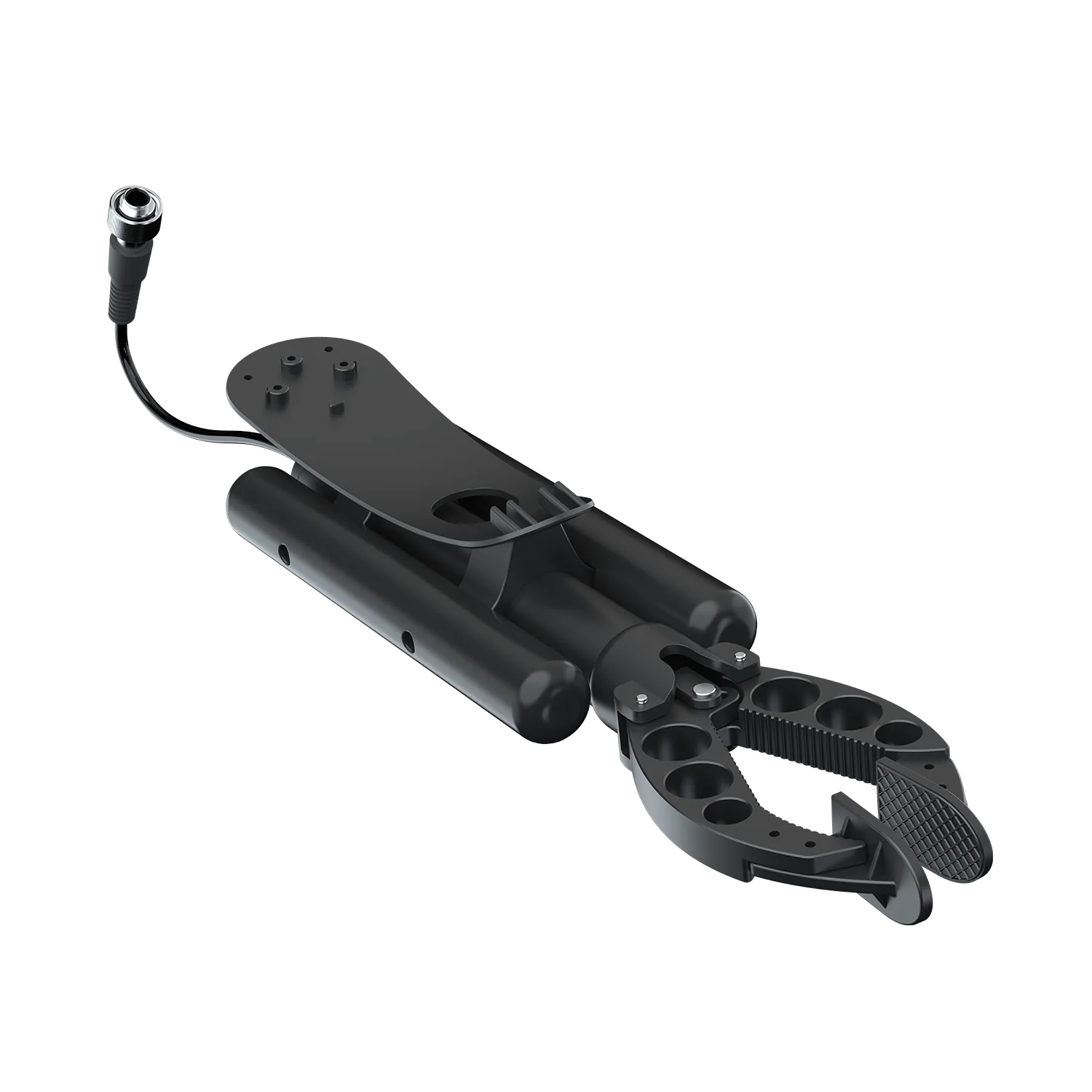
- 2-finger claw or gripper (for simple manipulation)
- Measurement tool (if you need proof for maintenance decisions)
Recommended Bundle
- Standard Measurement Pack: V6 EXPERT + Laser Scaler — for basic defect measurement and documentation.
3) Fishing & recovery (retrieve lost items)
FIFISH shortcut: For occasional nearshore retrieval, start with Light Recovery Pack. If you expect tougher water conditions or more frequent jobs, step up to the Standard Recovery Pack.
Prioritize
- Tooling (claw/hook/net)
- Tether management (recovery missions create messy paths)
- Control at low speed (fine positioning)
Avoid
- Assuming clear video is guaranteed—many recovery missions happen in poor visibility
Recommended add-ons
- Retrieval hook + net (often easier than a claw for soft/odd shapes)
- Claw/gripper for rigid objects
- Extra tether length if you work from shore or docks
Recommended Bundles
- Light Recovery Pack: V-EVO Arm Pack + Retrieval Hook — for lightweight retrieval, target grabbing, and assisted dragging tasks.
- Standard Recovery Pack: V6 EXPERT Arm Pack + Retrieval Hook — for recovery tasks that need more stability and a stronger all-round platform.
- Positioning-Assisted Recovery Pack: FIFISH E-GO Arm Pack + GNSS Locator + Retrieval Hook — for missions that benefit from surface positioning support, mission tracking, and POI marking.
- Extended Operation Recovery Pack: FIFISH E-GO Extended Operation Arm Pack + GNSS Locator + Retrieval Hook — for longer recovery workflows where field-operation continuity matters.
4) Confined spaces (tanks, narrow entries, culverts)
FIFISH shortcut: Confined spaces reward stable hover and a second viewing angle. For these scenarios, the Dual-View Inspection Pack is the most direct fit.
Prioritize
- Compact maneuvering + stable hover
- Reliable close-range lighting
- Collision awareness (you’ll be near walls constantly)
Avoid
- Overconfidence: confined spaces amplify risk. Plan your tether path and exit route.
Recommended add-ons
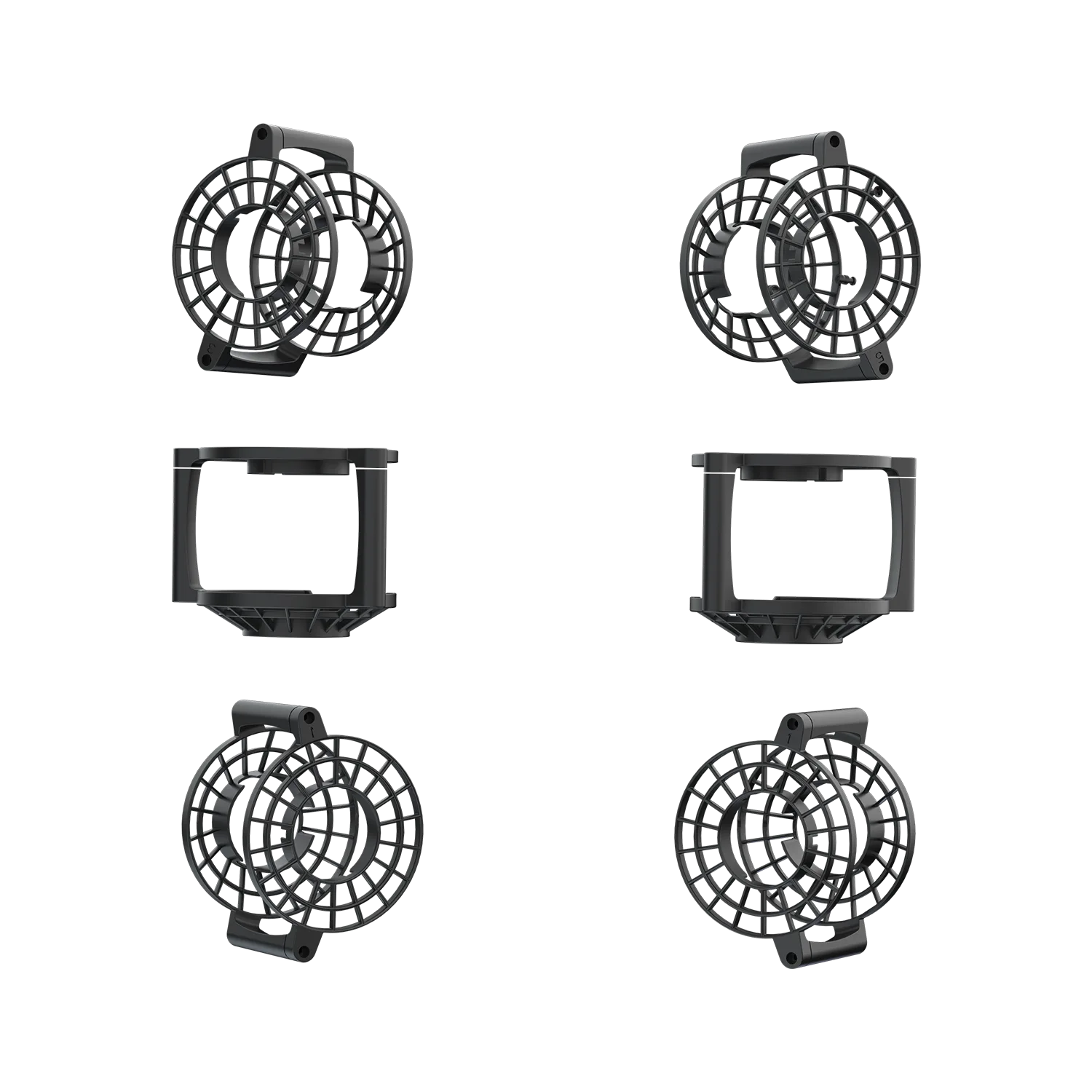
- Prop guards (if available)
- Short, disciplined tether management routine
- A second person to manage tether on higher-risk jobs
Recommended Bundles
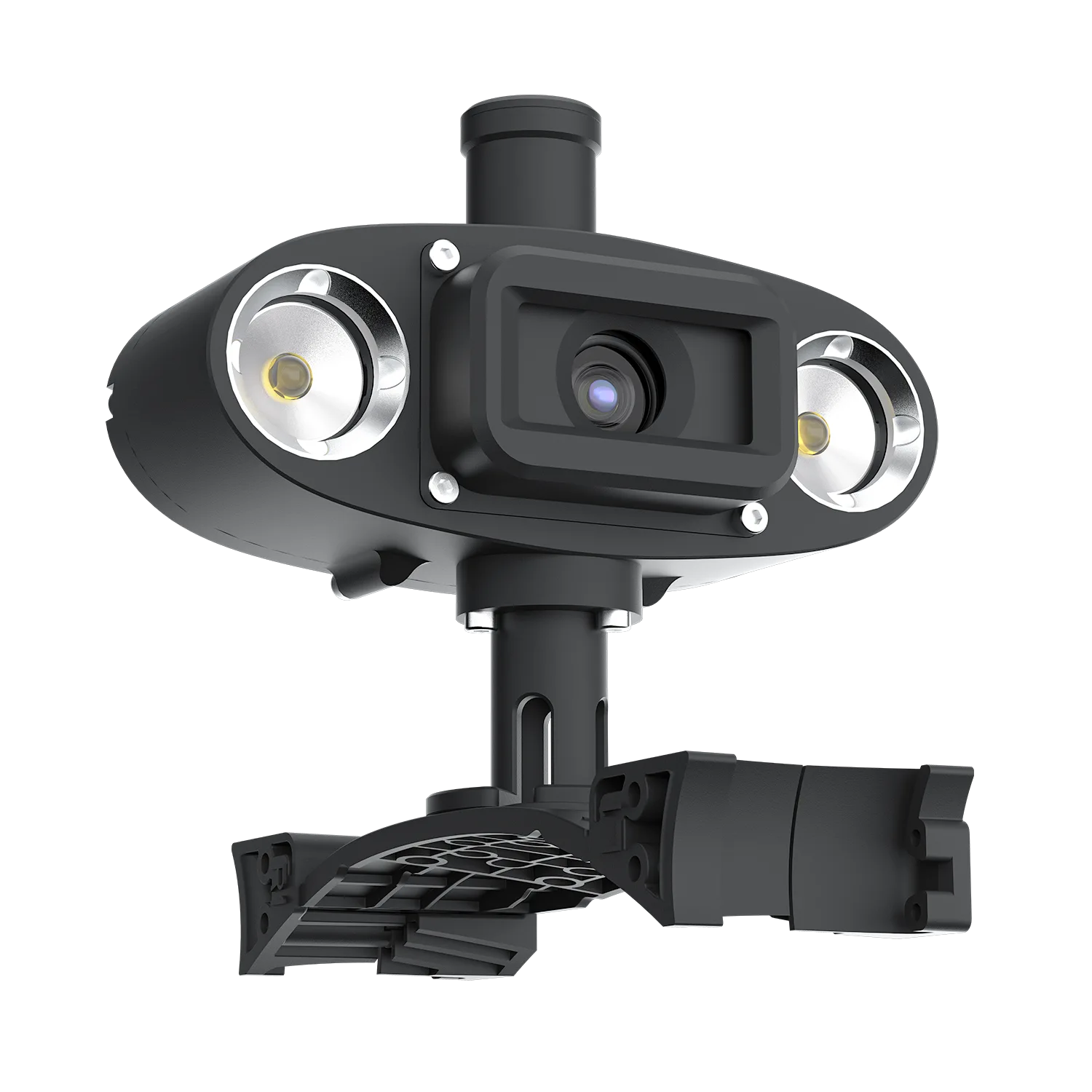
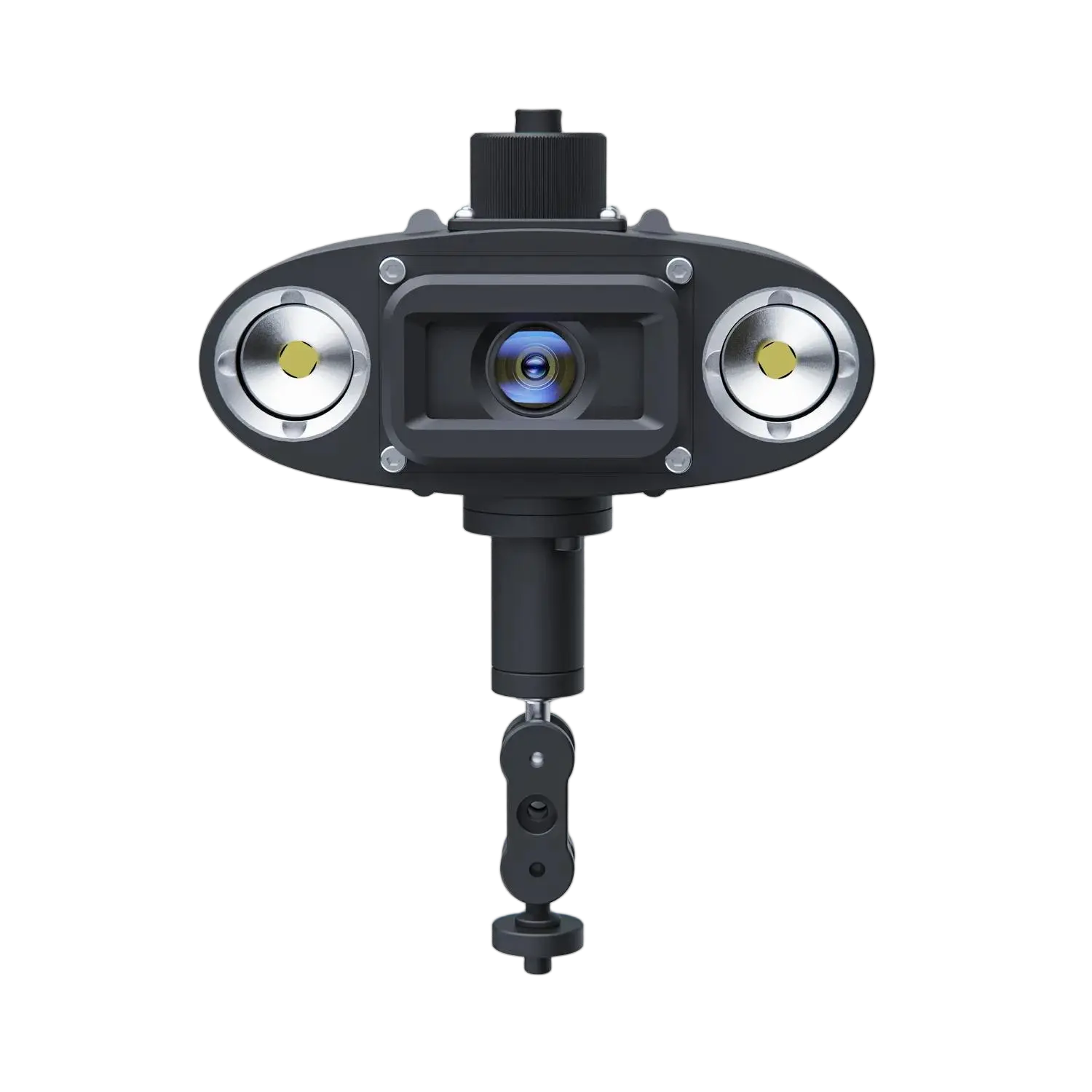
- Dual-View Inspection Pack: V6 EXPERT + Q-Camera — for confined spaces or narrow areas where an additional viewing angle can reduce blind spots.
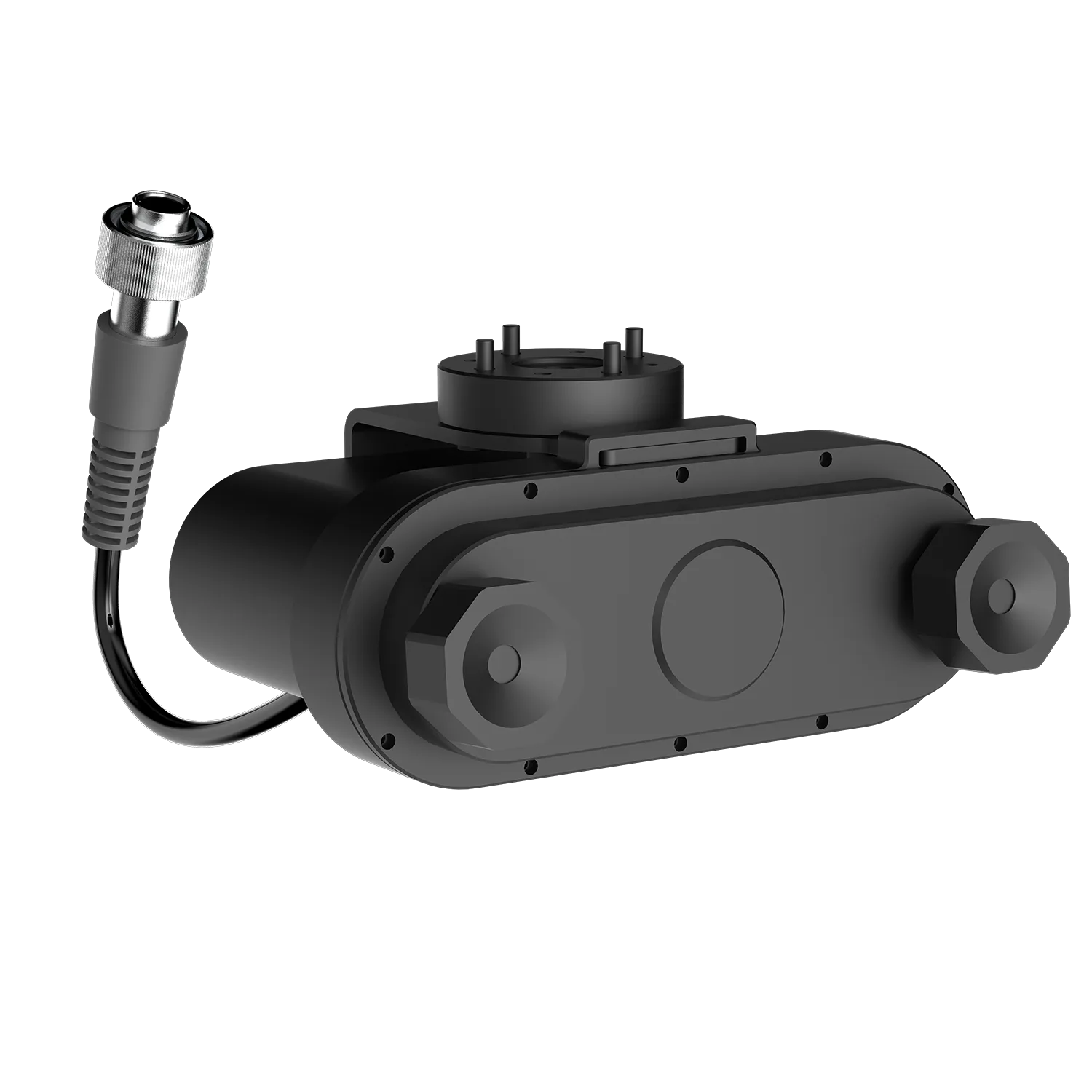
- Omni-Precision Inspection Kit: FIFISH E-GO + Omnidirectional Q-Camera + Laser Scaler — for massive structures like dams, where simultaneous 360-degree visibility and exact measurements eliminate the struggle to constantly reposition the drone.
5) Low-visibility search (murky water/night)
FIFISH shortcut: In low visibility, success usually depends more on stability + search discipline than on a higher-resolution camera. Start with V6 EXPERT for stronger stability, then add recovery tools as needed.
Prioritize
- Work close: visibility is typically short-range
- Navigation aids that reduce “getting lost”
- Stability so you can keep a consistent search pattern
Reality check
- In truly murky water, video may show almost nothing beyond a short distance. Plan missions around structured search patterns, short working distance, and tools that help you verify targets.
Recommended add-ons
- Retrieval tools (hook/claw)
- Sonar or navigation/positioning aids (if your model supports them)
6) Simple measurement & documentation
FIFISH shortcut: If you need proof, not just video, start with the Standard Measurement Pack. If you need broader awareness plus measurement, step up to the Omni-Precision Inspection Kit.
Prioritize
- Consistent capture (steady paths and stable hover)
- Measurement tools (laser scaler or equivalent)
- Reliable media capture (storage workflow)
Recommended add-ons
- Laser scaler/measurement accessory
- A checklist for consistent capture (same distance/angle each time)
Recommended Bundles
- Standard Measurement Pack: V6 EXPERT + Laser Scaler — for basic defect measurement and documentation.
- Omni-Precision Inspection Kit: FIFISH E-GO + Omnidirectional Q-Camera + Laser Scaler — for massive structures like dams, where simultaneous 360-degree visibility and exact measurements eliminate the struggle to constantly reposition the drone.
7) Aquatic Monitoring & Conservation
FIFISH shortcut: For traceable water sampling workflows and broader environmental monitoring, explore the application-first bundles below.
Prioritize
- Payload stability (ability to handle the extra drag of samplers in moving water)
- Mission traceability (knowing exactly where and at what depth a sample was taken)
- Precise depth holding (essential for accurate water column profiling)
Avoid
- Underestimating the drag: a full 500mL water sampler significantly changes how the drone handles in currents.
Recommended add-ons
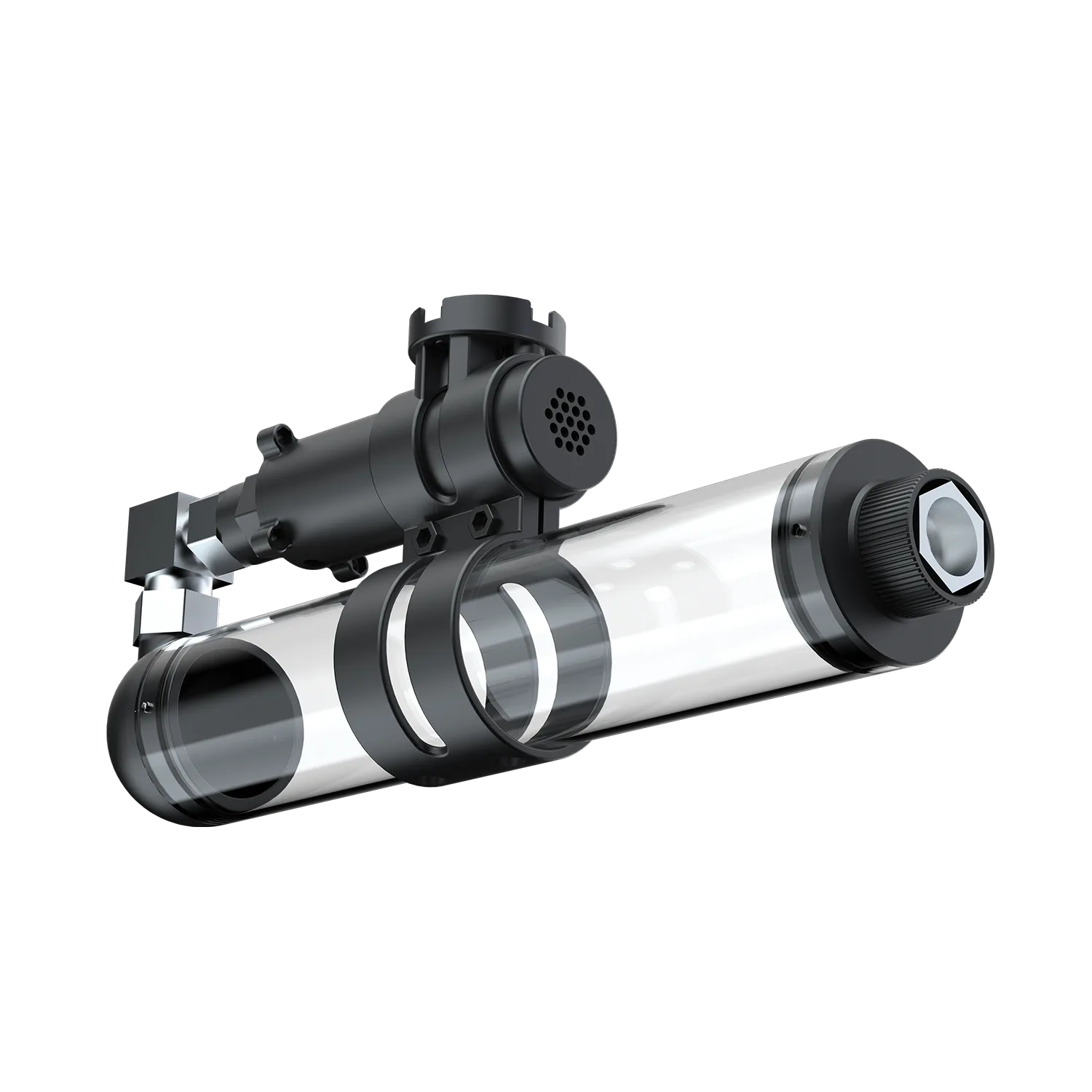
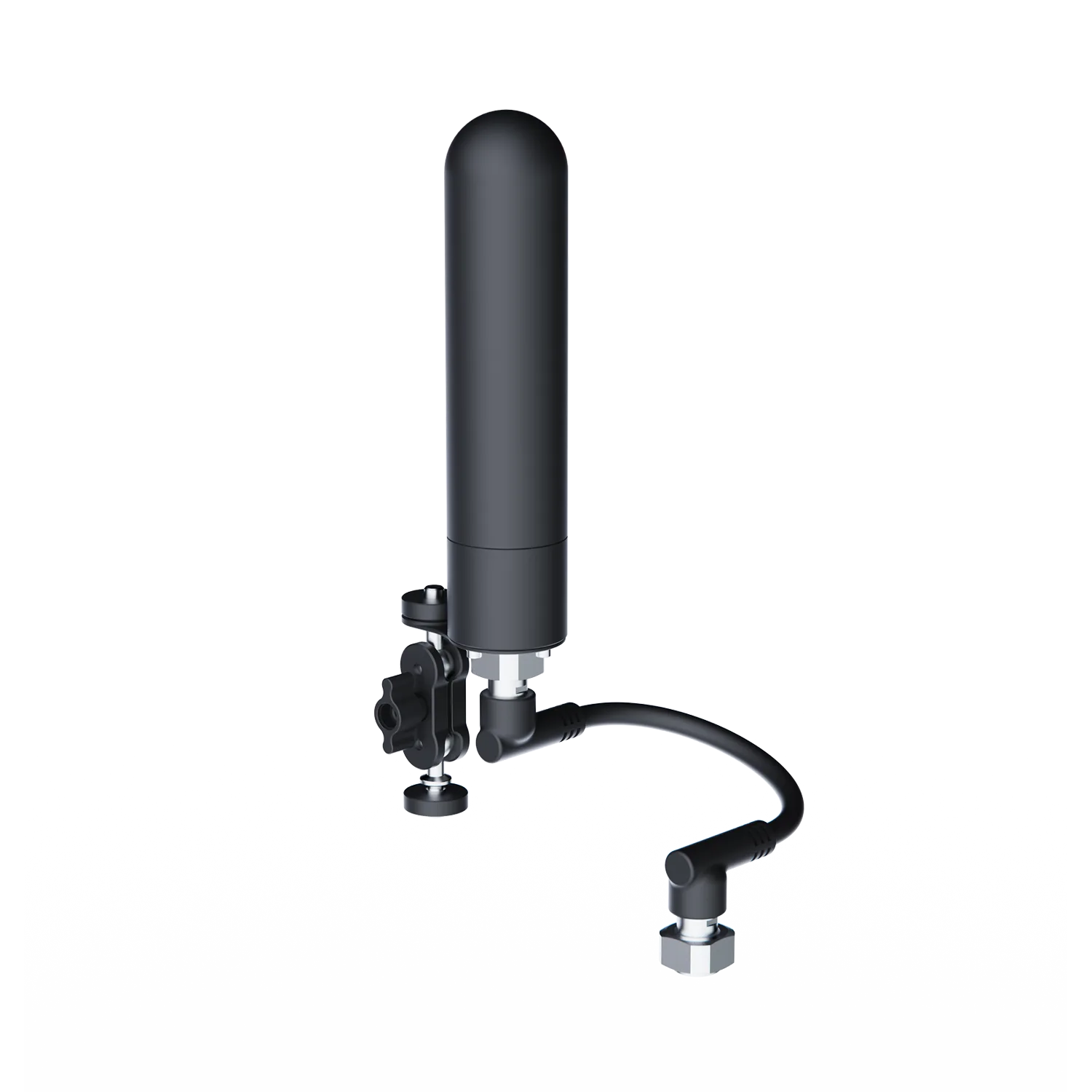
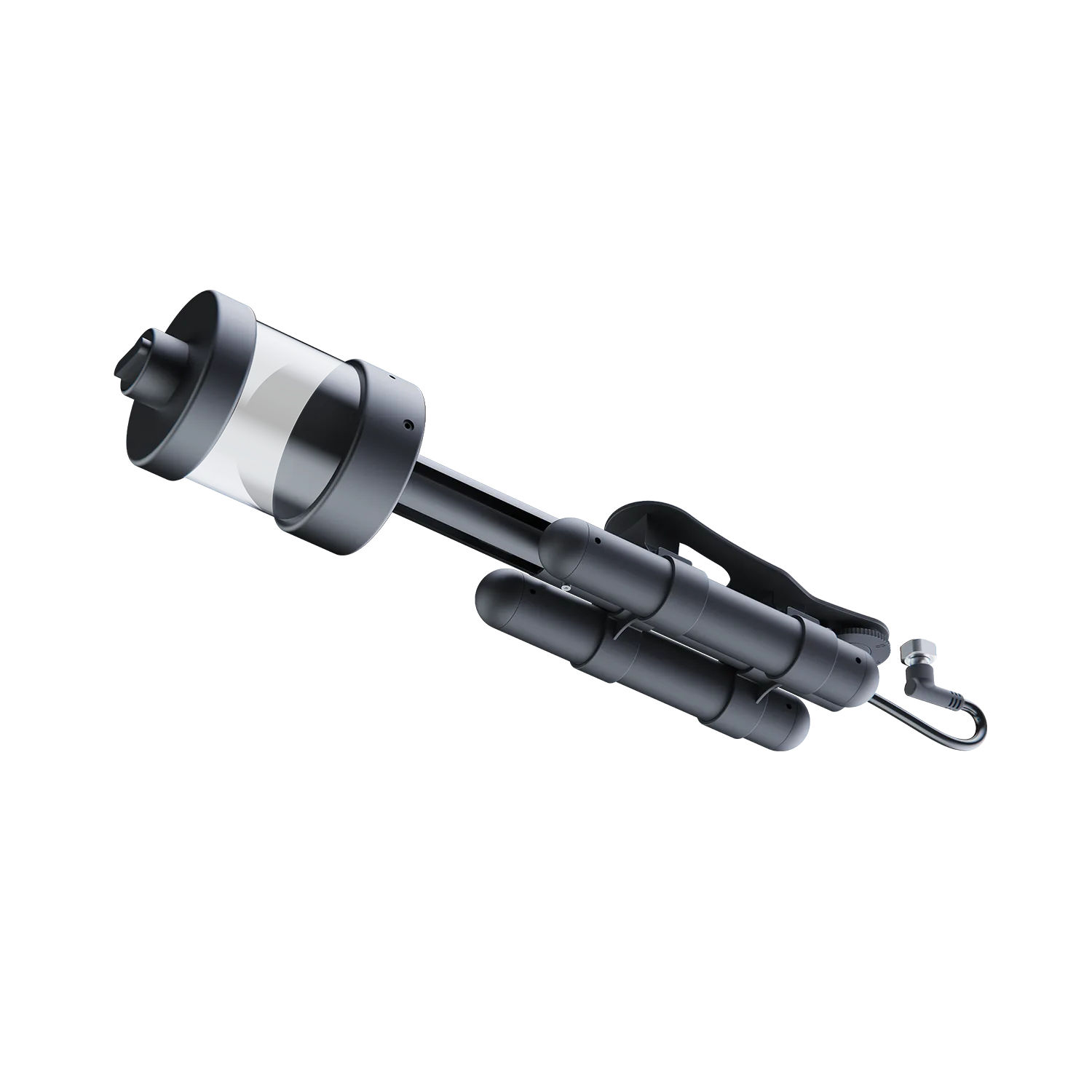
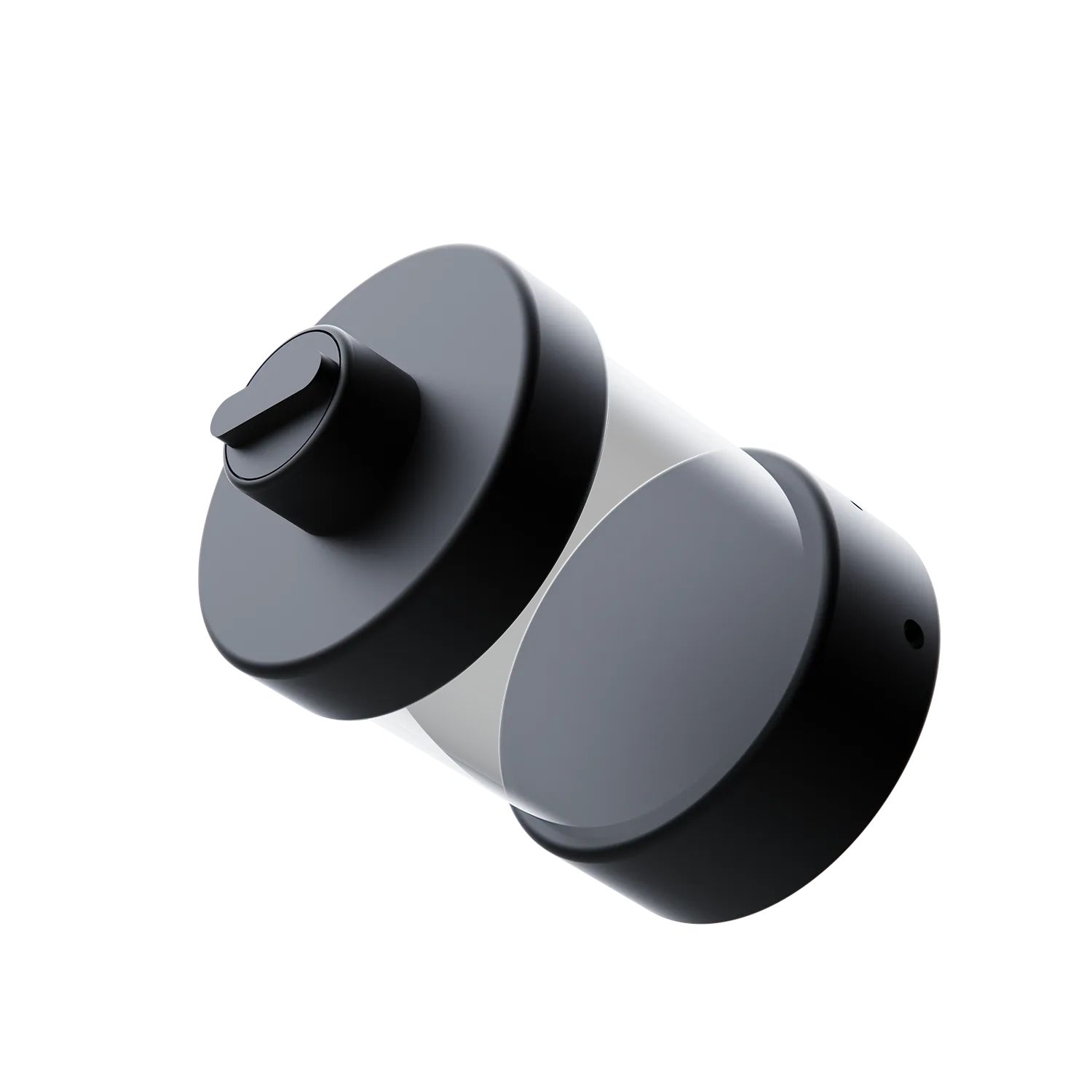
- Water sampler (e.g., 500mL capacity)
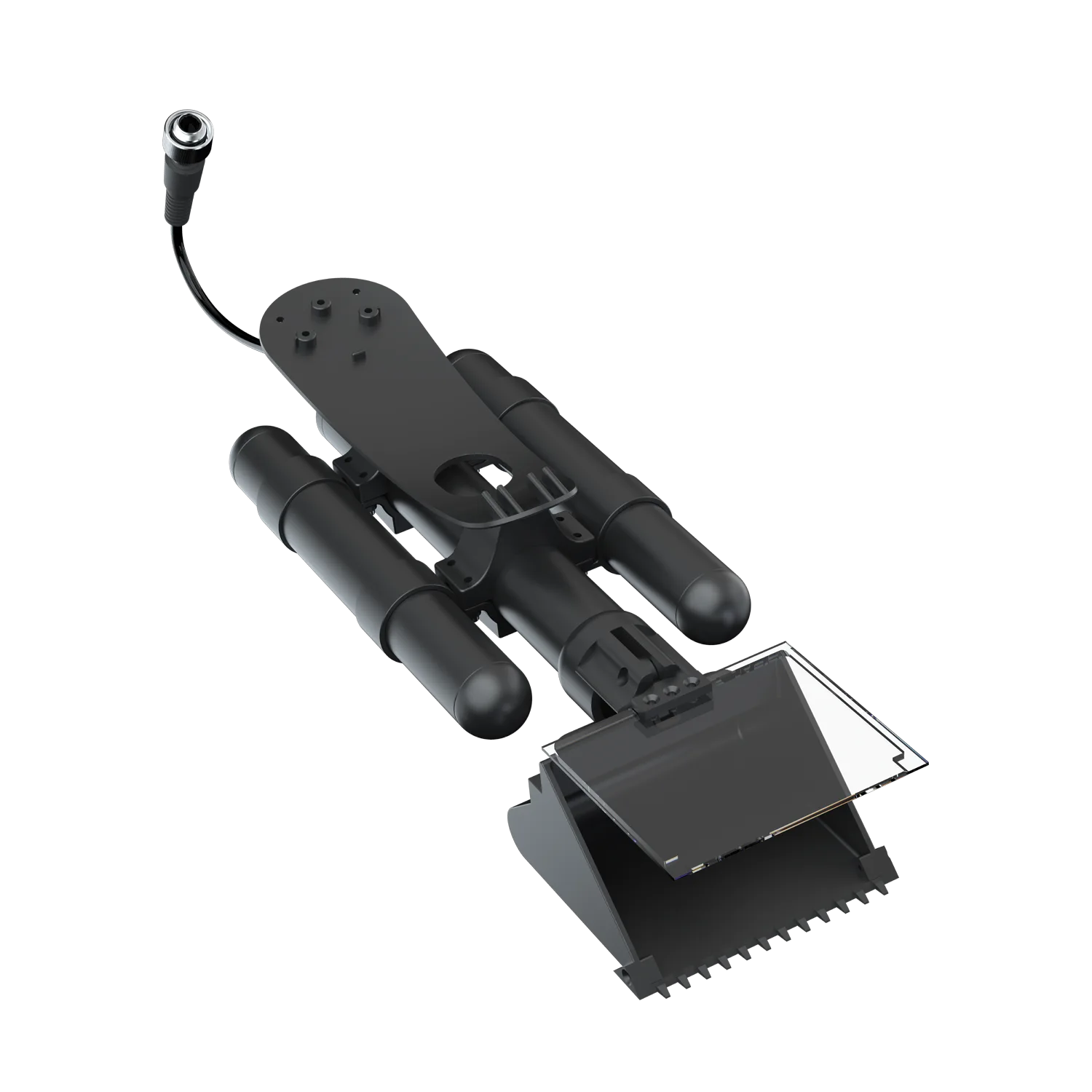
- Mud/sediment sampler
- Surface positioning aid (for logging POIs and sample locations)
Recommended Bundles
- Basic Water Sampling Pack: V6 EXPERT + 500mL Water Sampler — for basic deep-water sampling with extended operating range.
- FIFISH E-GO Positioning-Assisted Water Sampling Pack: FIFISH E-GO + GNSS Locator + 500mL Water Sampler — for more traceable sampling workflows using POI and mission records.
- FIFISH E-GO Environmental Sampling Pack: FIFISH E-GO + GNSS Locator + 500mL Quick-Swap Water Sampler + Underwater Mud Sampler — for broader environmental sampling workflows that combine water and sediment sampling.
Important hardware notes:
- GNSS Locator supports surface positioning, mission tracking, and POI marking — it is not underwater GPS.
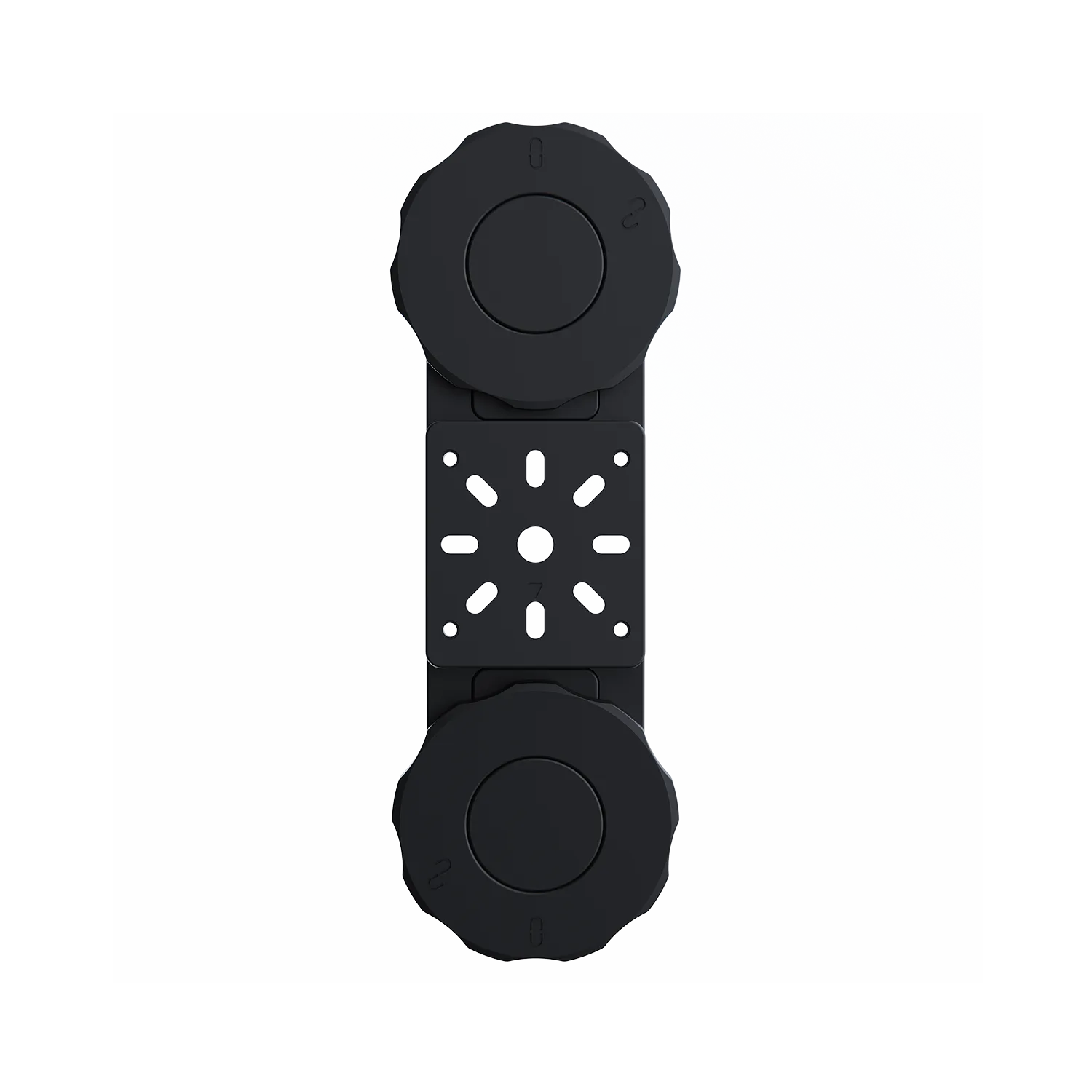
- Retrieval Hook is a recovery aid that must be paired with a robotic arm. Arm Packs already include the arm.
How to choose your “capability tier” (Entry → Prosumer → Pro)
You can think in tiers—this helps you avoid paying for features you won’t use.
Entry (occasional exploration)
Choose this if you:
- want to film on trips a few times per year
- dive in mostly calm, clear water
- want a simple setup
What matters: ease of use, stable video, and practical runtime.
Prosumer (serious hobby + light work)
Choose this if you:
- film regularly or do DIY inspections
- need better stability in mixed conditions
- want accessory flexibility (claw/hook/measurement)
What matters: stability, tooling, serviceability, workflow.
Pro (frequent inspection/operations)
Choose this if you:
- do recurring inspection tasks
- work in low visibility or tighter operational constraints
- need consistent deliverables and reduced pilot workload
What matters: reliability, navigation aids, repeatability, and service.
Accessory checklist (what to buy with the drone)
Most “bad experiences” come from missing accessories rather than the drone itself.
Must-haves for most people
- Spare battery (or a charging plan)
- Basic retrieval tool (hook or simple claw)
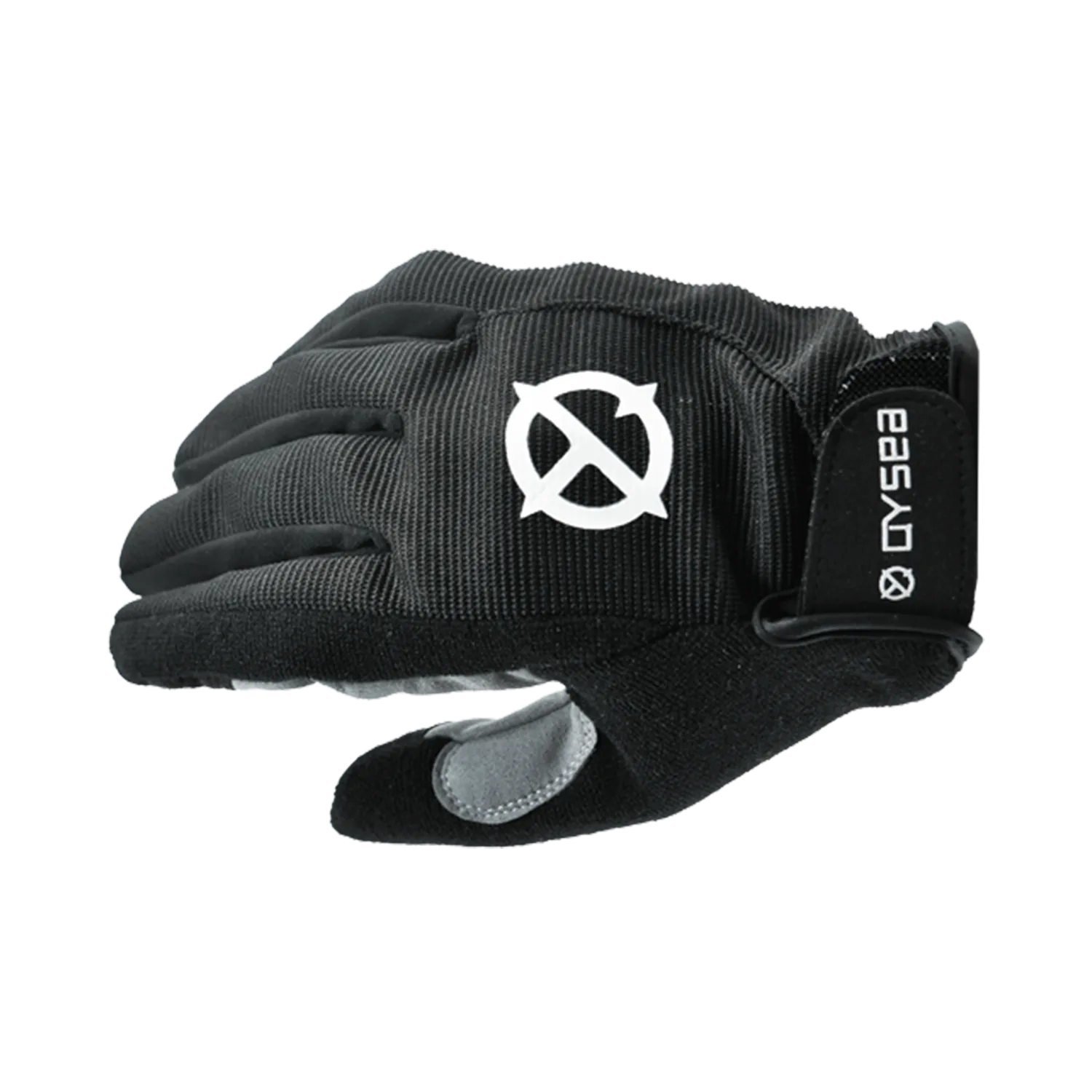
- Tether management (gloves)
Mission-based add-ons
- Hull/structure inspection: measurement tool (laser scaler), retrieval hook
- Recovery: claw + hook + net
- Confined spaces: prop guards, tether assistant
- Low visibility: sonar/navigation aids, if supported
Ownership cost and maintenance (don’t skip this)
A good buying decision includes what happens after checkout.
Expect to maintain
- Rinse after saltwater use
- Dry and store properly
- Inspect the tether condition regularly
Plan for spares
- Props/guards (if your model uses them)
- Seals and wear items
- Battery lifecycle and replacement availability
Service & support reality
If you use your drone regularly, choose a model and seller channel where:
- parts are available
- repairs are practical
- support response is reliable
FAQ (quick answers)
Are underwater drones hard to fly?
Most modern ROVs are learnable in a single session. The steep part is not the joystick—it’s learning tether discipline and how water conditions change the scene.
Why do most ROVs use a tether?
Because it’s the most reliable way to carry control and high-quality video underwater.
Is more light always better?
No. In murky water, more light can create more backscatter. Better technique is often: get closer, angle your lights, move slowly.
How much depth do I actually need?
Most consumer use happens shallow. Choose depth rating based on your real environment with a margin, not the maximum you can imagine.
What matters more than 4K?
Stability, sensor behavior in low light, and bitrate often show up more clearly than raw resolution.
Do I need a claw?
If you ever plan recovery, light work, or inspections, yes—tools turn “cool video” into “completed task.”
Can I use an underwater drone for boat hull inspection instead of hiring a diver?
For many visual checks and routine monitoring, an ROV can reduce human risk. For complex tasks, divers may still be needed.
What’s the biggest beginner mistake?
Poor tether management. The second biggest is expecting clear video in murky water.
Ready to pick a setup?
If you want the fastest route:
- Choose your mission section above.
- Use the matrix to confirm the top 3 priorities.
- Pick a capability tier.
- Add the mission accessories checklist.
Ready? Explore QYSEA’s underwater drone lineup and “shop by mission”bundles for filming, inspection, and recovery.


Leave a comment
This site is protected by hCaptcha and the hCaptcha Privacy Policy and Terms of Service apply.