

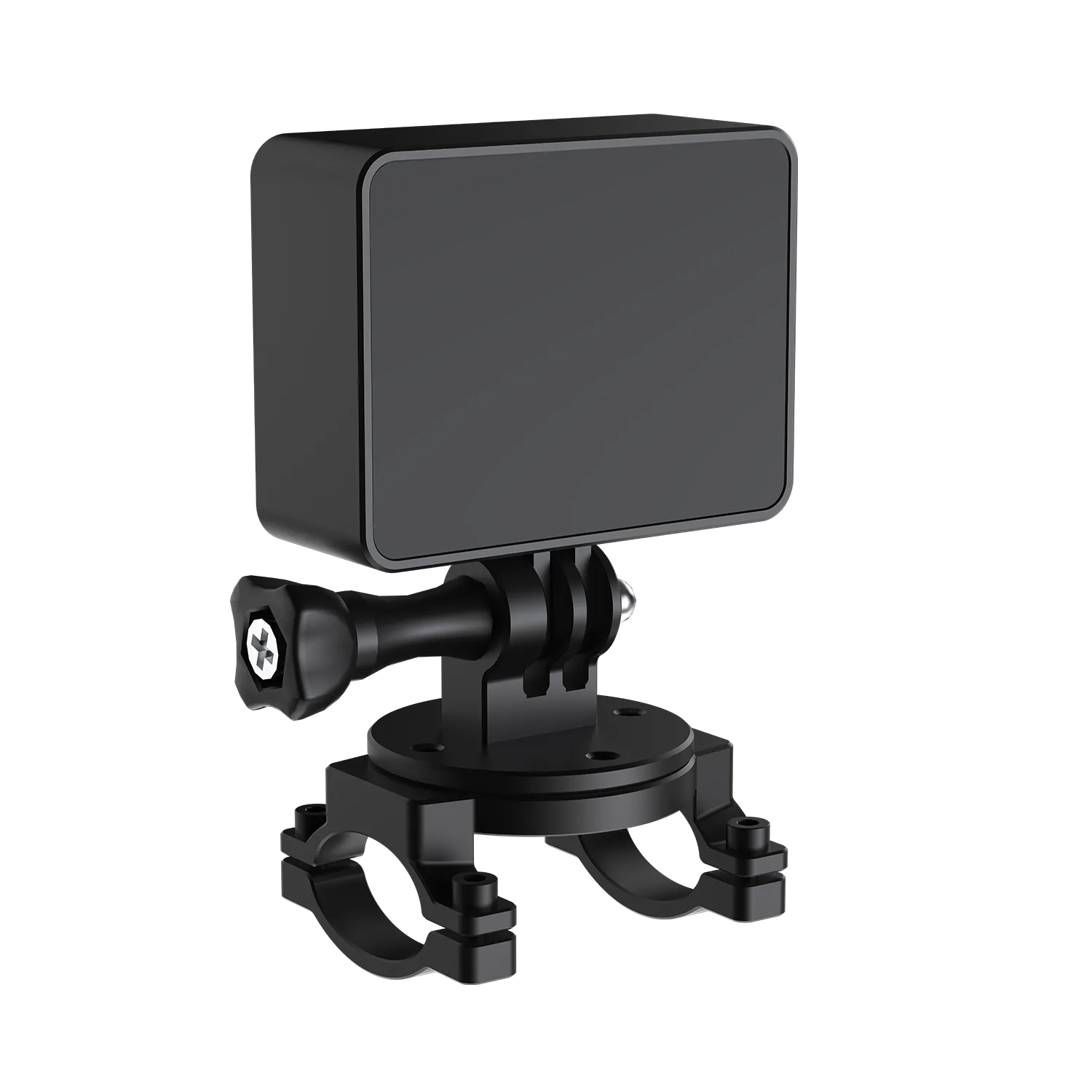
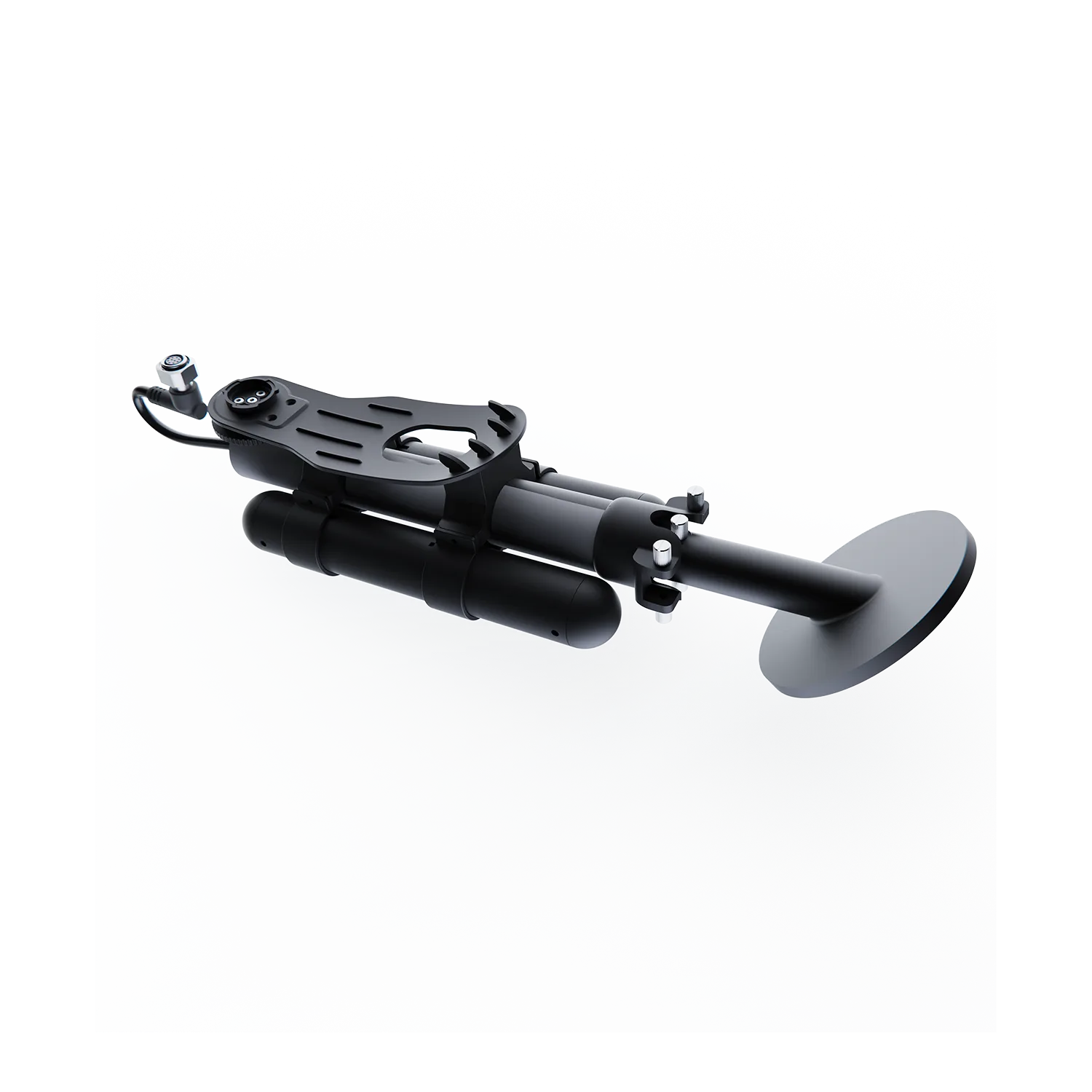
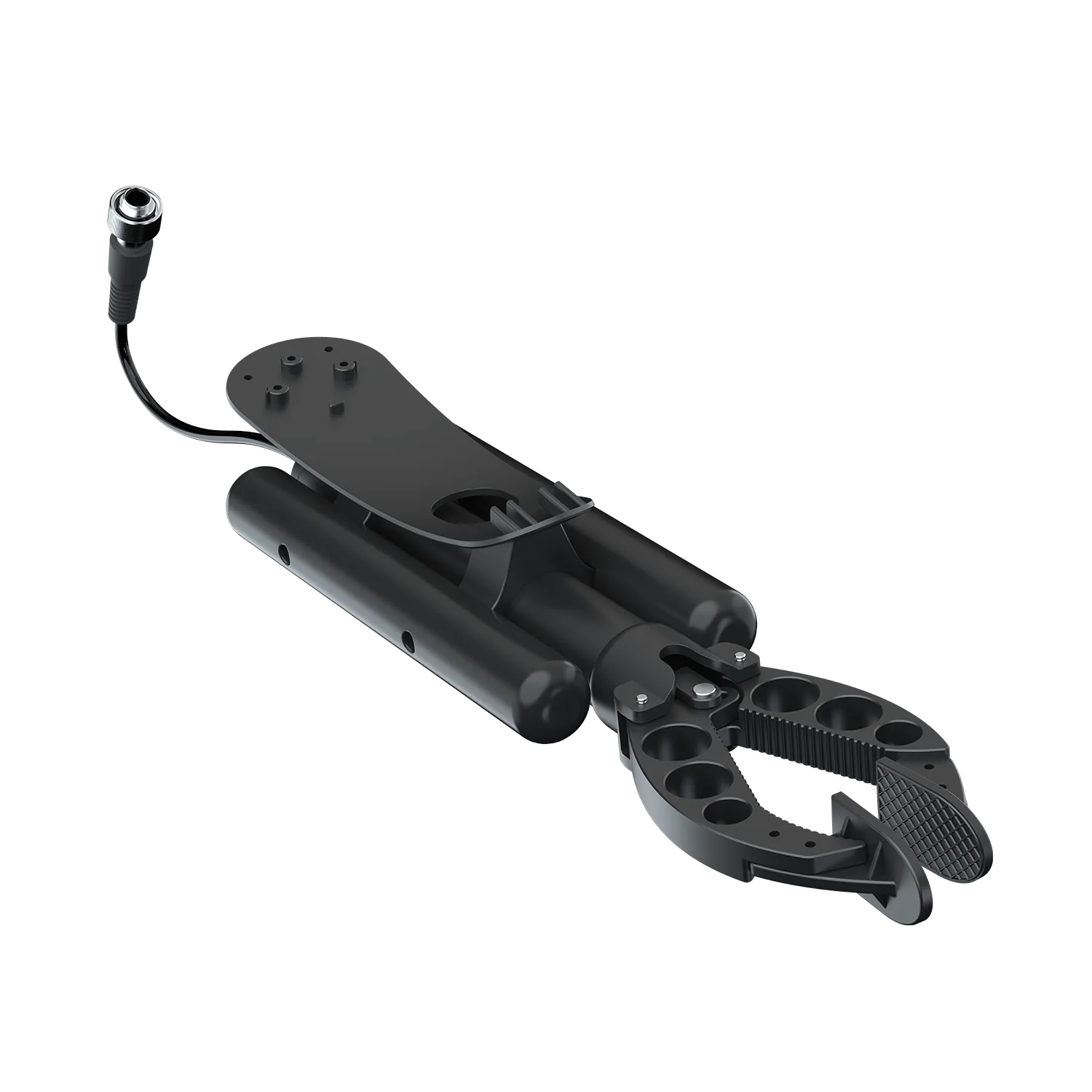
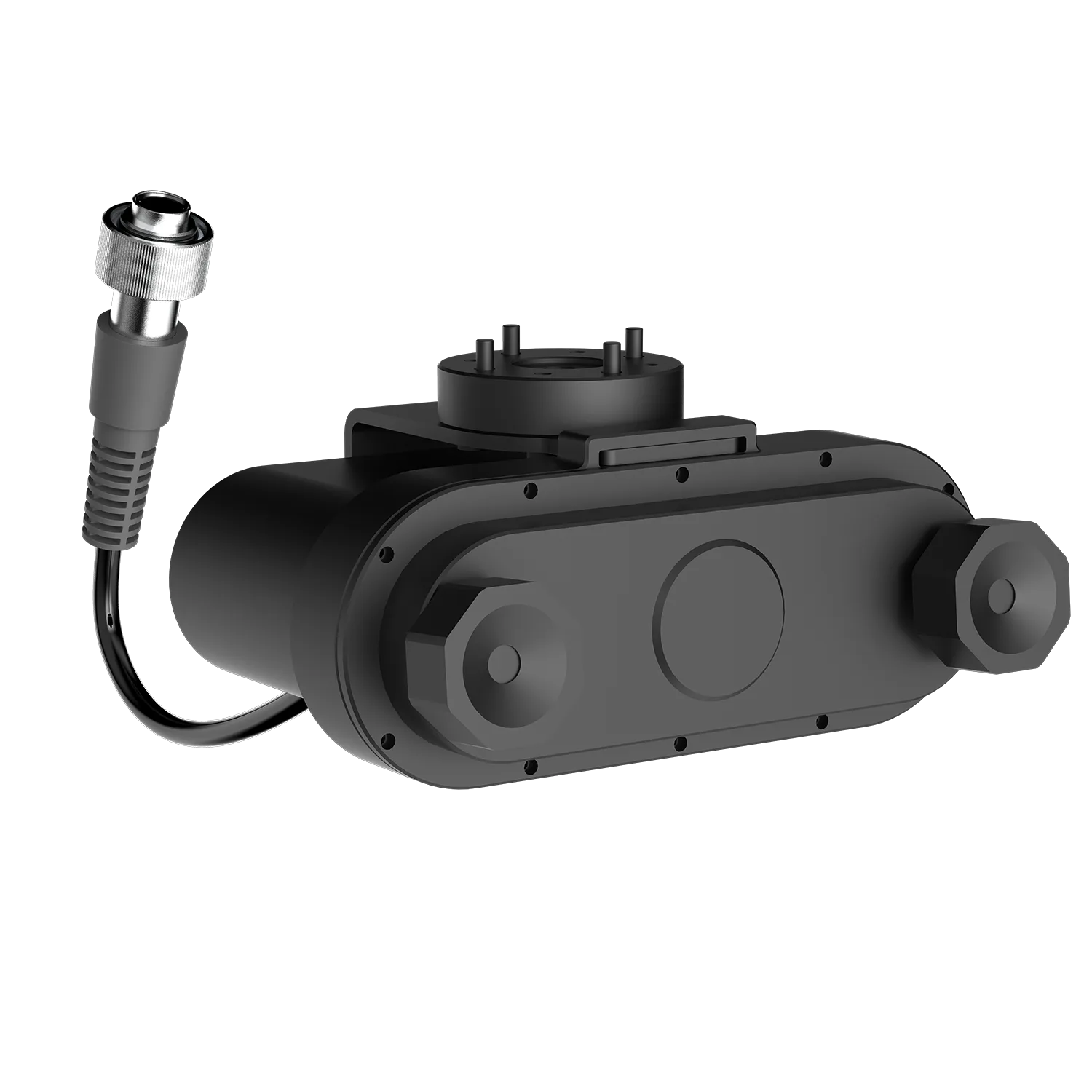
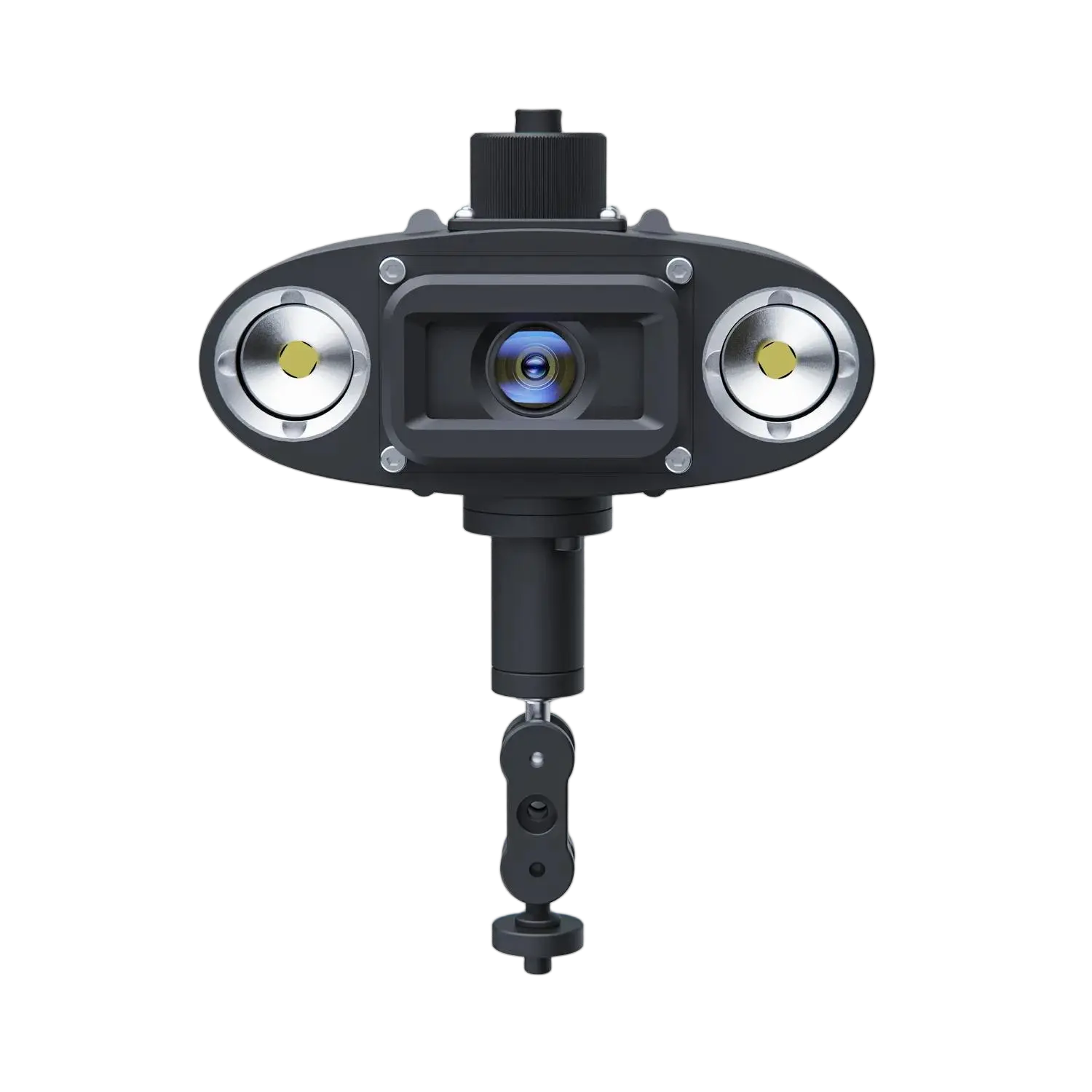


Omnidirectional Q-Camera Support
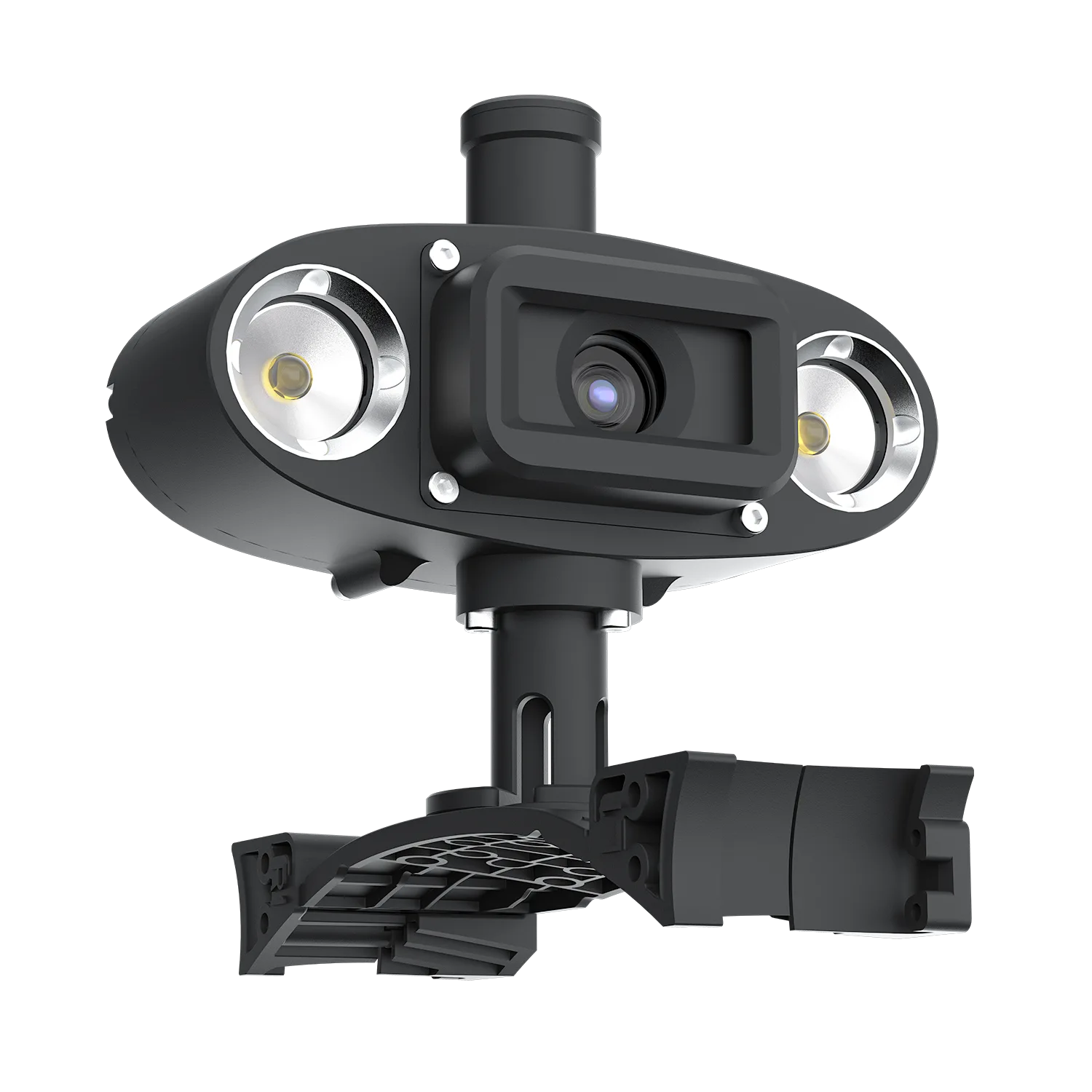
Find operation guides, app downloads, troubleshooting, and FAQs for Omnidirectional Q-Camera | 360° Inspection Camera.
Contact Us
Request User Manual
Please fill out the form to receive the user manual or operational guides of the FIFISH ROV accessories.

Download the QYSEA APP for iOS or Android to access product connectivity and APP-based functions. Choose the version that matches your device.
*APK is available for Android devices without Google Play access.


Frequently Asked Questions
Have questions about our underwater ROVs or your order? We’re here to help!

We are always here to help. Please feel free to contact us if you need assistance.Average response time: Within 24 hours.
How do I adjust the Omnidirectional Q-Camera's angle?
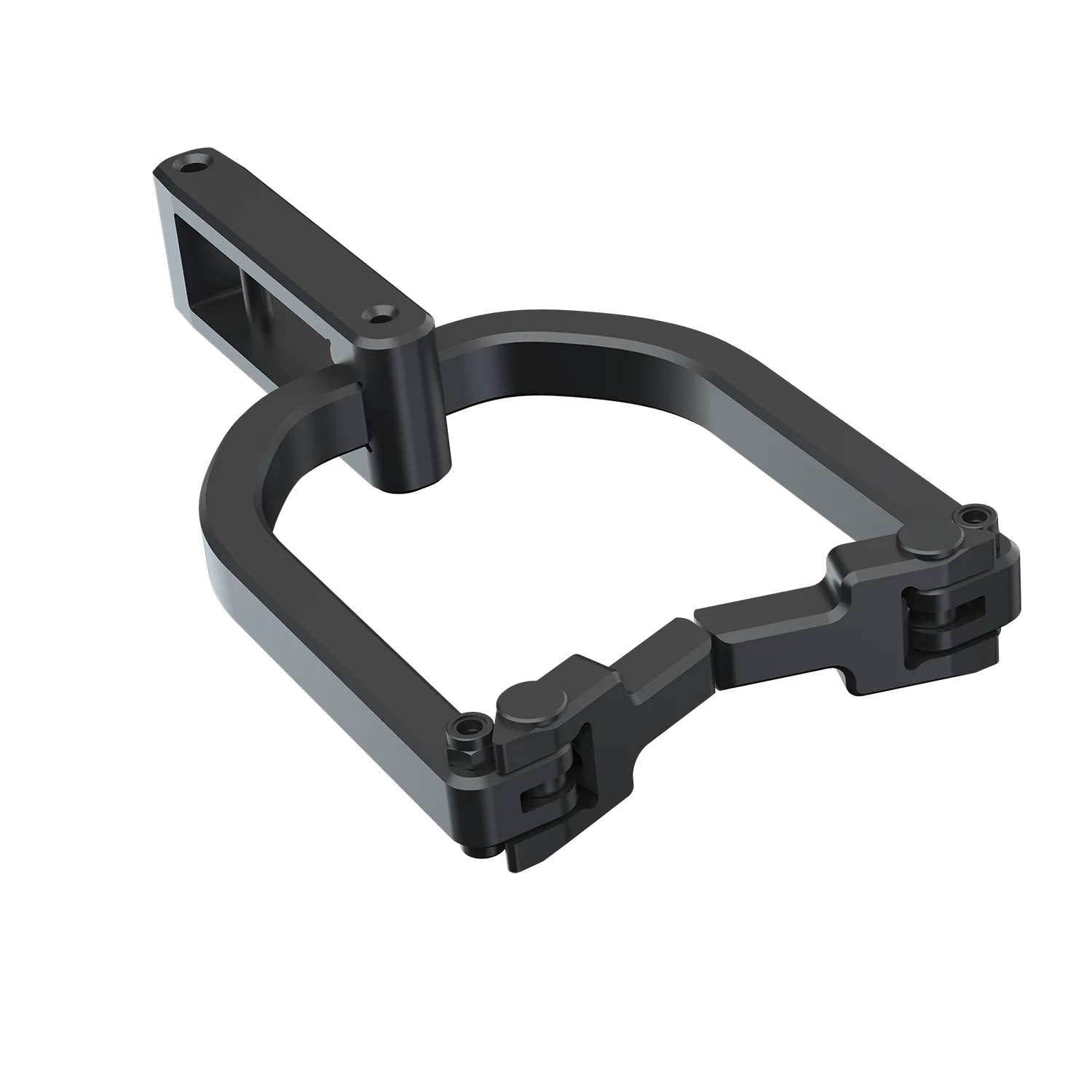
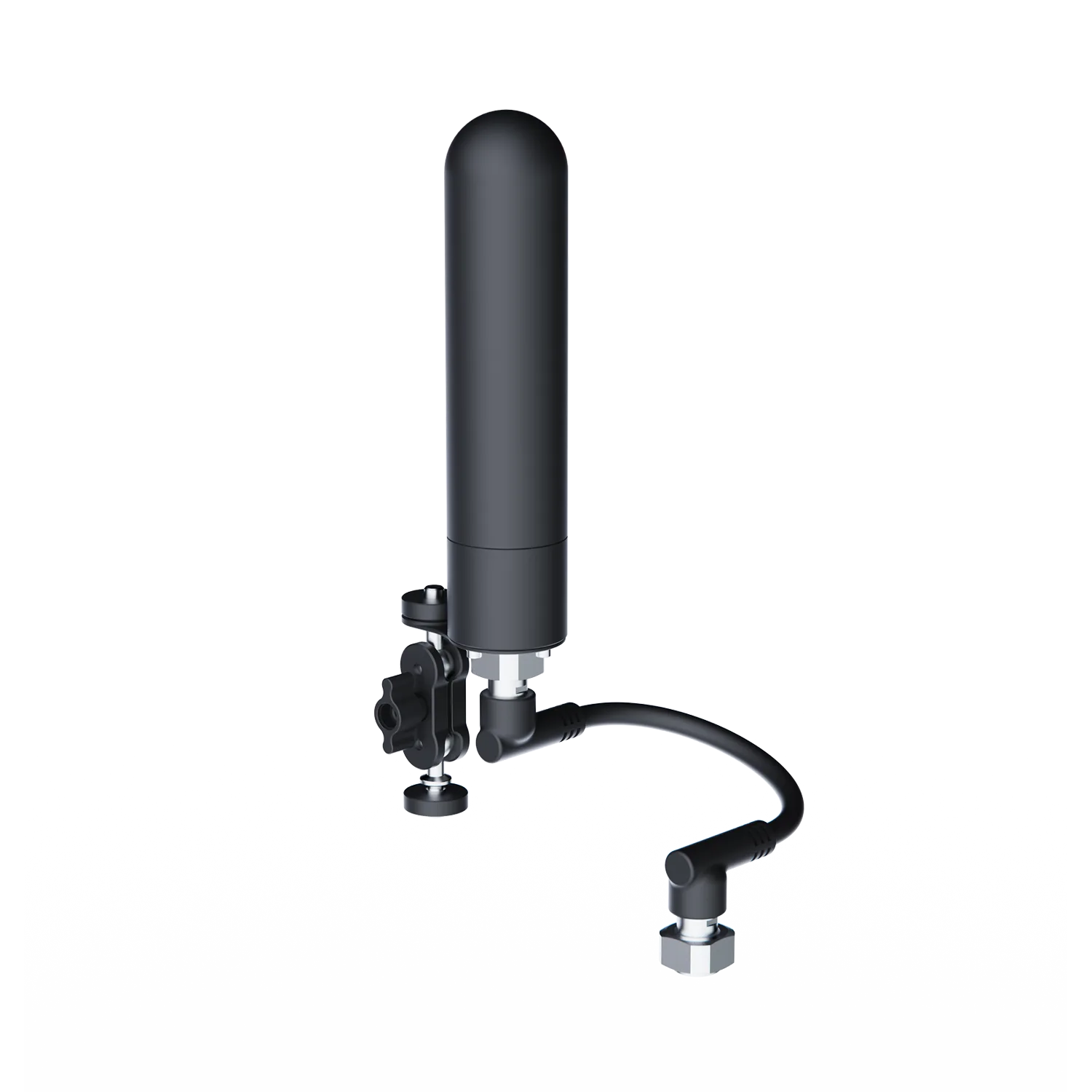
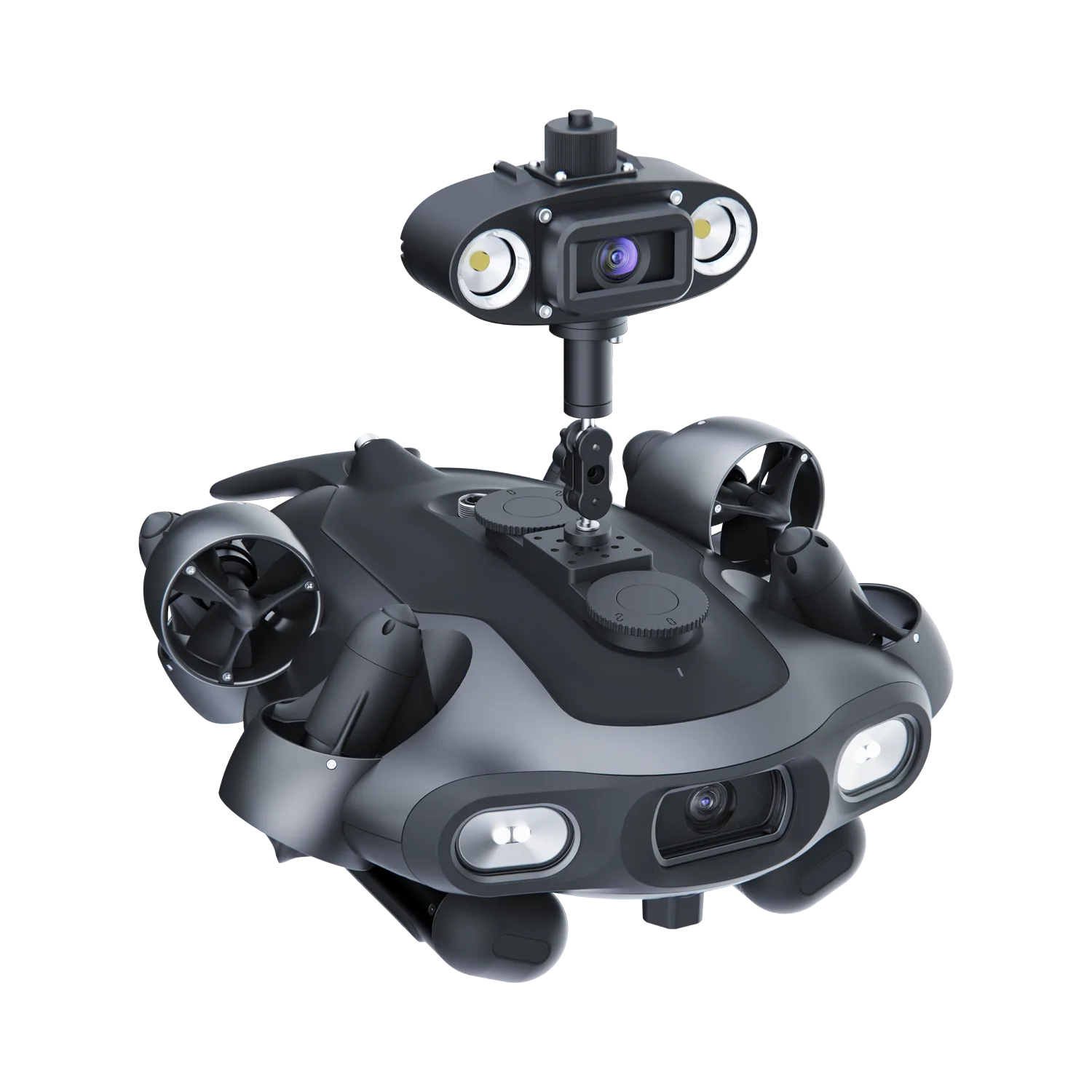
The camera angle must be manually adjusted prior to deployment. The Q-Camera features a physical tilt axis that allows you to set the desired pitch.
Can I adjust the angle of the Omnidirectional Q-Camera underwater?
The Omnidirectional Q-Camera angle must be manually set and secured on land before deployment. It does not support real-time remote physical tilting or rotation while submerged.
To change your viewing perspective or capture different angles during a dive, you can utilize the ROV’s 360° omni-directional maneuverability to tilt, pitch, or rotate the entire vehicle.
Can I view the live feed from both the main camera and the Omnidirectional Q-Camera simultaneously?
Yes, the FIFISH App supports a dual-video live stream. You can monitor the real-time feed from the ROV’s main camera and the Omnidirectional Q-Camera at the same time for comprehensive visual coverage.
How do I format the storage/content?
Connect the Omnidirectional Q-Camera to the ROV and power on the system.
In the FIFISH App, enter the Settings menu and select the Camera Option.
Find the SD Card/Storage section and select Format.
Reminder: This will erase all data, so please back up your videos and photos first.
What are the daily maintenance requirements?
Rinse After Use: Always rinse the Q-Camera with fresh water after every dive to prevent salt and sand from building up in the manual tilt joints.
Connector Care: Keep the Q-Interface pins clean and dry. Always reinstall the waterproof protective caps when the accessory is not in use.
Manual Joint Check: Periodically check that the manual tilt mechanism moves smoothly and is not obstructed by debris.
Storage: Store in a cool, dry place and avoid placing heavy objects on the camera head.
We are always here to help. Please feel free to contact us if you need assistance.Average response time: Within 24 hours.