



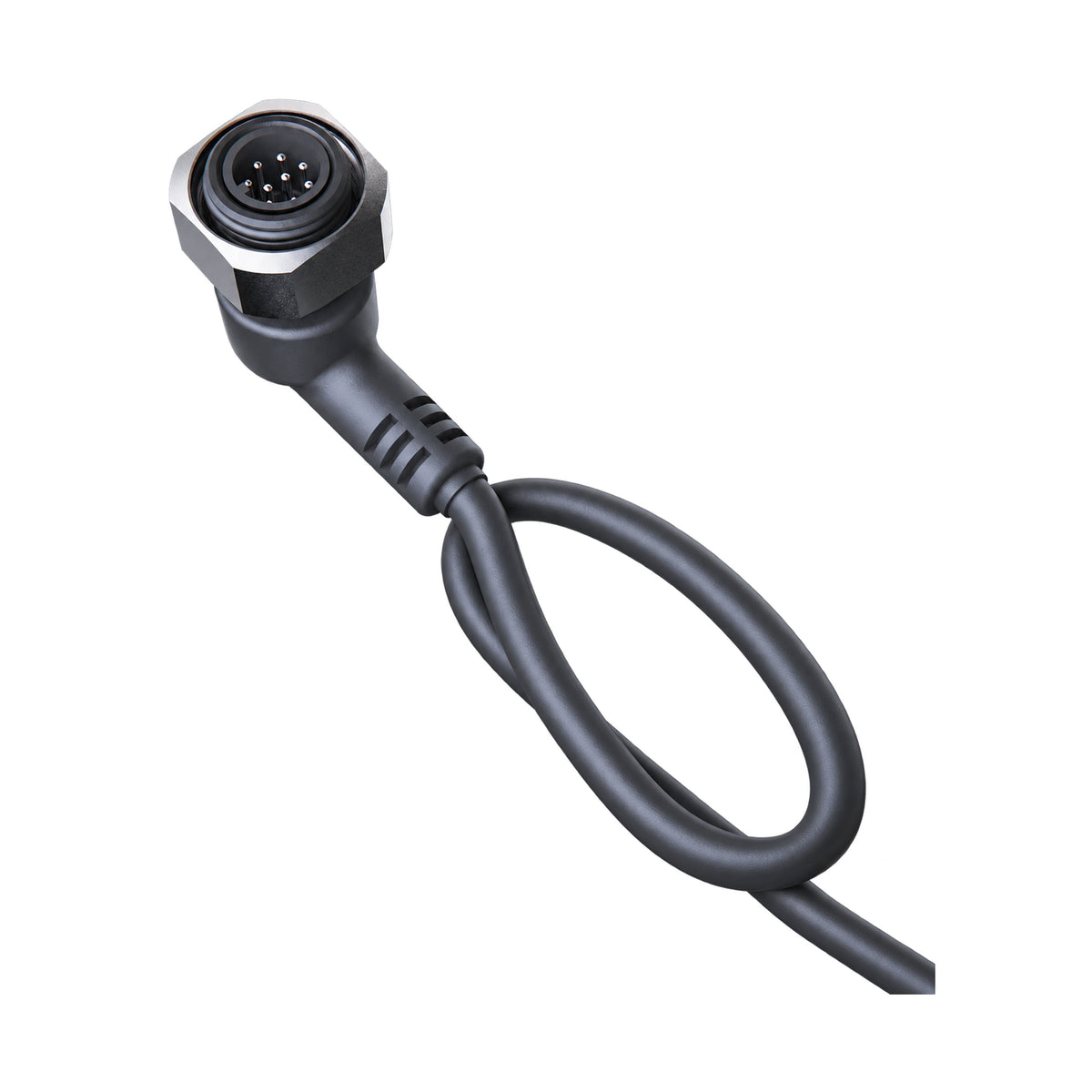
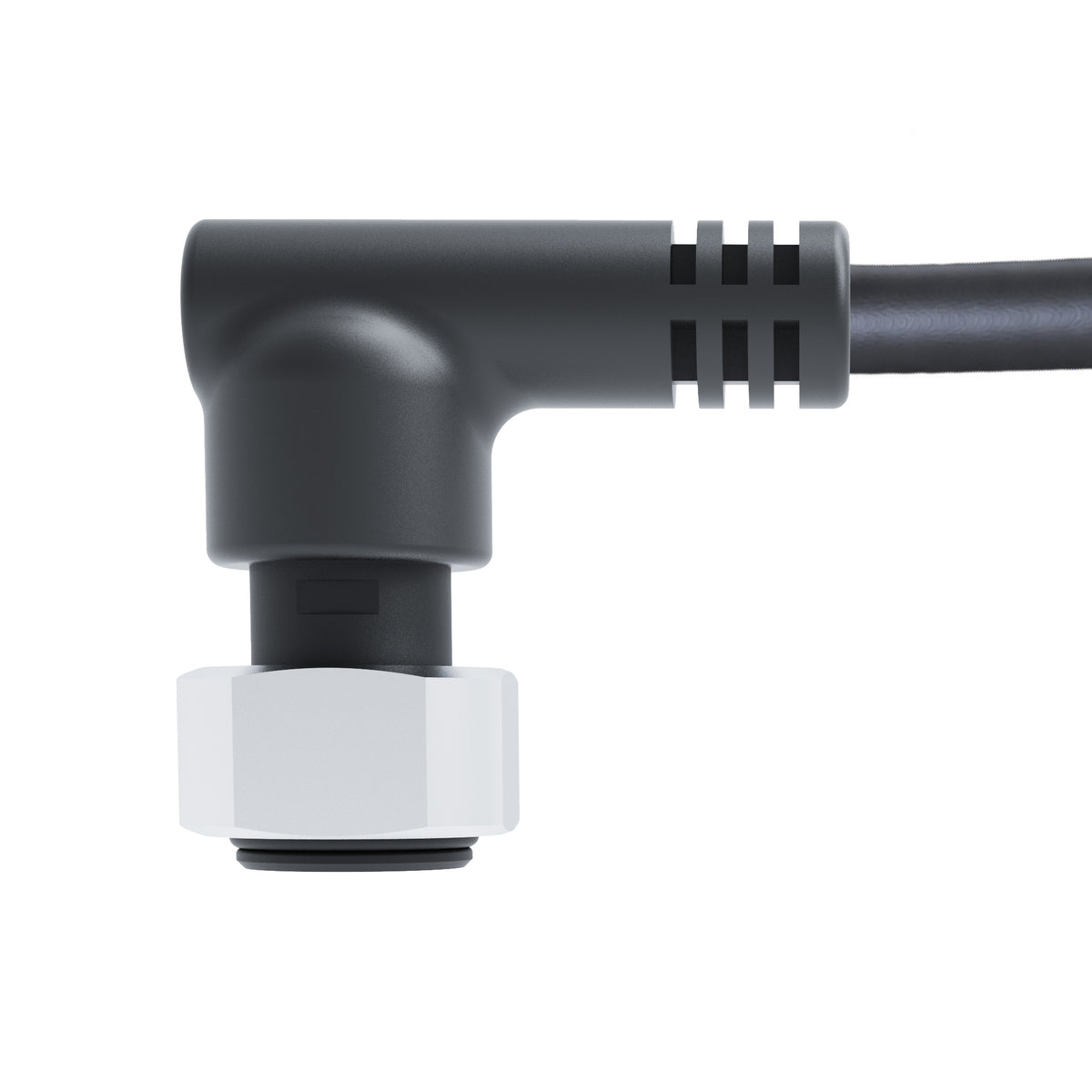
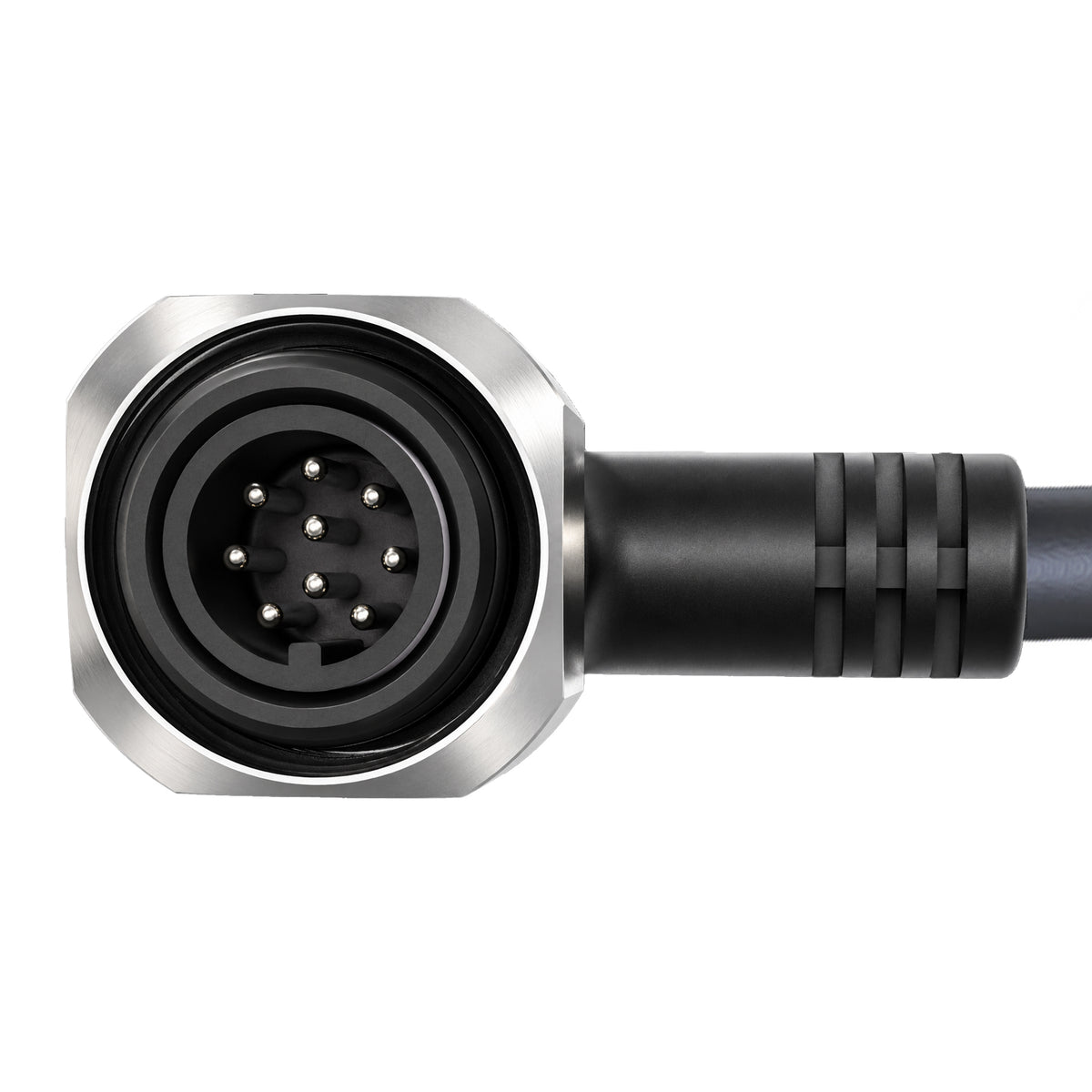
Q-IF Development Cable for FIFISH E-GO Developer ROV
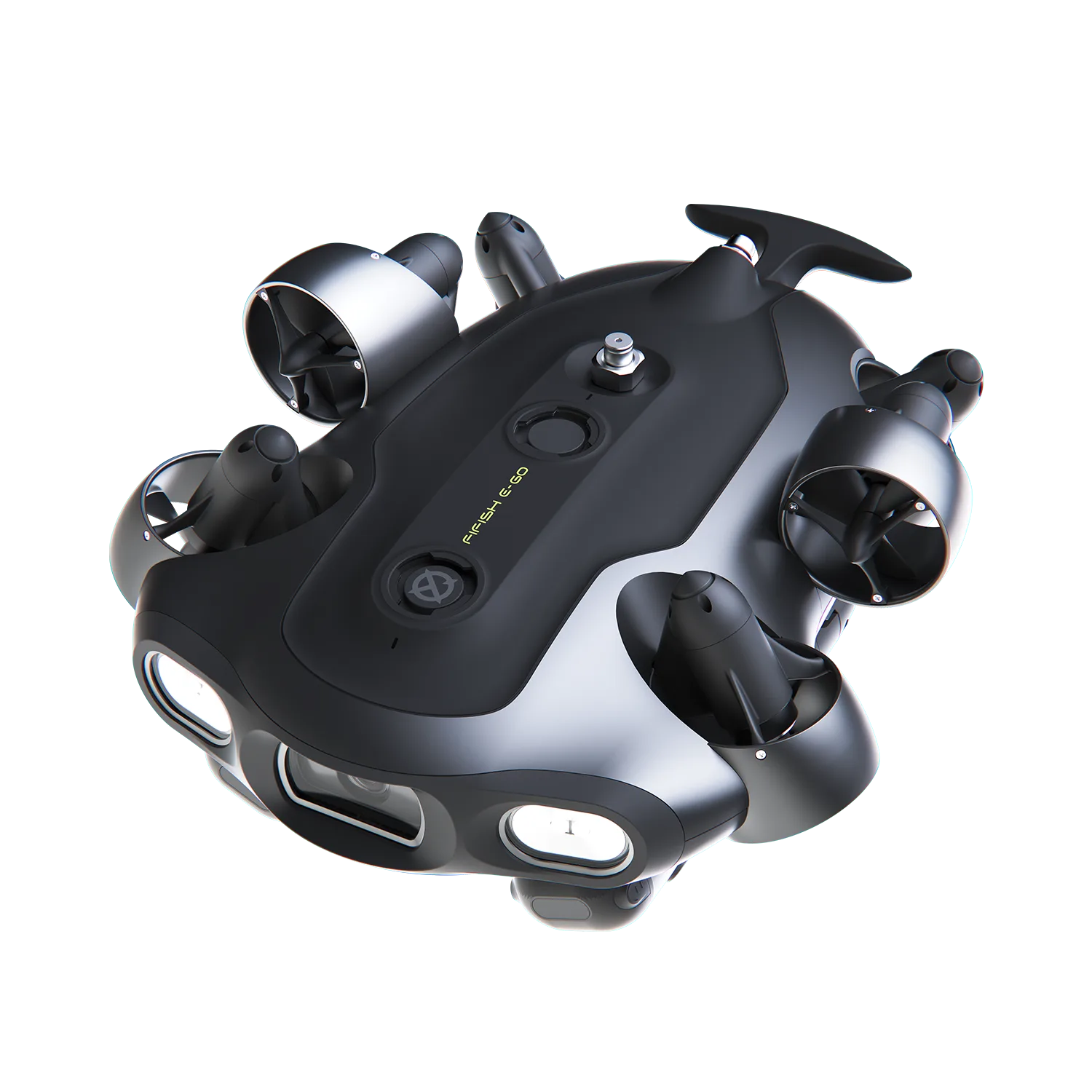
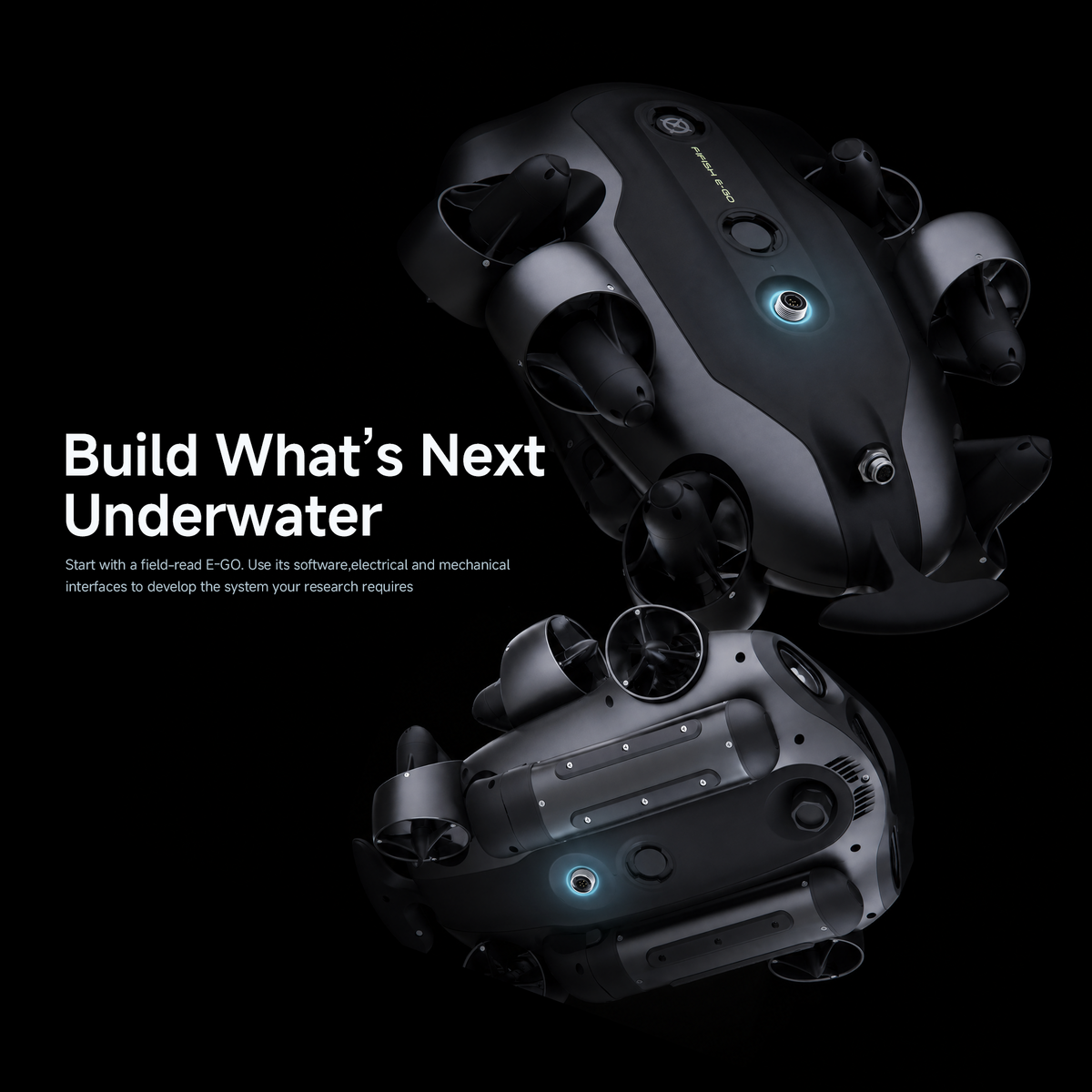
The Q-IF Development Cable connects your custom-built device to the accessory port on the FIFISH E-GO Developer ROV. Designed for hardware integration in E-GO SDK development projects, it provides a connection for external device power and data communication.
Cable only. QYSEA SDK software and license are not included.
Compatible ROV Models
E-GO
- For E-GO SDK Development: Designed for custom hardware integration with the FIFISH E-GO Developer ROV.
- Accessory Port Connection: Connects your custom-built device to the ROV’s accessory port.
- Power & Ethernet Connectivity: Supports 24V / 5A power and 100Mbps Ethernet communication.
- GPIO & UART Interfaces: Provides additional connections for compatible custom hardware.
Frequently Bought Together:
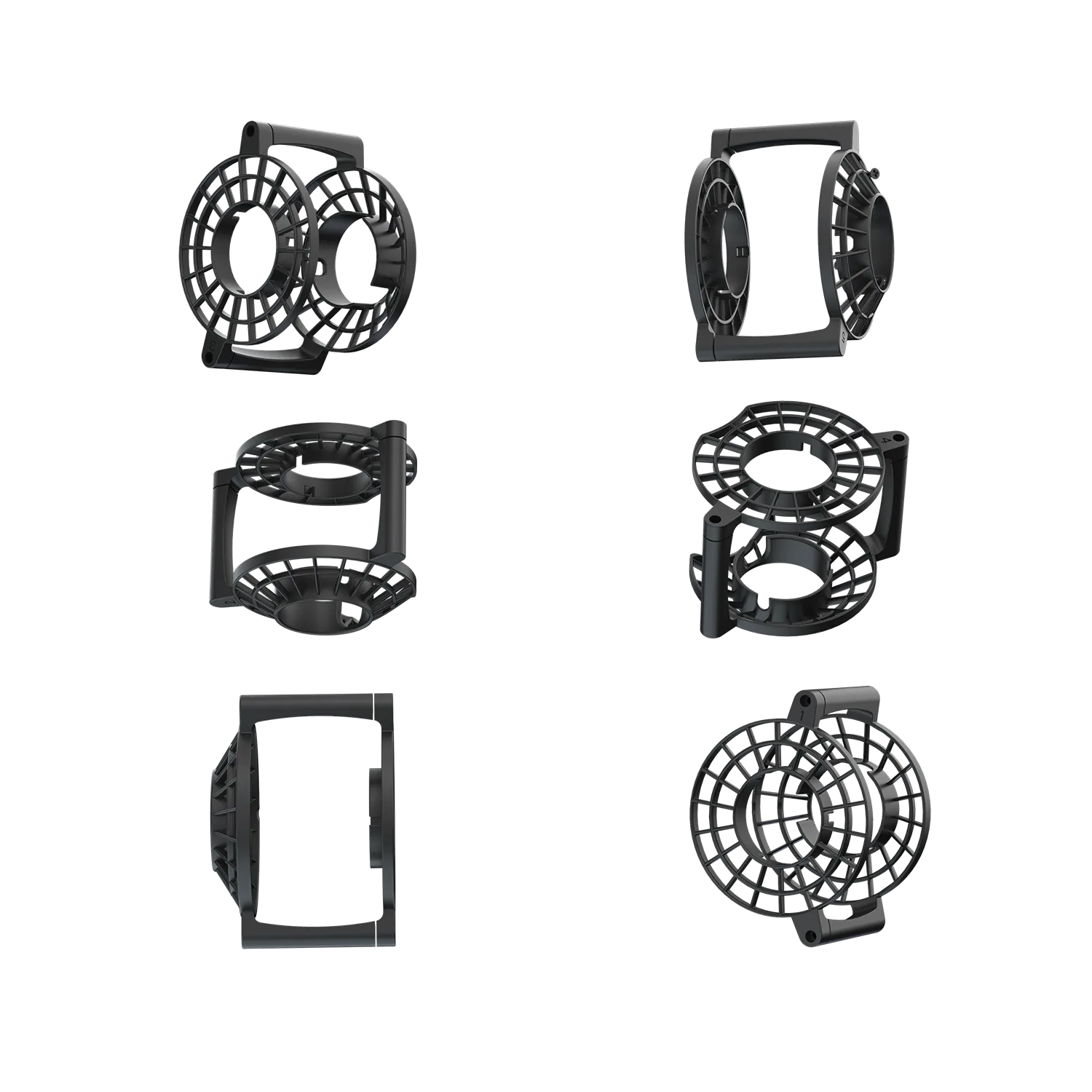
Propeller Protectors (6-Pack) - For V-EVO / V6 EXPERT


Take a Close Look
When to UseUse this cable to connect custom hardware to the ROV’s accessory port when developing with the FIFISH E-GO Developer ROV.
Compatible ModelFIFISH E-GO Developer ROV
SpecificationsPower Connection: 24V / 5A
Ethernet: 100Mbps
Additional Interfaces: GPIO, UART
NoteCable only. QYSEA SDK software, license, ROV and external devices are not included. Confirm device compatibility and follow the applicable wiring documentation before connection.
In the Box1 × Q-IF Development Cable
Frequently Asked Questions
Have questions about our underwater ROVs or your order? We’re here to help!

What is the Q-IF Development Cable used for?
The Q-IF Development Cable provides power and data connectivity for external hardware integration with FIFISH E-GO.
Does this product include QYSEA SDK access?
No. This product includes the Q-IF Development Cable only. The QYSEA SDK software package and license key are not included. Contact our team to confirm SDK access and licensing requirements for your project.
Can I use this cable with my existing FIFISH E-GO?
Please contact our team with your E-GO configuration and intended use before ordering so we can confirm the requirements for your setup.